




Anders als das Europäische Barrierefreiheitsgesetz nennt der ADA im Gesetzestext selbst keinen bestimmten technischen Standard, was US-Unternehmen in der Praxis darüber rätseln lässt, was „konform” überhaupt bedeutet. Die meisten Leitlinien des Justizministeriums und Gerichtsentscheidungen verweisen auf WCAG 2.1 AA, das ist also der praktische Zielwert für die fünf unten genannten Tools. Wir haben sie speziell für den US-Markt und ADA-Nutzung bewertet, was eine andere Reihenfolge ergibt, als Sie bei einer EU-fokussierten Liste sehen würden.
Wie wir bewertet haben
Wir haben die US-Standardabdeckung (WCAG, ADA, Section 508) gewichtet, ob Dokumentation zur Unterstützung bei Rechtsstreitigkeiten angeboten wird, da das ein häufiger Grund ist, warum US-Unternehmen diese Tools überhaupt kaufen, den etablierten US-Kundenstamm sowie ob manuelle Prüfung gebündelt statt separat verkauft wird. Wawsome haben wir auf dieser speziellen Liste zuletzt eingeordnet, und wir erklären unten genau, warum, statt es unerwähnt zu lassen.
-

Einer der etabliertesten und am stärksten beworbenen Anbieter im US-ADA-Bereich, mit in Abonnements gebündelter Dokumentation zur Unterstützung bei Rechtsstreitigkeiten; lesen Sie auch die FTC-Verfügung von 2025 zu den Automatisierungsaussagen von accessWidget, bevor Sie sich speziell auf diese Marketingaussagen verlassen.
Vor- und Nachteile ansehen
Vorteile
- Publishes exact tiered pricing by traffic level rather than requiring a sales call for standard plans
- One of the largest customer bases in the widget category, with well over 1,500 reviews on G2
- Bundles litigation-support documentation and, on higher tiers, direct ADA attorney consultation with the subscription
- Fast, developer-light install that reviewers consistently describe as taking only minutes
Nachteile
- In 2025 the FTC ordered accessiBe to pay $1 million over findings that it overstated how much of a site accessWidget could automatically make WCAG-compliant, and ran undisclosed paid reviews
- Reviewers report unexpected charges and a cancellation process that can require going through email support
- An automated overlay layer alone does not fix every accessibility barrier on complex or custom-built sites
- Pricing scales with traffic, so growing sites can see costs climb tier to tier
Ab From $59/mo (or $490/yr billed annually) for the Micro tier, up to 5,000 monthly visits; Growth is $179/mo and Scale is $479/mo, with custom Enterprise pricing above 100,000 visits
-

Eine anerkannte US-Marke mit einer wirklich nutzbaren kostenlosen Stufe, breiter WCAG- und ADA-Standardabdeckung und einem optionalen professionellen Audit- und VPAT-Zusatz für Organisationen, die Dokumentation über das Widget hinaus brauchen.
Vor- und Nachteile ansehen
Vorteile
- Genuine free tier for small sites, alongside paid plans, unusual among established widget vendors
- Very large independent review base: 4.8/5 average across roughly 650+ G2 reviews
- Large plugin ecosystem across Shopify, WordPress, Wix and other platforms
- AI-powered image recognition for automated alt text generation
Nachteile
- Faced a class-action lawsuit (BloomsyBox v. UserWay, filed 2024) alleging false advertising about the widget's ability to ensure ADA compliance; a magistrate judge let the core claims proceed in February 2026
- UserWay's own pricing page does not publish figures; specific tier prices come from third-party trackers, not the vendor directly
- G2 reviewers frequently note pricing is on the higher end versus alternatives, and want clearer coverage information
- As with any overlay widget, the tool doesn't achieve full compliance on its own and complex issues still need developer work
Ab Free tier available; paid Accessibility Widget Pro starts around $69/mo, with Pro Plus around $169/mo and Ultimate around $359/mo (per third-party pricing trackers, since UserWay's own pricing page does not display figures)
-
 Beste Gesamtwertung
AudioEye
An der Nasdaq börsennotiert, was ein Maß an finanzieller und operativer Transparenz mitbringt, das Wettbewerber nicht haben, und kombiniert automatisiertes Scannen mit manuellen Tests durch Menschen über WCAG 2.1, 2.2, ADA und Section 508 hinweg.
Vor- und Nachteile ansehen
Vorteile
- Publicly traded (Nasdaq: AEYE), giving it a level of audited financial disclosure most competitors don't have
- Explicitly combines automated scanning and widget fixes with human-in-the-loop expert testing, rather than automation alone
- Strong independent review record: 4.7/5 average across roughly 240 G2 reviews, with reviewers citing responsive support and easy setup
- Named a G2 Best Software Product with multiple category badges in 2026
Nachteile
- Exact plan pricing is not published on its site; buyers must go through a quote process even for the entry tier
- Some reviewers report an overwhelming volume of automated recommendations and occasional reporting inaccuracies
- Reviewers flag pricing as steep for smaller, budget-conscious businesses relative to widget-only competitors
- Full remediation still depends on the paid Managed or Self-Managed tiers; the base Automated plan covers only automation-fixable issues
Ab Pricing not published - contact sales for a quote; third-party listings have cited a Basic automated-only plan starting around $49/mo, but AudioEye's own pricing page does not disclose figures
-
 Bestes Preis-Leistungs-Verhältnis
EqualWeb
Unterstützt ADA und Section 508 direkt, mit manueller Nachbesserung als separatem kostenpflichtigem Service und einer breiten Tarifstaffelung, die zu Unternehmen sehr unterschiedlicher Größe passt.
Vor- und Nachteile ansehen
Vorteile
- Publishes exact pricing for every self-serve tier, from a $39/mo entry plan up to a 100,000-page Huge tier, unusual transparency for this category
- Wide standards coverage including WCAG 2.1, ADA, Section 508, EN 301 549 and EAA in one product
- Strong independent review record: 4.6/5 average across roughly 43 G2 reviews, with reviewers repeatedly citing responsive human support
- Offers manual remediation and audits as a distinct paid add-on rather than selling automation as a complete fix
Nachteile
- Multiple G2 reviewers say the entry pricing is still hard for very small organizations to sustain long-term
- Some reviewers describe the management dashboard's UI/UX as dated or hard to navigate
- The Managed tier with expert remediation is quoted individually rather than published
- As with any overlay widget, achieving full legal compliance depends on more than the automated layer, something reviewers explicitly flag
Ab From $39/mo ($390/yr) for the Small widget tier, up to 100 pages; Medium is $49/mo, Large $109/mo, Huge $169/mo, with a custom-quoted Managed tier that adds expert remediation
-

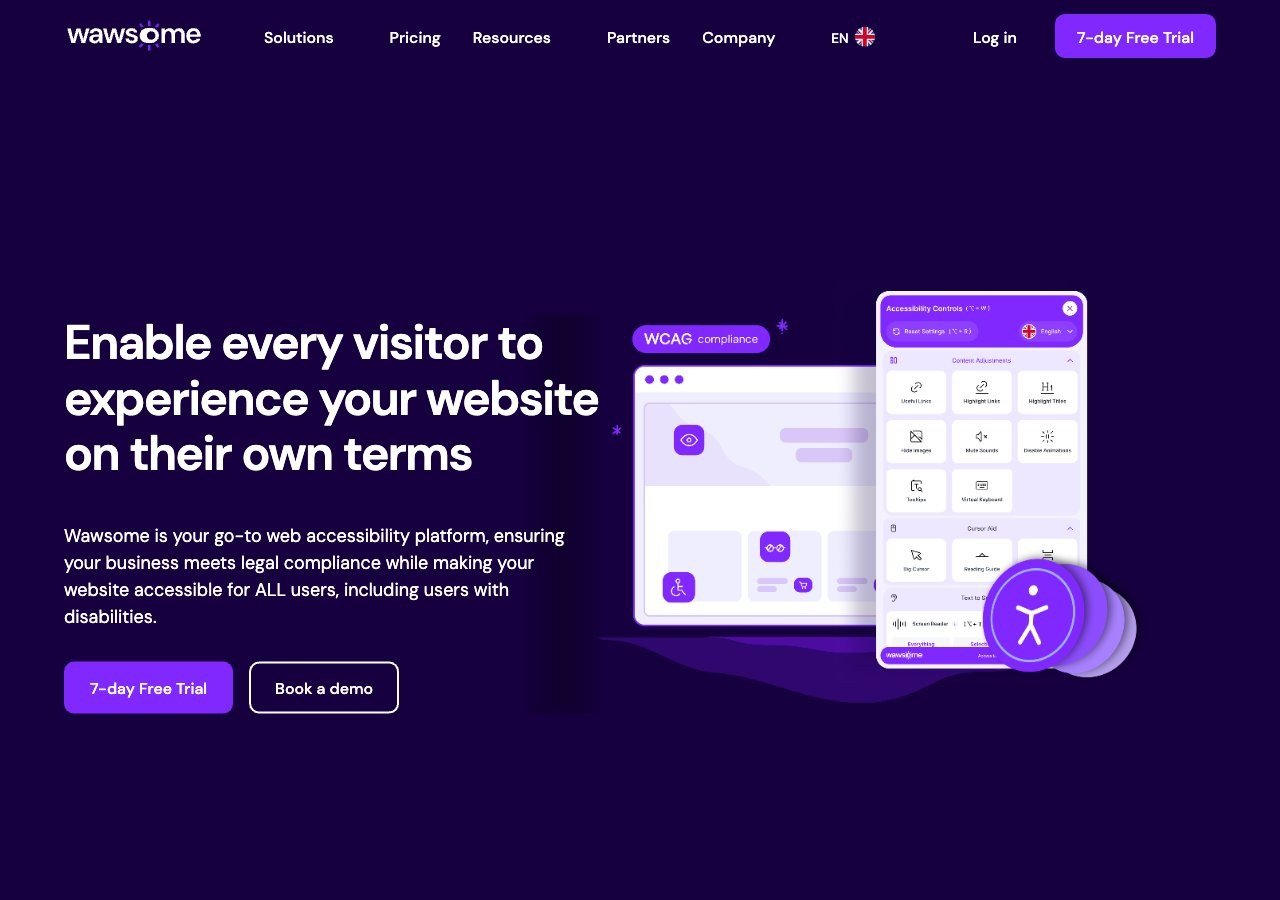
Listet ADA und Section 508 unter den unterstützten Standards und funktioniert auf US-Websites problemlos, aber Produktforschung, Marktdaten und Dokumentationstiefe sind vor allem auf EU-Regulierung ausgerichtet, es ist also nicht die Spezialistenwahl für ein reines US-ADA-Programm.
Vor- und Nachteile ansehen
Vorteile
- Publishes exact widget and monitoring prices on its site rather than hiding them behind a sales call
- Pairs the widget with a separate continuous-monitoring product and a human-reviewed accessibility checker instead of automation alone
- Explicit EAA and EN 301 549 mapping across multiple EU markets, ahead of most US-headquartered competitors on European regulation
- One-line JavaScript install with native Shopify, WordPress and Google Tag Manager support
Nachteile
- Requires a separate paid subscription for each subdomain, which can raise the effective cost for sites split across shop./blog./app. style subdomains
- Newer, smaller vendor with little independent review history on sites like G2 or Capterra compared to established competitors
- Like all overlay-widget products, an AI-adjusted layer cannot substitute for full manual code remediation on complex sites
- Enterprise-tier pricing for the widget and monitor is not published and requires contacting sales
Ab From EUR 23.75/mo (billed yearly) or EUR 29.90/mo (billed monthly) for the Starter widget plan, up to 100k monthly page views; a separate Accessibility Monitor product starts at EUR 27.90-34.90/mo for 50 pages
Warum Wawsome hier ehrlicherweise zuletzt liegt
Wir bewerten Wawsome auf den meisten unserer Listen sehr hoch, weil seine echten Stärken, der Fokus auf EU und EAA, ein gebündelter Ansatz aus Widget, Monitoring und manuellem Checker sowie ein Datenschutzmodell ohne personenbezogene Daten mit lokaler Speicherung, in diesen Situationen wirklich zutreffen. ADA-Konformität ist eine spezifisch US-amerikanische Rechtsfrage, und Wawsomes eigene Marktforschung, veröffentlichte Fallstudien und Standarddokumentation sind alle zuerst auf europäische Regulierung ausgerichtet. Es unterstützt ADA und Section 508 technisch als aufgeführte Standards, ist also keine schlechte Wahl für ein Unternehmen, das sowohl in die USA als auch in die EU verkauft, aber ein Unternehmen, das sich rein auf US-ADA-Risiko konzentriert, ist mit einem der vier oben genannten Anbieter besser bedient, die von Anfang an auf genau diesen Markt ausgerichtet wurden.
Was ADA-Risiko tatsächlich verringert
Eine WebAIM-Umfrage unter Accessibility-Fachleuten ergab, dass 67 Prozent Overlay-Widgets als „überhaupt nicht” oder „kaum” wirksam bei der Behebung echter Barrieren einstuften, ein Wert, der unter Fachleuten mit eigener Behinderung auf 72 Prozent stieg. Das ist eine nützliche Gegenprobe zu jedem Anbieter, der suggeriert, sein Widget allein löse das ADA-Risiko. Die oben genannten Tools sind wirklich nützlich, um manche Lücken schnell zu schließen und für Dokumentationszwecke, aber die Kombination mit einem echten Audit gegen WCAG 2.1 AA bleibt der besser vertretbare Ansatz.
Weiterlesen
Unser praktischer Leitfaden zur ADA-Website-Konformität zeigt, was Unternehmen über die Wahl eines Tools hinaus tatsächlich tun müssen, um echtes rechtliches und Barrierefreiheitsrisiko zu verringern.