




Automatyczne skanowanie jest szybkie i tanie, a jednocześnie ma strukturalne ograniczenia: skrypt może powiedzieć, że kontrast jest zbyt niski, ale nie potrafi ocenić, czy tekst alternatywny faktycznie opisuje obraz, ani czy użytkownik czytnika ekranu jest w stanie zrozumieć wieloetapowy formularz. To właśnie luka, którą wypełnia ręczny audyt. Uszeregowaliśmy tu pięciu dostawców, od dedykowanych specjalistów audytu po dostawców widżetów oferujących w subskrypcji prawdziwy element ręczny.
Jak uszeregowaliśmy tę listę
Braliśmy pod uwagę głębię i historię pracy audytowej prowadzonej przez ekspertów, czy formalna dokumentacja, taka jak VPAT, jest standardem, szerokość obsługiwanych standardów (WCAG, EN 301 549, Section 508, PDF/UA tam, gdzie ma to znaczenie), a w przypadku dostawców widżetów na tej liście, czy ręczna weryfikacja to realna funkcja w pakiecie, a nie tylko linijka marketingowa.
-
Twórca axe-core, otwartoźródłowego silnika stojącego za automatycznym testowaniem w znacznej części branży, i łączy go z eksperckimi ręcznymi audytami, dokumentacją VPAT i szkoleniami, co czyni go najgłębszym rodowodem audytowym na tej liście.
Zobacz zalety i wady
Zalety
- axe-core, the free open-source engine Deque built and maintains, has been downloaded billions of times and underpins many competitors' own scanners
- Broadest standards coverage of any tool reviewed here: WCAG 2.0 through 2.2, Section 508 and EN 301 549, plus deep involvement in W3C standards work
- Reviewers report a very low false-positive rate compared to other automated scanners
- CI/CD and IDE integrations let engineering teams catch issues before code ships, rather than only after launch
Wady
- No consumer-facing overlay widget, so it doesn't offer the quick, no-developer-needed fix that widget vendors sell
- Pro and Enterprise pricing is not published; reported per-developer seat costs (roughly $1,250/yr for Pro, per third-party trackers) can add up for larger teams
- axe Monitor and axe Auditor are sold as separate line items on top of DevTools, adding cost and complexity
- Automated testing (including axe-core) only catches a minority of WCAG issues by design; full coverage still requires the paid manual-audit services
Od axe-core: free (open source). axe DevTools Extension: free tier available, with a Pro seat reported by third-party pricing trackers at roughly $1,250/yr per developer. axe Monitor and full axe DevTools for Web/Enterprise pricing is not published - contact sales
-
Jedna z największych dedykowanych operacji poprawiania dostępności dokumentów i PDF-ów w branży, łącząca ręczną pracę audytową dokumentów na dużą skalę z szerszym doradztwem w zakresie dostępności cyfrowej dla klientów korporacyjnych i sektora publicznego.
Zobacz zalety i wady
Zalety
- One of the largest dedicated PDF and document remediation operations, with a long track record in higher-education and public-sector accessibility work
- Combines large-scale human remediation with a newer AI-assisted PDF remediation product (launched 2025) rather than automation alone
- Offers a free trial of its CommonLook PDF software for teams that want to remediate documents in-house
- Broad standards coverage including PDF/UA, a standard many widget-only vendors don't address
Wady
- No pricing published anywhere on its site; per-page and per-project costs must be requested from sales
- Per-page, variable pricing can make total cost hard to predict for large or ongoing document volumes
- Geographic focus is primarily North America, with less presence in EU-specific programs than European rivals
- Positioned as a document/PDF specialist rather than a full website widget or continuous monitoring product
Od Pricing not published - contact sales; a free trial is available for the CommonLook PDF software line
-

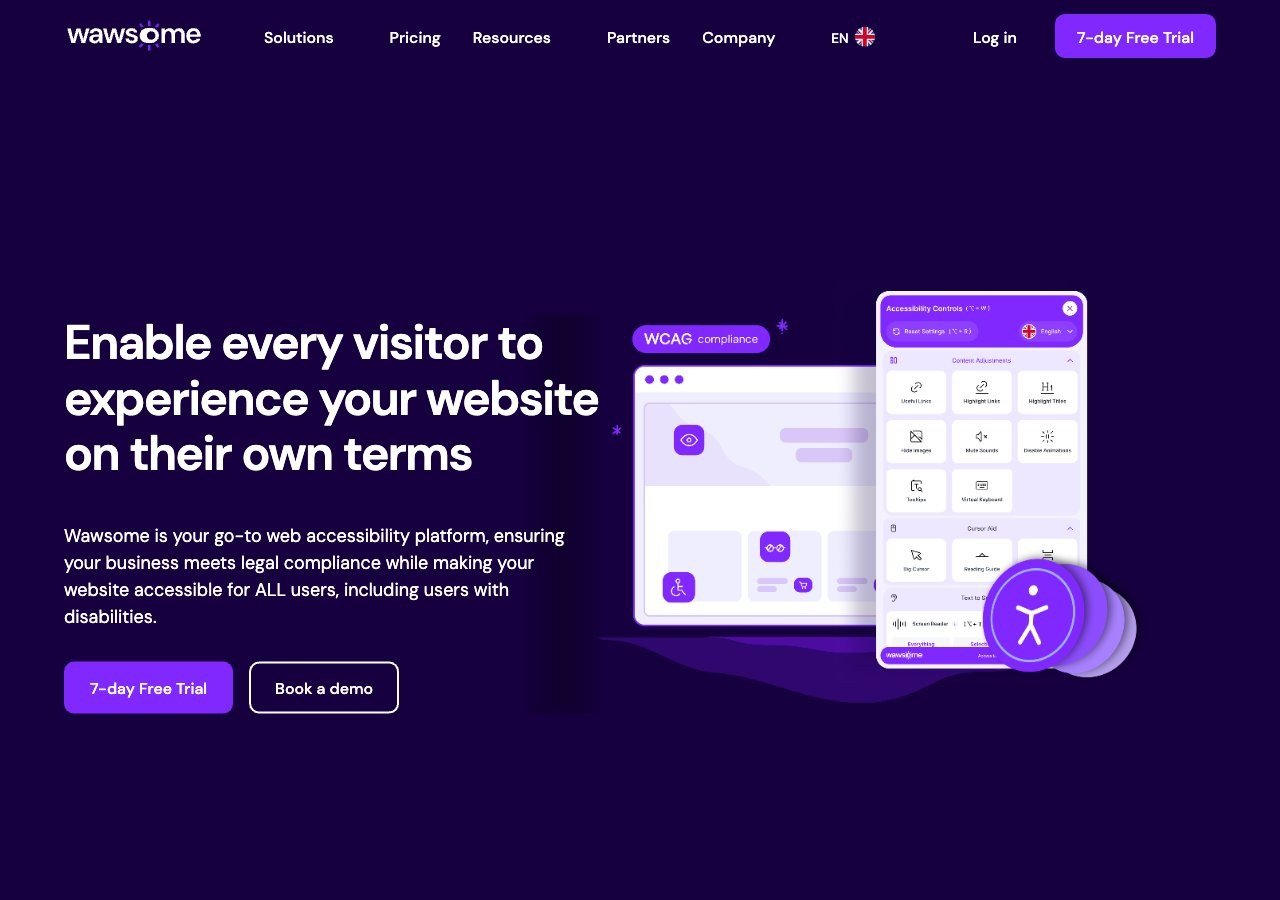
Wlicza weryfikowaną przez człowieka ręczną kontrolę bezpośrednio w subskrypcję łączącą widżet z monitorowaniem, dając mniejszym zespołom dostęp do realnej ręcznej podstawy bez osobnego zlecenia audytu, choć nie jest to zastępstwo dedykowanego, wielotygodniowego audytu klasy enterprise.
Zobacz zalety i wady
Zalety
- Publishes exact widget and monitoring prices on its site rather than hiding them behind a sales call
- Pairs the widget with a separate continuous-monitoring product and a human-reviewed accessibility checker instead of automation alone
- Explicit EAA and EN 301 549 mapping across multiple EU markets, ahead of most US-headquartered competitors on European regulation
- One-line JavaScript install with native Shopify, WordPress and Google Tag Manager support
Wady
- Requires a separate paid subscription for each subdomain, which can raise the effective cost for sites split across shop./blog./app. style subdomains
- Newer, smaller vendor with little independent review history on sites like G2 or Capterra compared to established competitors
- Like all overlay-widget products, an AI-adjusted layer cannot substitute for full manual code remediation on complex sites
- Enterprise-tier pricing for the widget and monitor is not published and requires contacting sales
Od From EUR 23.75/mo (billed yearly) or EUR 29.90/mo (billed monthly) for the Starter widget plan, up to 100k monthly page views; a separate Accessibility Monitor product starts at EUR 27.90-34.90/mo for 50 pages
-
 Najlepsza wartość
EqualWeb
Sprzedaje ręczne poprawianie dostępności i audyt jako osobną, płatną usługę w szerokim zakresie poziomów, elastyczny punkt wejścia dla organizacji chcących ręcznej weryfikacji bez zobowiązywania się do dużej umowy korporacyjnej.
Zobacz zalety i wady
Zalety
- Publishes exact pricing for every self-serve tier, from a $39/mo entry plan up to a 100,000-page Huge tier, unusual transparency for this category
- Wide standards coverage including WCAG 2.1, ADA, Section 508, EN 301 549 and EAA in one product
- Strong independent review record: 4.6/5 average across roughly 43 G2 reviews, with reviewers repeatedly citing responsive human support
- Offers manual remediation and audits as a distinct paid add-on rather than selling automation as a complete fix
Wady
- Multiple G2 reviewers say the entry pricing is still hard for very small organizations to sustain long-term
- Some reviewers describe the management dashboard's UI/UX as dated or hard to navigate
- The Managed tier with expert remediation is quoted individually rather than published
- As with any overlay widget, achieving full legal compliance depends on more than the automated layer, something reviewers explicitly flag
Od From $39/mo ($390/yr) for the Small widget tier, up to 100 pages; Medium is $49/mo, Large $109/mo, Huge $169/mo, with a custom-quoted Managed tier that adds expert remediation
-

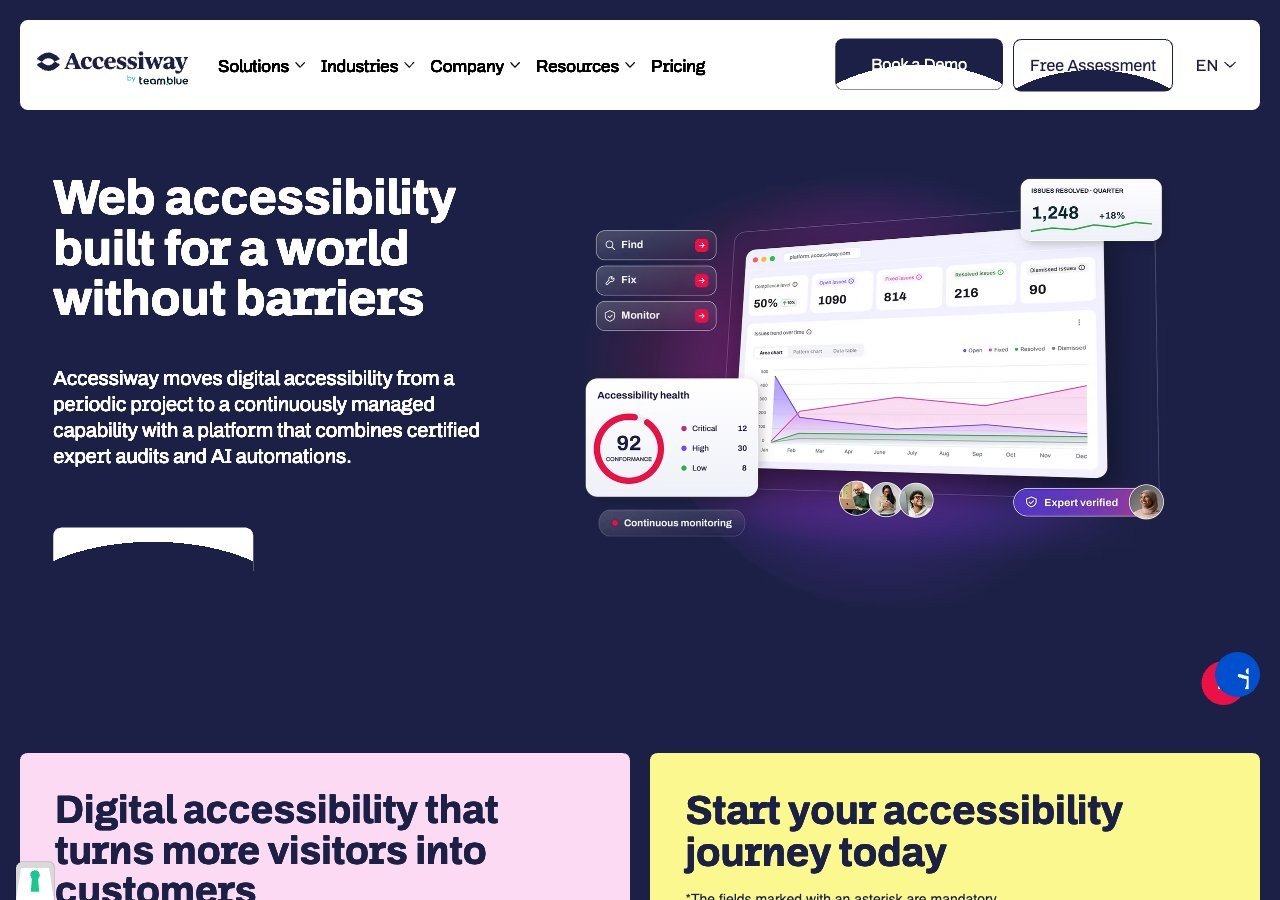
Łączy ręczne audyty z konsultingiem i szkoleniami personelu, z rzeczywistą głębią specjalnie w zakresie włoskich i szerszych unijnych wymogów dostępności sektora publicznego.
Zobacz zalety i wady
Zalety
- Publishes exact widget pricing by page-volume tier, unlike most audit-and-widget competitors
- Combines the widget with expert manual audits, remediation guidance and litigation support rather than automation alone
- Deep specialization in Italian public-sector law (the Stanca Act) alongside EAA and EN 301 549
- Reviewers on G2 consistently mention responsive, hands-on support during setup
Wady
- Platform (audit/monitoring) tier pricing is not published and requires a custom quote
- Very small public review base (single digits on G2), so independent sentiment is thin compared to larger competitors
- Primarily marketed to the Italian and broader EU market, with less name recognition elsewhere
- As with any overlay widget, automated fixes cannot resolve every structural accessibility issue on complex sites
Od Widget from EUR 490/yr (Standard, up to 1,000 pages), rising to EUR 1,490/yr and EUR 3,490/yr for higher page limits; the Accessiway Platform (audit/monitoring) tiers are quoted individually and not published
Co pomija automatyzacja, w liczbach
Badanie WebAIM Million z 2026 roku wykazało, że 95,9% stron głównych miało co najmniej jedno wykrywalne naruszenie WCAG 2, wobec 94,8% rok wcześniej, ze średnią 56,1 błędów na stronę, co stanowi wzrost o 10,1% względem 2025 roku. To błędy, które narzędzia automatyczne faktycznie potrafią wykryć. Wiele rzeczywistych barier, myląca logika formularza, struktura nagłówków niezgodna z układem wizualnym, interakcja mająca sens wyłącznie wizualnie, wymaga do wykrycia obecności człowieka. To argument przemawiający za ręcznym audytem niezależnie od tego, którego dostawcy używa się do pokrycia automatycznego.
Dedykowani audytorzy a wliczone kontrole
Istnieje realna różnica między dostawcą, którego cała działalność to praca audytowa prowadzona ręcznie, jak Deque czy Allyant, a dostawcą widżetu wliczającym ręczną kontrolę jako jedną z kilku funkcji, jak Wawsome czy EqualWeb. Żadne z tych podejść nie jest automatycznie “lepszym” wyborem. Dedykowany audytor zwykle idzie głębiej w ramach pojedynczego, zdefiniowanego zlecenia i tworzy bardziej formalną dokumentację, co ma znaczenie dla celów zamówieniowych lub prawnych. Wliczona kontrola daje ciągłą, tańszą podstawę ręczną, która jest naprawdę użyteczna dla mniejszych zespołów, które nie mogą uzasadnić samodzielnej umowy audytowej, ale wciąż chcą więcej niż samej automatyzacji.
Co dalej
Jeśli w ogóle zastanawiają się Państwo nad wyborem między tymi dwiema ścieżkami, nasz przewodnik porównujący widżet dostępności z ręcznym audytem szczegółowo przedstawia, kiedy każde z tych podejść faktycznie pasuje do Państwa sytuacji.