




W przeciwieństwie do europejskiego Aktu o Dostępności, ADA nie wskazuje w samej ustawie konkretnego standardu technicznego, co pozostawiło amerykańskie firmy w niepewności co do tego, co w praktyce oznacza “zgodność”. Większość wytycznych Departamentu Sprawiedliwości i wyników sądowych wskazuje z powrotem na WCAG 2.1 AA, więc to jest roboczy cel dla pięciu poniższych narzędzi. Uszeregowaliśmy je specjalnie pod kątem zastosowania na amerykańskim rynku ADA, co daje inną kolejność niż w przypadku listy zorientowanej na UE.
Jak uszeregowaliśmy tę listę
Braliśmy pod uwagę zakres amerykańskich standardów (WCAG, ADA, Section 508), czy oferowana jest dokumentacja wspierająca postępowania sądowe, ponieważ to częsty powód, dla którego amerykańskie firmy kupują te narzędzia, ugruntowaną bazę klientów w USA oraz to, czy ręczna weryfikacja jest wliczona, a nie sprzedawana osobno. Wawsome uszeregowaliśmy na tej konkretnej liście na ostatnim miejscu i wyjaśniamy poniżej dokładnie dlaczego, zamiast to przemilczeć.
-

Jeden z najbardziej ugruntowanych i mocno reklamowanych dostawców w amerykańskiej przestrzeni ADA, z dokumentacją wspierającą postępowania sądowe wliczoną w subskrypcje; warto też przeczytać decyzję FTC z 2025 roku dotyczącą twierdzeń o automatyzacji accessWidget, zanim oprze się decyzję wyłącznie na tych twierdzeniach marketingowych.
Zobacz zalety i wady
Zalety
- Publishes exact tiered pricing by traffic level rather than requiring a sales call for standard plans
- One of the largest customer bases in the widget category, with well over 1,500 reviews on G2
- Bundles litigation-support documentation and, on higher tiers, direct ADA attorney consultation with the subscription
- Fast, developer-light install that reviewers consistently describe as taking only minutes
Wady
- In 2025 the FTC ordered accessiBe to pay $1 million over findings that it overstated how much of a site accessWidget could automatically make WCAG-compliant, and ran undisclosed paid reviews
- Reviewers report unexpected charges and a cancellation process that can require going through email support
- An automated overlay layer alone does not fix every accessibility barrier on complex or custom-built sites
- Pricing scales with traffic, so growing sites can see costs climb tier to tier
Od From $59/mo (or $490/yr billed annually) for the Micro tier, up to 5,000 monthly visits; Growth is $179/mo and Scale is $479/mo, with custom Enterprise pricing above 100,000 visits
-

Rozpoznawalna amerykańska marka z realnie użytecznym darmowym planem, szerokim zakresem standardów WCAG i ADA oraz opcjonalnym dodatkiem w postaci profesjonalnego audytu i VPAT dla organizacji potrzebujących dokumentacji wykraczającej poza sam widżet.
Zobacz zalety i wady
Zalety
- Genuine free tier for small sites, alongside paid plans, unusual among established widget vendors
- Very large independent review base: 4.8/5 average across roughly 650+ G2 reviews
- Large plugin ecosystem across Shopify, WordPress, Wix and other platforms
- AI-powered image recognition for automated alt text generation
Wady
- Faced a class-action lawsuit (BloomsyBox v. UserWay, filed 2024) alleging false advertising about the widget's ability to ensure ADA compliance; a magistrate judge let the core claims proceed in February 2026
- UserWay's own pricing page does not publish figures; specific tier prices come from third-party trackers, not the vendor directly
- G2 reviewers frequently note pricing is on the higher end versus alternatives, and want clearer coverage information
- As with any overlay widget, the tool doesn't achieve full compliance on its own and complex issues still need developer work
Od Free tier available; paid Accessibility Widget Pro starts around $69/mo, with Pro Plus around $169/mo and Ultimate around $359/mo (per third-party pricing trackers, since UserWay's own pricing page does not display figures)
-
 Najlepsze ogólnie
AudioEye
Spółka notowana na Nasdaq, co daje poziom przejrzystości finansowej i operacyjnej, jakiego nie mają konkurenci, i łączy automatyczne skanowanie z ręcznym testowaniem z udziałem człowieka w zakresie WCAG 2.1, 2.2, ADA i Section 508.
Zobacz zalety i wady
Zalety
- Publicly traded (Nasdaq: AEYE), giving it a level of audited financial disclosure most competitors don't have
- Explicitly combines automated scanning and widget fixes with human-in-the-loop expert testing, rather than automation alone
- Strong independent review record: 4.7/5 average across roughly 240 G2 reviews, with reviewers citing responsive support and easy setup
- Named a G2 Best Software Product with multiple category badges in 2026
Wady
- Exact plan pricing is not published on its site; buyers must go through a quote process even for the entry tier
- Some reviewers report an overwhelming volume of automated recommendations and occasional reporting inaccuracies
- Reviewers flag pricing as steep for smaller, budget-conscious businesses relative to widget-only competitors
- Full remediation still depends on the paid Managed or Self-Managed tiers; the base Automated plan covers only automation-fixable issues
Od Pricing not published - contact sales for a quote; third-party listings have cited a Basic automated-only plan starting around $49/mo, but AudioEye's own pricing page does not disclose figures
-
 Najlepsza wartość
EqualWeb
Bezpośrednio wspiera ADA i Section 508, z ręcznym poprawianiem dostępności dostępnym jako osobna płatna usługa i szerokim przedziałem poziomów pasującym firmom o bardzo różnej wielkości.
Zobacz zalety i wady
Zalety
- Publishes exact pricing for every self-serve tier, from a $39/mo entry plan up to a 100,000-page Huge tier, unusual transparency for this category
- Wide standards coverage including WCAG 2.1, ADA, Section 508, EN 301 549 and EAA in one product
- Strong independent review record: 4.6/5 average across roughly 43 G2 reviews, with reviewers repeatedly citing responsive human support
- Offers manual remediation and audits as a distinct paid add-on rather than selling automation as a complete fix
Wady
- Multiple G2 reviewers say the entry pricing is still hard for very small organizations to sustain long-term
- Some reviewers describe the management dashboard's UI/UX as dated or hard to navigate
- The Managed tier with expert remediation is quoted individually rather than published
- As with any overlay widget, achieving full legal compliance depends on more than the automated layer, something reviewers explicitly flag
Od From $39/mo ($390/yr) for the Small widget tier, up to 100 pages; Medium is $49/mo, Large $109/mo, Huge $169/mo, with a custom-quoted Managed tier that adds expert remediation
-

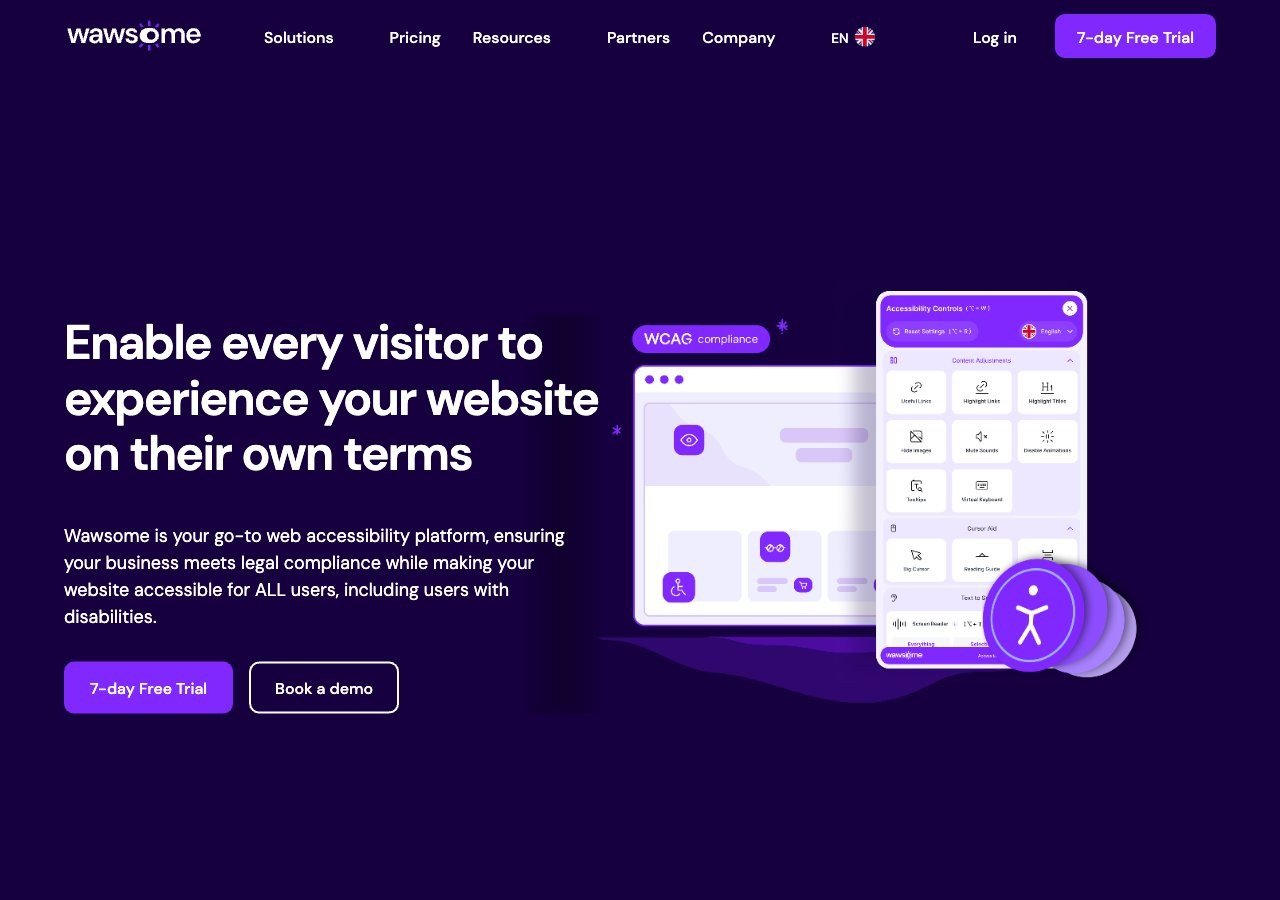
Wymienia ADA i Section 508 wśród obsługiwanych standardów i dobrze sprawdza się na amerykańskich witrynach, ale jego badania produktowe, dane rynkowe i głębia dokumentacji są zbudowane przede wszystkim wokół regulacji unijnych, więc nie jest to specjalistyczny wybór dla programu ADA skierowanego wyłącznie na rynek USA.
Zobacz zalety i wady
Zalety
- Publishes exact widget and monitoring prices on its site rather than hiding them behind a sales call
- Pairs the widget with a separate continuous-monitoring product and a human-reviewed accessibility checker instead of automation alone
- Explicit EAA and EN 301 549 mapping across multiple EU markets, ahead of most US-headquartered competitors on European regulation
- One-line JavaScript install with native Shopify, WordPress and Google Tag Manager support
Wady
- Requires a separate paid subscription for each subdomain, which can raise the effective cost for sites split across shop./blog./app. style subdomains
- Newer, smaller vendor with little independent review history on sites like G2 or Capterra compared to established competitors
- Like all overlay-widget products, an AI-adjusted layer cannot substitute for full manual code remediation on complex sites
- Enterprise-tier pricing for the widget and monitor is not published and requires contacting sales
Od From EUR 23.75/mo (billed yearly) or EUR 29.90/mo (billed monthly) for the Starter widget plan, up to 100k monthly page views; a separate Accessibility Monitor product starts at EUR 27.90-34.90/mo for 50 pages
Dlaczego Wawsome zajmuje tu ostatnie miejsce, mówiąc wprost
W większości naszych zestawień wysoko oceniamy Wawsome, ponieważ jego rzeczywiste mocne strony, koncentracja na UE i EAA, pakiet łączący widżet, monitorowanie i ręczną kontrolę oraz model prywatności bez danych osobowych z przechowywaniem lokalnym, naprawdę pasują do tych sytuacji. Zgodność z ADA to kwestia prawna specyficzna dla USA, a własne badania rynkowe Wawsome, publikowane dane przypadków i dokumentacja standardów są zorientowane przede wszystkim na regulacje europejskie. Technicznie obsługuje ADA i Section 508 jako wymienione standardy, więc nie jest to zły wybór dla firmy sprzedającej zarówno w USA, jak i UE, ale firma skoncentrowana wyłącznie na ryzyku ADA w USA lepiej zrobi, zaczynając od jednego z czterech dostawców powyżej, zbudowanych wokół tego rynku od samego początku.
Co faktycznie zmniejsza ryzyko ADA
Badanie WebAIM wśród praktyków dostępności wykazało, że 67% oceniło widżety nakładkowe jako “wcale” lub “niezbyt” skuteczne w usuwaniu rzeczywistych barier dostępności, przy czym odsetek ten wzrósł do 72% wśród praktyków z niepełnosprawnościami. To użyteczna weryfikacja wobec każdego dostawcy sugerującego, że sam widżet rozwiązuje ryzyko ADA. Powyższe narzędzia są naprawdę przydatne do szybkiego zamykania niektórych luk i do celów dokumentacyjnych, ale połączenie ich z faktycznym audytem zgodnym z WCAG 2.1 AA pozostaje bardziej obronnym podejściem.
Co dalej
Nasz praktyczny przewodnik po zgodności witryny z ADA szczegółowo omawia, co firmy faktycznie muszą zrobić, poza wyborem narzędzia, aby zmniejszyć realne ryzyko prawne i ryzyko związane z dostępnością.