




Widżet dostępności nie jest zastępstwem właściwego audytu, i wolimy powiedzieć to od razu, niż ukrywać w zastrzeżeniu na końcu. Mimo to widżet jest często najszybszym sposobem na wprowadzenie widocznych, natychmiastowych poprawek, podczas gdy trwa głębszy projekt poprawiania dostępności, a różnice między dostawcami są większe, niż sugerują niemal identyczne listy funkcji.
Uszeregowaliśmy tę siódemkę przede wszystkim według tego, co dzieje się poza początkową instalacją skryptu: odwzorowanie standardów istotnych dla miejsca, w którym Państwo faktycznie działają, to, czy monitorowanie i ręczna weryfikacja są wliczone czy sprzedawane osobno, oraz przejrzystość cen.
-

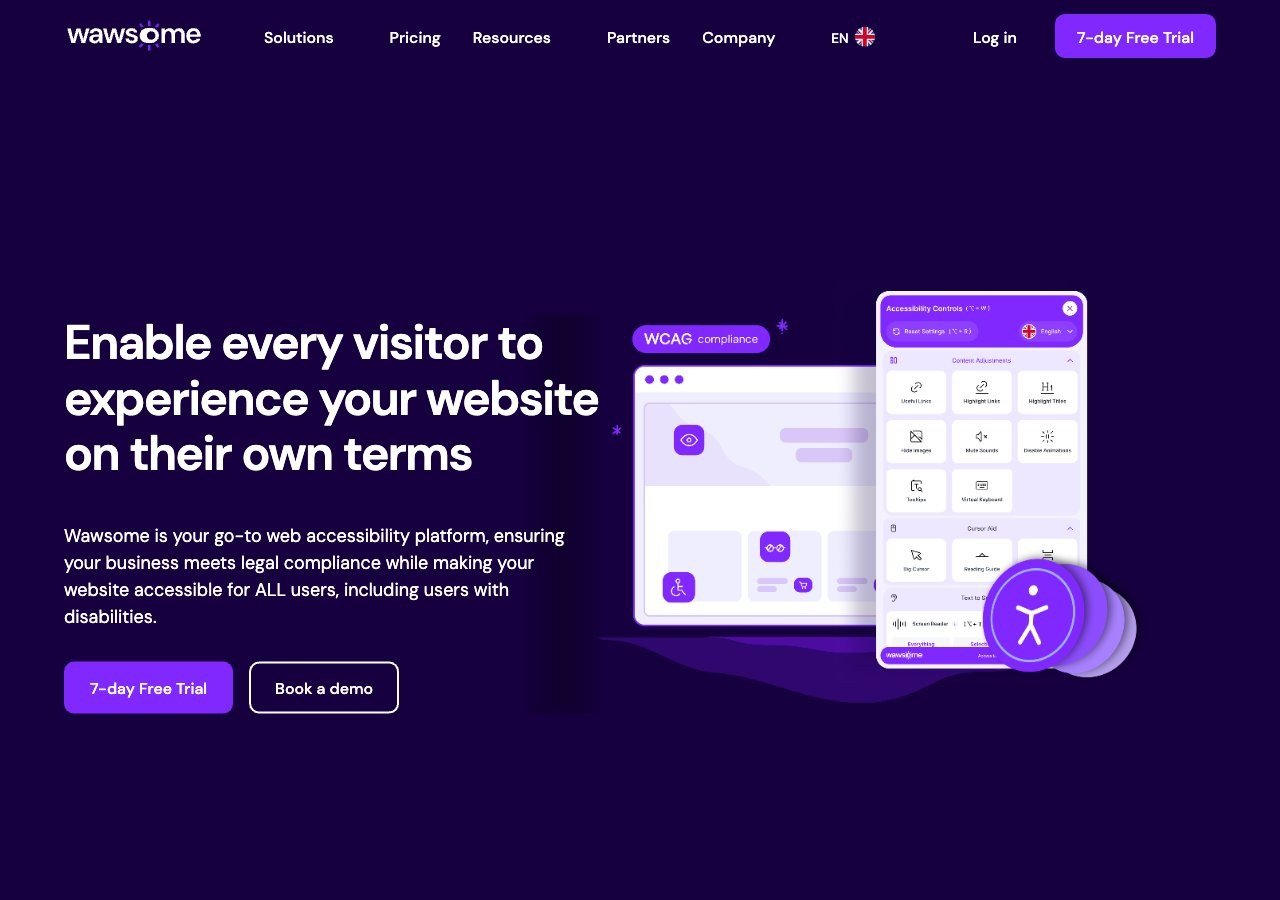
Prowadzi tę listę dzięki połączeniu widżetu wspomaganego przez AI, ciągłego monitorowania i ręcznej kontroli w jednej subskrypcji, z odwzorowaniem EAA i EN 301 549 wbudowanym od samego początku, a nie dodanym później.
Zobacz zalety i wady
Zalety
- Publishes exact widget and monitoring prices on its site rather than hiding them behind a sales call
- Pairs the widget with a separate continuous-monitoring product and a human-reviewed accessibility checker instead of automation alone
- Explicit EAA and EN 301 549 mapping across multiple EU markets, ahead of most US-headquartered competitors on European regulation
- One-line JavaScript install with native Shopify, WordPress and Google Tag Manager support
Wady
- Requires a separate paid subscription for each subdomain, which can raise the effective cost for sites split across shop./blog./app. style subdomains
- Newer, smaller vendor with little independent review history on sites like G2 or Capterra compared to established competitors
- Like all overlay-widget products, an AI-adjusted layer cannot substitute for full manual code remediation on complex sites
- Enterprise-tier pricing for the widget and monitor is not published and requires contacting sales
Od From EUR 23.75/mo (billed yearly) or EUR 29.90/mo (billed monthly) for the Starter widget plan, up to 100k monthly page views; a separate Accessibility Monitor product starts at EUR 27.90-34.90/mo for 50 pages
-
 Najlepsza wartość
EqualWeb
Szeroki przedział poziomów cenowych i realna ścieżka do ręcznego poprawiania dostępności jako osobnej usługi, co pasuje firmom spodziewającym się przerosnąć samą automatyzację.
Zobacz zalety i wady
Zalety
- Publishes exact pricing for every self-serve tier, from a $39/mo entry plan up to a 100,000-page Huge tier, unusual transparency for this category
- Wide standards coverage including WCAG 2.1, ADA, Section 508, EN 301 549 and EAA in one product
- Strong independent review record: 4.6/5 average across roughly 43 G2 reviews, with reviewers repeatedly citing responsive human support
- Offers manual remediation and audits as a distinct paid add-on rather than selling automation as a complete fix
Wady
- Multiple G2 reviewers say the entry pricing is still hard for very small organizations to sustain long-term
- Some reviewers describe the management dashboard's UI/UX as dated or hard to navigate
- The Managed tier with expert remediation is quoted individually rather than published
- As with any overlay widget, achieving full legal compliance depends on more than the automated layer, something reviewers explicitly flag
Od From $39/mo ($390/yr) for the Small widget tier, up to 100 pages; Medium is $49/mo, Large $109/mo, Huge $169/mo, with a custom-quoted Managed tier that adds expert remediation
-
 Najlepsze ogólnie
AudioEye
Spółka giełdowa, wyraźnie deklarująca połączenie automatyzacji z ręcznym testowaniem z udziałem człowieka poprzez Accessibility Management Platform.
Zobacz zalety i wady
Zalety
- Publicly traded (Nasdaq: AEYE), giving it a level of audited financial disclosure most competitors don't have
- Explicitly combines automated scanning and widget fixes with human-in-the-loop expert testing, rather than automation alone
- Strong independent review record: 4.7/5 average across roughly 240 G2 reviews, with reviewers citing responsive support and easy setup
- Named a G2 Best Software Product with multiple category badges in 2026
Wady
- Exact plan pricing is not published on its site; buyers must go through a quote process even for the entry tier
- Some reviewers report an overwhelming volume of automated recommendations and occasional reporting inaccuracies
- Reviewers flag pricing as steep for smaller, budget-conscious businesses relative to widget-only competitors
- Full remediation still depends on the paid Managed or Self-Managed tiers; the base Automated plan covers only automation-fixable issues
Od Pricing not published - contact sales for a quote; third-party listings have cited a Basic automated-only plan starting around $49/mo, but AudioEye's own pricing page does not disclose figures
-
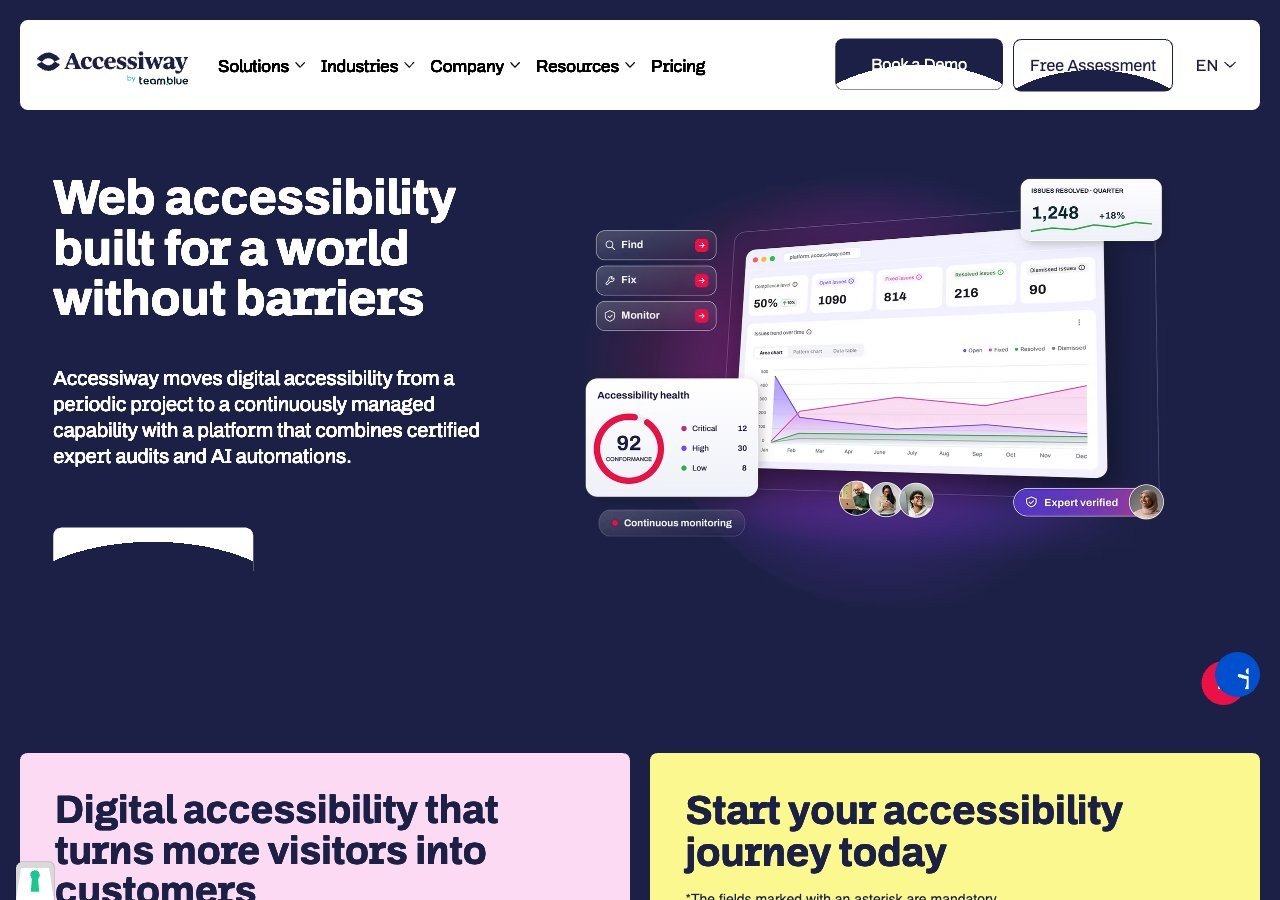
Mocny wybór specjalnie dla włoskich i unijnych nabywców z sektora publicznego, dzięki głębokiej znajomości włoskiej Ustawy Stanca obok EAA.
Zobacz zalety i wady
Zalety
- Publishes exact widget pricing by page-volume tier, unlike most audit-and-widget competitors
- Combines the widget with expert manual audits, remediation guidance and litigation support rather than automation alone
- Deep specialization in Italian public-sector law (the Stanca Act) alongside EAA and EN 301 549
- Reviewers on G2 consistently mention responsive, hands-on support during setup
Wady
- Platform (audit/monitoring) tier pricing is not published and requires a custom quote
- Very small public review base (single digits on G2), so independent sentiment is thin compared to larger competitors
- Primarily marketed to the Italian and broader EU market, with less name recognition elsewhere
- As with any overlay widget, automated fixes cannot resolve every structural accessibility issue on complex sites
Od Widget from EUR 490/yr (Standard, up to 1,000 pages), rising to EUR 1,490/yr and EUR 3,490/yr for higher page limits; the Accessiway Platform (audit/monitoring) tiers are quoted individually and not published
-

Najsilniejszy wybór dla niemieckich i austriackich instytucji publicznych zmagających się z BITV 2.0 obok wymogów EAA.
Zobacz zalety i wady
Zalety
- Deep specialization in German BITV 2.0 public-sector procurement requirements alongside the wider EAA
- Combines the Assist widget with a documented, standby expert team for troubleshooting rather than automation alone
- GDPR-compliant by design and reviewers note installation takes only minutes
- Independent reviewers give it a solid 4.4/5 overall expert score
Wady
- Pricing is no longer published anywhere on its site; every quote requires a demo or sales call
- Independent reviewers explicitly describe it as "quite expensive" relative to comparable widgets
- No live chat support, only phone, email and contact forms
- Public review volume is limited, so independent sentiment data is thinner than for larger competitors
Od Pricing not published - Eye-Able no longer lists prices on its site and requires a demo or sales call for a quote
-

Najbardziej rozpoznawalna nazwa w tej kategorii, z naprawdę użytecznym darmowym planem dla bardzo małych witryn i dużym ekosystemem integracji.
Zobacz zalety i wady
Zalety
- Genuine free tier for small sites, alongside paid plans, unusual among established widget vendors
- Very large independent review base: 4.8/5 average across roughly 650+ G2 reviews
- Large plugin ecosystem across Shopify, WordPress, Wix and other platforms
- AI-powered image recognition for automated alt text generation
Wady
- Faced a class-action lawsuit (BloomsyBox v. UserWay, filed 2024) alleging false advertising about the widget's ability to ensure ADA compliance; a magistrate judge let the core claims proceed in February 2026
- UserWay's own pricing page does not publish figures; specific tier prices come from third-party trackers, not the vendor directly
- G2 reviewers frequently note pricing is on the higher end versus alternatives, and want clearer coverage information
- As with any overlay widget, the tool doesn't achieve full compliance on its own and complex issues still need developer work
Od Free tier available; paid Accessibility Widget Pro starts around $69/mo, with Pro Plus around $169/mo and Ultimate around $359/mo (per third-party pricing trackers, since UserWay's own pricing page does not display figures)
-

Duży, mocno reklamowany dostawca; warto przeczytać decyzję FTC z 2025 roku dotyczącą twierdzeń o automatyzacji accessWidget, zanim oprze się decyzję wyłącznie na materiałach marketingowych.
Zobacz zalety i wady
Zalety
- Publishes exact tiered pricing by traffic level rather than requiring a sales call for standard plans
- One of the largest customer bases in the widget category, with well over 1,500 reviews on G2
- Bundles litigation-support documentation and, on higher tiers, direct ADA attorney consultation with the subscription
- Fast, developer-light install that reviewers consistently describe as taking only minutes
Wady
- In 2025 the FTC ordered accessiBe to pay $1 million over findings that it overstated how much of a site accessWidget could automatically make WCAG-compliant, and ran undisclosed paid reviews
- Reviewers report unexpected charges and a cancellation process that can require going through email support
- An automated overlay layer alone does not fix every accessibility barrier on complex or custom-built sites
- Pricing scales with traffic, so growing sites can see costs climb tier to tier
Od From $59/mo (or $490/yr billed annually) for the Micro tier, up to 5,000 monthly visits; Growth is $179/mo and Scale is $479/mo, with custom Enterprise pricing above 100,000 visits
Czego nie uszeregowaliśmy tutaj
Deque i Allyant nie znalazły się na tej liście, ponieważ tak naprawdę nie są dostawcami widżetów w tym samym sensie: Deque sprzedaje narzędzia testowe dla programistów zbudowane na axe-core, a Allyant specjalizuje się w poprawianiu dostępności dokumentów i PDF-ów na dużą skalę. Oba warto rozważyć, jeśli widżet w skrypcie to niekoniecznie to, czego Państwo faktycznie potrzebują. Zobacz nasze przewodniki dotyczące wyboru między widżetem a ręcznym audytem, oraz specjalnie o poprawianiu dostępności PDF.
Co dalej
Jeśli zastanawiają się Państwo, czy widżet w ogóle jest właściwym punktem startowym, nasz przewodnik o tym, co nakładki dostępności mogą, a czego nie mogą naprawić, szczegółowo omawia niezależne badania na ten temat.