




Un widget d’accessibilité ne remplace pas un audit approprié, et nous préférons le dire d’emblée plutôt que de l’enterrer dans une réserve à la fin. Cela dit, un widget est souvent le moyen le plus rapide d’apporter des améliorations visibles et immédiates pendant qu’un projet de mise en conformité plus approfondi est en cours, et les différences entre fournisseurs sont plus importantes que ne le suggèrent des listes de fonctionnalités presque identiques.
Nous avons classé ces sept widgets principalement selon ce qui se passe au-delà de l’installation initiale du script : la correspondance aux normes pertinentes pour votre marché réel, si la surveillance et la revue manuelle sont incluses ou vendues séparément, et la transparence tarifaire.
-

En tête de cette liste pour la combinaison d'un widget assisté par IA, d'une surveillance continue et d'un vérificateur manuel dans un seul abonnement, avec une couverture de l'EAA et de la norme EN 301 549 intégrée dès le départ plutôt qu'ajoutée après coup.
Voir les avantages et inconvénients
Avantages
- Publishes exact widget and monitoring prices on its site rather than hiding them behind a sales call
- Pairs the widget with a separate continuous-monitoring product and a human-reviewed accessibility checker instead of automation alone
- Explicit EAA and EN 301 549 mapping across multiple EU markets, ahead of most US-headquartered competitors on European regulation
- One-line JavaScript install with native Shopify, WordPress and Google Tag Manager support
Inconvénients
- Requires a separate paid subscription for each subdomain, which can raise the effective cost for sites split across shop./blog./app. style subdomains
- Newer, smaller vendor with little independent review history on sites like G2 or Capterra compared to established competitors
- Like all overlay-widget products, an AI-adjusted layer cannot substitute for full manual code remediation on complex sites
- Enterprise-tier pricing for the widget and monitor is not published and requires contacting sales
À partir de From EUR 23.75/mo (billed yearly) or EUR 29.90/mo (billed monthly) for the Starter widget plan, up to 100k monthly page views; a separate Accessibility Monitor product starts at EUR 27.90-34.90/mo for 50 pages
-
 Meilleur rapport qualité-prix
EqualWeb
Un large éventail de paliers tarifaires et un vrai chemin vers une mise en conformité manuelle en tant que service séparé, ce qui convient aux entreprises qui prévoient de dépasser l'automatisation seule.
Voir les avantages et inconvénients
Avantages
- Publishes exact pricing for every self-serve tier, from a $39/mo entry plan up to a 100,000-page Huge tier, unusual transparency for this category
- Wide standards coverage including WCAG 2.1, ADA, Section 508, EN 301 549 and EAA in one product
- Strong independent review record: 4.6/5 average across roughly 43 G2 reviews, with reviewers repeatedly citing responsive human support
- Offers manual remediation and audits as a distinct paid add-on rather than selling automation as a complete fix
Inconvénients
- Multiple G2 reviewers say the entry pricing is still hard for very small organizations to sustain long-term
- Some reviewers describe the management dashboard's UI/UX as dated or hard to navigate
- The Managed tier with expert remediation is quoted individually rather than published
- As with any overlay widget, achieving full legal compliance depends on more than the automated layer, something reviewers explicitly flag
À partir de From $39/mo ($390/yr) for the Small widget tier, up to 100 pages; Medium is $49/mo, Large $109/mo, Huge $169/mo, with a custom-quoted Managed tier that adds expert remediation
-
 Meilleur choix global
AudioEye
Cotée en bourse et explicite sur la combinaison de l'automatisation avec des tests manuels effectués par des humains via son Accessibility Management Platform.
Voir les avantages et inconvénients
Avantages
- Publicly traded (Nasdaq: AEYE), giving it a level of audited financial disclosure most competitors don't have
- Explicitly combines automated scanning and widget fixes with human-in-the-loop expert testing, rather than automation alone
- Strong independent review record: 4.7/5 average across roughly 240 G2 reviews, with reviewers citing responsive support and easy setup
- Named a G2 Best Software Product with multiple category badges in 2026
Inconvénients
- Exact plan pricing is not published on its site; buyers must go through a quote process even for the entry tier
- Some reviewers report an overwhelming volume of automated recommendations and occasional reporting inaccuracies
- Reviewers flag pricing as steep for smaller, budget-conscious businesses relative to widget-only competitors
- Full remediation still depends on the paid Managed or Self-Managed tiers; the base Automated plan covers only automation-fixable issues
À partir de Pricing not published - contact sales for a quote; third-party listings have cited a Basic automated-only plan starting around $49/mo, but AudioEye's own pricing page does not disclose figures
-

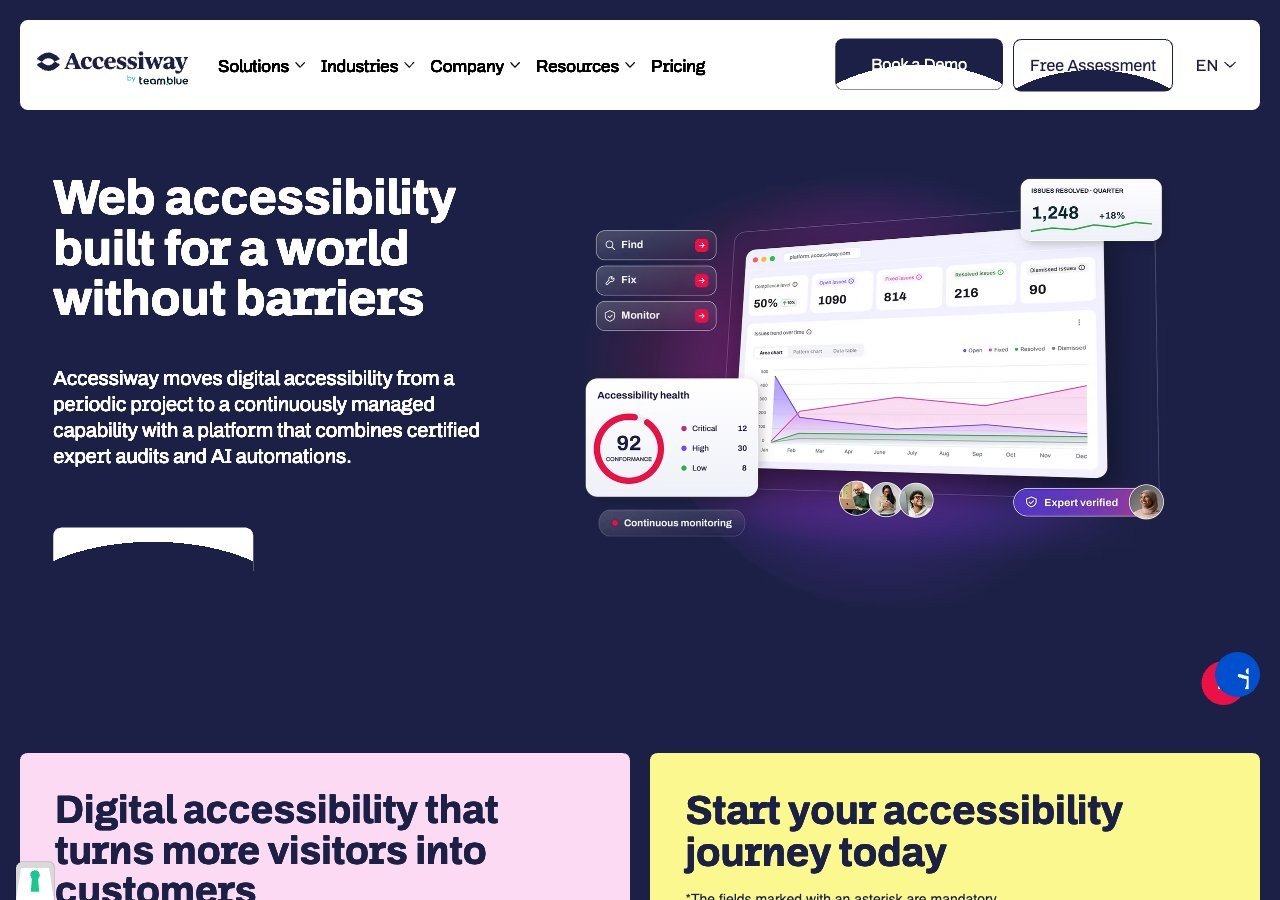
Un choix solide spécifiquement pour les acheteurs italiens et du secteur public de l'UE, grâce à une familiarité approfondie avec la loi Stanca en plus de l'EAA.
Voir les avantages et inconvénients
Avantages
- Publishes exact widget pricing by page-volume tier, unlike most audit-and-widget competitors
- Combines the widget with expert manual audits, remediation guidance and litigation support rather than automation alone
- Deep specialization in Italian public-sector law (the Stanca Act) alongside EAA and EN 301 549
- Reviewers on G2 consistently mention responsive, hands-on support during setup
Inconvénients
- Platform (audit/monitoring) tier pricing is not published and requires a custom quote
- Very small public review base (single digits on G2), so independent sentiment is thin compared to larger competitors
- Primarily marketed to the Italian and broader EU market, with less name recognition elsewhere
- As with any overlay widget, automated fixes cannot resolve every structural accessibility issue on complex sites
À partir de Widget from EUR 490/yr (Standard, up to 1,000 pages), rising to EUR 1,490/yr and EUR 3,490/yr for higher page limits; the Accessiway Platform (audit/monitoring) tiers are quoted individually and not published
-

Le choix le plus solide pour les institutions publiques allemandes et autrichiennes naviguant entre la BITV 2.0 et les exigences de l'EAA.
Voir les avantages et inconvénients
Avantages
- Deep specialization in German BITV 2.0 public-sector procurement requirements alongside the wider EAA
- Combines the Assist widget with a documented, standby expert team for troubleshooting rather than automation alone
- GDPR-compliant by design and reviewers note installation takes only minutes
- Independent reviewers give it a solid 4.4/5 overall expert score
Inconvénients
- Pricing is no longer published anywhere on its site; every quote requires a demo or sales call
- Independent reviewers explicitly describe it as "quite expensive" relative to comparable widgets
- No live chat support, only phone, email and contact forms
- Public review volume is limited, so independent sentiment data is thinner than for larger competitors
À partir de Pricing not published - Eye-Able no longer lists prices on its site and requires a demo or sales call for a quote
-

Le nom le plus reconnaissable de la catégorie, avec un palier gratuit réellement utile pour les très petits sites et un large écosystème d'intégrations.
Voir les avantages et inconvénients
Avantages
- Genuine free tier for small sites, alongside paid plans, unusual among established widget vendors
- Very large independent review base: 4.8/5 average across roughly 650+ G2 reviews
- Large plugin ecosystem across Shopify, WordPress, Wix and other platforms
- AI-powered image recognition for automated alt text generation
Inconvénients
- Faced a class-action lawsuit (BloomsyBox v. UserWay, filed 2024) alleging false advertising about the widget's ability to ensure ADA compliance; a magistrate judge let the core claims proceed in February 2026
- UserWay's own pricing page does not publish figures; specific tier prices come from third-party trackers, not the vendor directly
- G2 reviewers frequently note pricing is on the higher end versus alternatives, and want clearer coverage information
- As with any overlay widget, the tool doesn't achieve full compliance on its own and complex issues still need developer work
À partir de Free tier available; paid Accessibility Widget Pro starts around $69/mo, with Pro Plus around $169/mo and Ultimate around $359/mo (per third-party pricing trackers, since UserWay's own pricing page does not display figures)
-

Un fournisseur important et fortement mis en avant ; il vaut la peine de lire la décision de la FTC de 2025 concernant les affirmations d'accessWidget sur l'automatisation avant de vous fier uniquement au discours marketing.
Voir les avantages et inconvénients
Avantages
- Publishes exact tiered pricing by traffic level rather than requiring a sales call for standard plans
- One of the largest customer bases in the widget category, with well over 1,500 reviews on G2
- Bundles litigation-support documentation and, on higher tiers, direct ADA attorney consultation with the subscription
- Fast, developer-light install that reviewers consistently describe as taking only minutes
Inconvénients
- In 2025 the FTC ordered accessiBe to pay $1 million over findings that it overstated how much of a site accessWidget could automatically make WCAG-compliant, and ran undisclosed paid reviews
- Reviewers report unexpected charges and a cancellation process that can require going through email support
- An automated overlay layer alone does not fix every accessibility barrier on complex or custom-built sites
- Pricing scales with traffic, so growing sites can see costs climb tier to tier
À partir de From $59/mo (or $490/yr billed annually) for the Micro tier, up to 5,000 monthly visits; Growth is $179/mo and Scale is $479/mo, with custom Enterprise pricing above 100,000 visits
Ce que nous n’avons pas classé ici
Deque et Allyant ne figurent pas sur cette liste car ce ne sont pas vraiment des fournisseurs de widgets au même sens : Deque vend des outils de test pour développeurs construits sur axe-core, et Allyant se spécialise dans la mise en conformité documentaire et PDF à grande échelle. Les deux valent la peine d’être examinés si un widget de type script n’est pas réellement ce dont vous avez besoin. Consultez nos guides pour choisir entre un widget et un audit manuel, et sur la mise en conformité PDF en particulier.
À lire ensuite
Si vous vous demandez si un widget est même le bon point de départ, notre guide sur ce que les overlays d’accessibilité peuvent et ne peuvent pas corriger détaille plus en profondeur la recherche indépendante sur cette question.