




Większość amerykańskich kupujących porusza się w obrębie tych samych dwóch ram prawnych: ustawy Americans with Disabilities Act (ADA), która nie precyzuje standardu technicznego, ale w praktyce jest rozpatrywana sądownie względem WCAG 2.1 lub 2.2 AA, oraz Section 508 dla każdego, kto sprzedaje agencjom federalnym. Uszeregowaliśmy te pięć narzędzi z myślą o tym, biorąc pod uwagę zakres obsługiwanych standardów, to, czy automatyzację wspiera ręczna weryfikacja, oraz sposób, w jaki każdy dostawca dokumentuje swoją ścieżkę poprawek, gdyby trzeba było kiedyś pokazać sądowi lub klientowi, co faktycznie naprawiono.
Jak uszeregowaliśmy tę listę
Sprawdziliśmy wyraźną dokumentację ADA i Section 508, to, czy narzędzie oferuje testowanie manualne lub z udziałem człowieka, a nie tylko automatyzację, historię i przejrzystość firmy (w tym wszelką publiczną historię regulacyjną), oraz cennik, który sensownie skaluje się od małej witryny po rozwiązanie dla przedsiębiorstwa.
-
 Najlepsze ogólnie
AudioEye
Spółka notowana na Nasdaq, która łączy automatyczne skanowanie z ręcznym testowaniem manualnym w ramach swojej Accessibility Management Platform i dokumentuje WCAG 2.2 obok ADA i Section 508. Publiczna sprawozdawczość finansowa, która wiąże się z notowaniem giełdowym, to poziom przejrzystości, jakiego większość konkurentów z tego zestawienia nie ma.
Zobacz zalety i wady
Zalety
- Publicly traded (Nasdaq: AEYE), giving it a level of audited financial disclosure most competitors don't have
- Explicitly combines automated scanning and widget fixes with human-in-the-loop expert testing, rather than automation alone
- Strong independent review record: 4.7/5 average across roughly 240 G2 reviews, with reviewers citing responsive support and easy setup
- Named a G2 Best Software Product with multiple category badges in 2026
Wady
- Exact plan pricing is not published on its site; buyers must go through a quote process even for the entry tier
- Some reviewers report an overwhelming volume of automated recommendations and occasional reporting inaccuracies
- Reviewers flag pricing as steep for smaller, budget-conscious businesses relative to widget-only competitors
- Full remediation still depends on the paid Managed or Self-Managed tiers; the base Automated plan covers only automation-fixable issues
Od Pricing not published - contact sales for a quote; third-party listings have cited a Basic automated-only plan starting around $49/mo, but AudioEye's own pricing page does not disclose figures
-

Jedna z najbardziej rozpoznawalnych marek w tej kategorii, z naprawdę użytecznym darmowym planem i rozbudowanym ekosystemem wtyczek dla Shopify, WordPressa i Wix. Rozsądny pierwszy krok dla małej amerykańskiej witryny, z płatnymi planami i osobną usługą profesjonalnego audytu dla tych, którzy wyrosną z darmowego pakietu.
Zobacz zalety i wady
Zalety
- Genuine free tier for small sites, alongside paid plans, unusual among established widget vendors
- Very large independent review base: 4.8/5 average across roughly 650+ G2 reviews
- Large plugin ecosystem across Shopify, WordPress, Wix and other platforms
- AI-powered image recognition for automated alt text generation
Wady
- Faced a class-action lawsuit (BloomsyBox v. UserWay, filed 2024) alleging false advertising about the widget's ability to ensure ADA compliance; a magistrate judge let the core claims proceed in February 2026
- UserWay's own pricing page does not publish figures; specific tier prices come from third-party trackers, not the vendor directly
- G2 reviewers frequently note pricing is on the higher end versus alternatives, and want clearer coverage information
- As with any overlay widget, the tool doesn't achieve full compliance on its own and complex issues still need developer work
Od Free tier available; paid Accessibility Widget Pro starts around $69/mo, with Pro Plus around $169/mo and Ultimate around $359/mo (per third-party pricing trackers, since UserWay's own pricing page does not display figures)
-
To wcale nie jest widżet: Deque tworzy axe-core, silnik open source, na którym opiera się spora część automatycznych skanerów używanych w całej branży, i sprzedaje narzędzia deweloperskie, audyty manualne oraz dokumentację VPAT. Właściwy wybór, jeśli zespół chce naprawiać problemy w kodzie, a nie maskować je tagiem skryptu.
Zobacz zalety i wady
Zalety
- axe-core, the free open-source engine Deque built and maintains, has been downloaded billions of times and underpins many competitors' own scanners
- Broadest standards coverage of any tool reviewed here: WCAG 2.0 through 2.2, Section 508 and EN 301 549, plus deep involvement in W3C standards work
- Reviewers report a very low false-positive rate compared to other automated scanners
- CI/CD and IDE integrations let engineering teams catch issues before code ships, rather than only after launch
Wady
- No consumer-facing overlay widget, so it doesn't offer the quick, no-developer-needed fix that widget vendors sell
- Pro and Enterprise pricing is not published; reported per-developer seat costs (roughly $1,250/yr for Pro, per third-party trackers) can add up for larger teams
- axe Monitor and axe Auditor are sold as separate line items on top of DevTools, adding cost and complexity
- Automated testing (including axe-core) only catches a minority of WCAG issues by design; full coverage still requires the paid manual-audit services
Od axe-core: free (open source). axe DevTools Extension: free tier available, with a Pro seat reported by third-party pricing trackers at roughly $1,250/yr per developer. axe Monitor and full axe DevTools for Web/Enterprise pricing is not published - contact sales
-

Powszechnie stosowany i mocno reklamowany, z dokumentacją wspierającą postępowania sądowe wliczoną w subskrypcje. Warto przeczytać decyzję FTC z 2025 roku dotyczącą twierdzeń o automatyzacji accessWidget oraz płatne opinie klientów, zanim uzna się, że sam widżet rozwiązuje ryzyko związane ze zgodnością; to konkretny punkt odniesienia przy podejmowaniu decyzji zakupowej w tej kategorii.
Zobacz zalety i wady
Zalety
- Publishes exact tiered pricing by traffic level rather than requiring a sales call for standard plans
- One of the largest customer bases in the widget category, with well over 1,500 reviews on G2
- Bundles litigation-support documentation and, on higher tiers, direct ADA attorney consultation with the subscription
- Fast, developer-light install that reviewers consistently describe as taking only minutes
Wady
- In 2025 the FTC ordered accessiBe to pay $1 million over findings that it overstated how much of a site accessWidget could automatically make WCAG-compliant, and ran undisclosed paid reviews
- Reviewers report unexpected charges and a cancellation process that can require going through email support
- An automated overlay layer alone does not fix every accessibility barrier on complex or custom-built sites
- Pricing scales with traffic, so growing sites can see costs climb tier to tier
Od From $59/mo (or $490/yr billed annually) for the Micro tier, up to 5,000 monthly visits; Growth is $179/mo and Scale is $479/mo, with custom Enterprise pricing above 100,000 visits
-

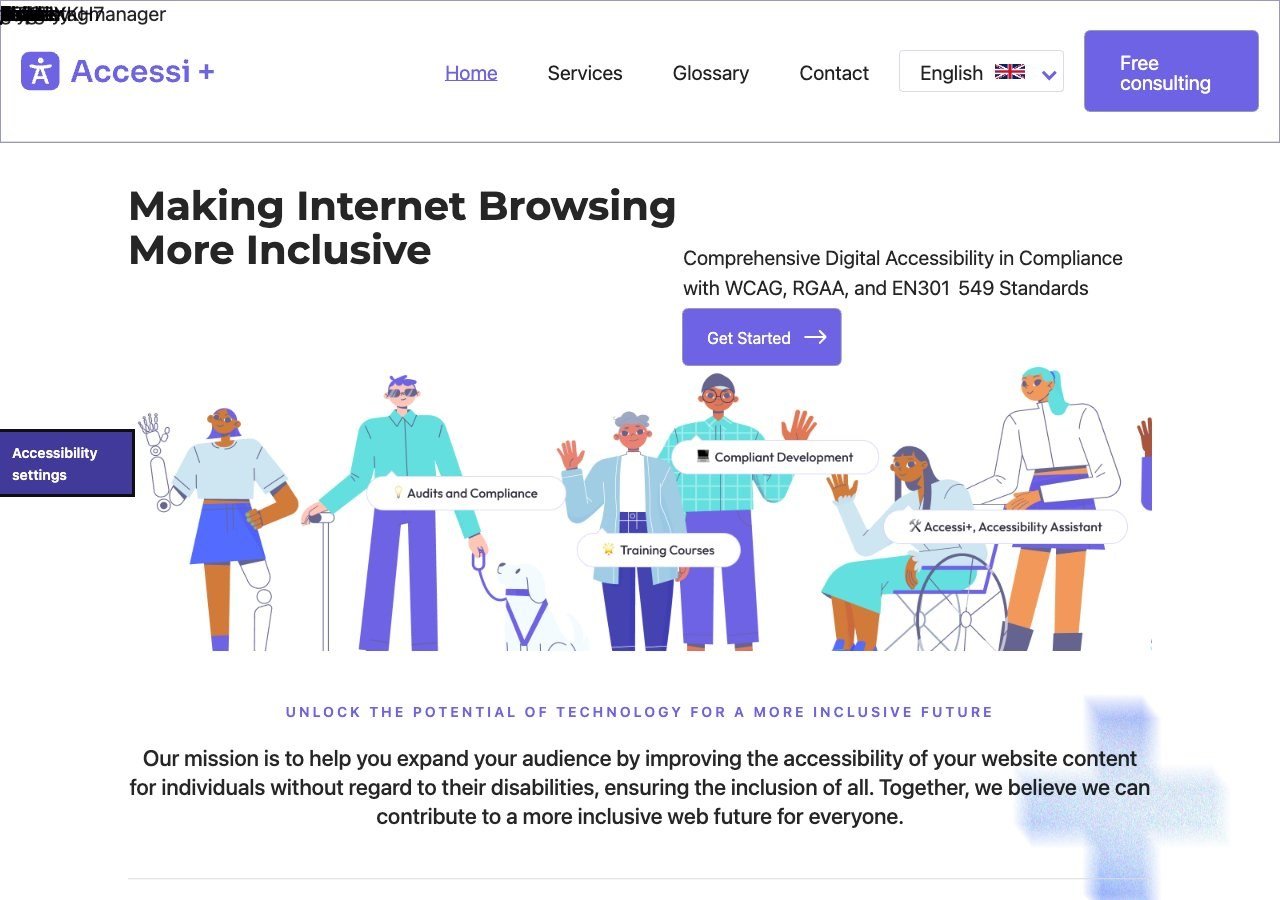
Prosty, tani widżet dla małych amerykańskich witryn, które chcą szybkiego punktu startowego. Zakres obsługiwanych standardów jest węższy niż u pozostałych narzędzi z tej listy (WCAG 2.1 i ADA, bez dokumentacji Section 508 czy EN 301 549), więc lepiej pasuje do budżetu małej firmy niż do wymagań kontrahenta federalnego.
Zobacz zalety i wady
Zalety
- Unusually candid: its own site explicitly states the widget "does not make a website accessible" on its own, rather than overselling automation
- Pairs the widget with website accessibility auditing rather than selling the overlay alone
- Multi-language support (French, English, Romanian) and light/dark themes built into the widget
- France-based, with backing from startup incubators (Station F, HEC Incubateur), giving it a specific French/RGAA market focus
Wady
- No pricing published anywhere on its site; there isn't even a dedicated pricing page to request a quote from
- Very little independent review presence (no meaningful G2/Capterra/TrustRadius listing found), so claims are hard to verify against other users' experience
- Small vendor with limited public case studies or client testimonials
- Positioned for small/mid-sized sites, with no clearly documented enterprise tier or large-scale deployment features
Od Pricing not published - contact sales; the vendor's site lists no plan prices and only offers a free consultation
Gdzie w tym wszystkim mieści się narzędzie zorientowane na Europę, takie jak Wawsome
Wawsome, platforma widżet plus monitoring zorientowana na UE, którą opisujemy gdzie indziej na tej stronie, nie znalazła się na tej liście. Jego własna dokumentacja wyraźnie odwołuje się do wymogów EAA i EN 301 549 dla Rumunii, Niemiec, Francji, Hiszpanii, Włoch, Szwajcarii, Austrii i Wielkiej Brytanii, ale nie przedstawia równie mocnego argumentu specyficznego dla rynku USA, jak pięć narzędzi powyżej. Jeśli Twój ruch pochodzi przede wszystkim z USA, bliżej Ci do jednego z narzędzi uszeregowanych tutaj; jeśli sprzedajesz zarówno w USA, jak i w UE, warto bezpośrednio porównać Wawsome z dowolnym z tych pięciu narzędzi, które rozważasz.
Czego nadal nie zrobi za Ciebie automat
Żadne z pięciu narzędzi powyżej nie twierdzi, że w pełni automatyzuje zgodność, i wobec każdego dostawcy, który by tak twierdził, warto zachować sceptycyzm. Badanie WebAIM Million z 2026 roku wykazało średnio 56,1 wykrywalnego błędu na stronę główną, czyli liczbę, którą samo automatyczne skanowanie wychwytuje tylko częściowo. Procesy zakupowe, niestandardowe komponenty formularzy i dynamicznie aktualizowana treść to elementy, które najczęściej wymagają ręcznego przejrzenia, niezależnie od tego, jaki widżet uruchomisz.
Co dalej
Dla zespołów oceniających ryzyko związane z ADA nasz przewodnik po zgodności strony z ADA oraz nasze zestawienie narzędzi uszeregowanych pod kątem zgodności z ADA rozwijają temat od strony prawnej.