




Żaden dostawca w tej kategorii nie ma siedziby w Wielkiej Brytanii, więc uszeregowaliśmy te pięć narzędzi pod kątem ogólnych możliwości, a nie lokalnej specjalizacji: zakresu standardów względem WCAG 2.2 AA, tego, czy automatyczne skanowanie wspiera ręczna weryfikacja, oraz tego, jak dobrze każde z nich pasuje do organizacji, która może też handlować z UE na zasadach EN 301 549.
Jak uszeregowaliśmy tę listę
Wzięliśmy pod uwagę zakres WCAG 2.1/2.2, opcje testowania manualnego lub z udziałem człowieka, dorobek w segmencie przedsiębiorstw i sektora publicznego oraz mapowanie EN 301 549 dla każdej organizacji z witrynami lub klientami działającymi w UE. Nasza metodologia wyjaśnia, jak ważymy poszczególne kryteria, a nasza pełna recenzja Deque szerzej opisuje tę czołową propozycję.
-
Standard narzędzi deweloperskich stojący za axe-core, z udokumentowanym WCAG od 2.0 do 2.2 oraz Section 508 i EN 301 549. Mocne dopasowanie do brytyjskich przedsiębiorstw i zespołów sektora publicznego z własnym działem inżynieryjnym, które chcą naprawiać problemy w kodzie, a nie uruchamiać widżet.
Zobacz zalety i wady
Zalety
- axe-core, the free open-source engine Deque built and maintains, has been downloaded billions of times and underpins many competitors' own scanners
- Broadest standards coverage of any tool reviewed here: WCAG 2.0 through 2.2, Section 508 and EN 301 549, plus deep involvement in W3C standards work
- Reviewers report a very low false-positive rate compared to other automated scanners
- CI/CD and IDE integrations let engineering teams catch issues before code ships, rather than only after launch
Wady
- No consumer-facing overlay widget, so it doesn't offer the quick, no-developer-needed fix that widget vendors sell
- Pro and Enterprise pricing is not published; reported per-developer seat costs (roughly $1,250/yr for Pro, per third-party trackers) can add up for larger teams
- axe Monitor and axe Auditor are sold as separate line items on top of DevTools, adding cost and complexity
- Automated testing (including axe-core) only catches a minority of WCAG issues by design; full coverage still requires the paid manual-audit services
Od axe-core: free (open source). axe DevTools Extension: free tier available, with a Pro seat reported by third-party pricing trackers at roughly $1,250/yr per developer. axe Monitor and full axe DevTools for Web/Enterprise pricing is not published - contact sales
-
 Najlepsze ogólnie
AudioEye
Łączy automatyczne skanowanie z ręcznym testowaniem manualnym i dokumentuje WCAG 2.2, ADA, Section 508 oraz EN 301 549. Publiczna sprawozdawczość finansowa wynikająca z notowania na Nasdaq to element przejrzystości wart uwagi nawet poza rynkiem amerykańskim.
Zobacz zalety i wady
Zalety
- Publicly traded (Nasdaq: AEYE), giving it a level of audited financial disclosure most competitors don't have
- Explicitly combines automated scanning and widget fixes with human-in-the-loop expert testing, rather than automation alone
- Strong independent review record: 4.7/5 average across roughly 240 G2 reviews, with reviewers citing responsive support and easy setup
- Named a G2 Best Software Product with multiple category badges in 2026
Wady
- Exact plan pricing is not published on its site; buyers must go through a quote process even for the entry tier
- Some reviewers report an overwhelming volume of automated recommendations and occasional reporting inaccuracies
- Reviewers flag pricing as steep for smaller, budget-conscious businesses relative to widget-only competitors
- Full remediation still depends on the paid Managed or Self-Managed tiers; the base Automated plan covers only automation-fixable issues
Od Pricing not published - contact sales for a quote; third-party listings have cited a Basic automated-only plan starting around $49/mo, but AudioEye's own pricing page does not disclose figures
-

Szeroka rozpoznawalność marki i rozbudowany ekosystem wtyczek, z darmowym planem, który jest łatwym punktem startowym dla mniejszej brytyjskiej witryny przed przejściem na płatny pakiet.
Zobacz zalety i wady
Zalety
- Genuine free tier for small sites, alongside paid plans, unusual among established widget vendors
- Very large independent review base: 4.8/5 average across roughly 650+ G2 reviews
- Large plugin ecosystem across Shopify, WordPress, Wix and other platforms
- AI-powered image recognition for automated alt text generation
Wady
- Faced a class-action lawsuit (BloomsyBox v. UserWay, filed 2024) alleging false advertising about the widget's ability to ensure ADA compliance; a magistrate judge let the core claims proceed in February 2026
- UserWay's own pricing page does not publish figures; specific tier prices come from third-party trackers, not the vendor directly
- G2 reviewers frequently note pricing is on the higher end versus alternatives, and want clearer coverage information
- As with any overlay widget, the tool doesn't achieve full compliance on its own and complex issues still need developer work
Od Free tier available; paid Accessibility Widget Pro starts around $69/mo, with Pro Plus around $169/mo and Ultimate around $359/mo (per third-party pricing trackers, since UserWay's own pricing page does not display figures)
-

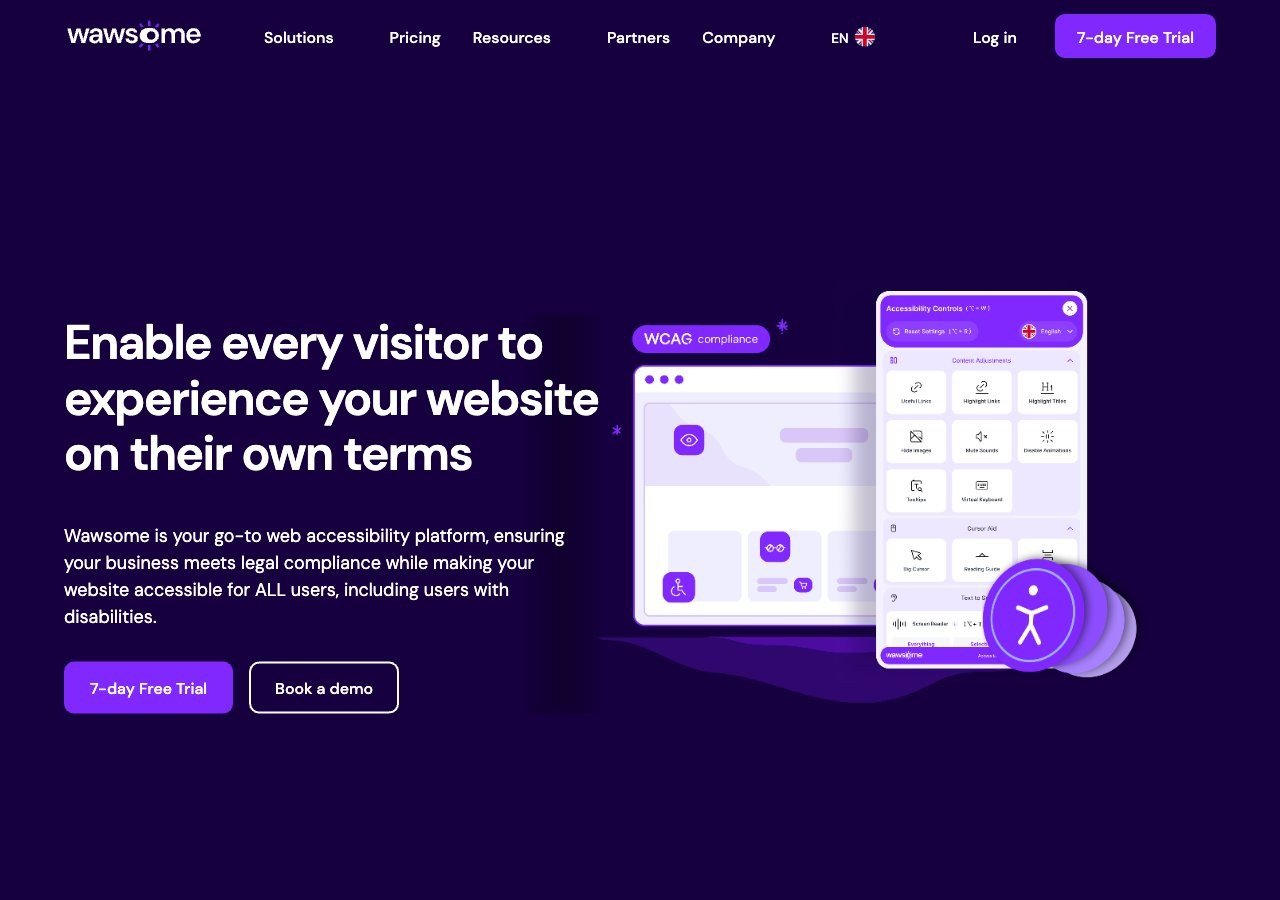
Platforma zorientowana przede wszystkim na UE, której własna dokumentacja wyraźnie deklaruje wymogi brytyjskie obok mapowania dla Rumunii, Niemiec, Francji, Hiszpanii, Włoch, Szwajcarii i Austrii, a do tego ogólne pokrycie EAA i EN 301 549. Warto przyjrzeć się jej bezpośrednio, jeśli organizacja obsługuje też klientów z UE.
Zobacz zalety i wady
Zalety
- Publishes exact widget and monitoring prices on its site rather than hiding them behind a sales call
- Pairs the widget with a separate continuous-monitoring product and a human-reviewed accessibility checker instead of automation alone
- Explicit EAA and EN 301 549 mapping across multiple EU markets, ahead of most US-headquartered competitors on European regulation
- One-line JavaScript install with native Shopify, WordPress and Google Tag Manager support
Wady
- Requires a separate paid subscription for each subdomain, which can raise the effective cost for sites split across shop./blog./app. style subdomains
- Newer, smaller vendor with little independent review history on sites like G2 or Capterra compared to established competitors
- Like all overlay-widget products, an AI-adjusted layer cannot substitute for full manual code remediation on complex sites
- Enterprise-tier pricing for the widget and monitor is not published and requires contacting sales
Od From EUR 23.75/mo (billed yearly) or EUR 29.90/mo (billed monthly) for the Starter widget plan, up to 100k monthly page views; a separate Accessibility Monitor product starts at EUR 27.90-34.90/mo for 50 pages
-
 Najlepsza wartość
EqualWeb
Szeroki wachlarz poziomów cenowych oraz pokrycie EAA, ADA, Section 508 i EN 301 549, z ręczną poprawą dostępności dostępną jako osobna usługa dla organizacji, które chcą mieć ścieżkę wykraczającą poza samą automatyzację.
Zobacz zalety i wady
Zalety
- Publishes exact pricing for every self-serve tier, from a $39/mo entry plan up to a 100,000-page Huge tier, unusual transparency for this category
- Wide standards coverage including WCAG 2.1, ADA, Section 508, EN 301 549 and EAA in one product
- Strong independent review record: 4.6/5 average across roughly 43 G2 reviews, with reviewers repeatedly citing responsive human support
- Offers manual remediation and audits as a distinct paid add-on rather than selling automation as a complete fix
Wady
- Multiple G2 reviewers say the entry pricing is still hard for very small organizations to sustain long-term
- Some reviewers describe the management dashboard's UI/UX as dated or hard to navigate
- The Managed tier with expert remediation is quoted individually rather than published
- As with any overlay widget, achieving full legal compliance depends on more than the automated layer, something reviewers explicitly flag
Od From $39/mo ($390/yr) for the Small widget tier, up to 100 pages; Medium is $49/mo, Large $109/mo, Huge $169/mo, with a custom-quoted Managed tier that adds expert remediation
Czego widżet sam z siebie nie naprawi
Badanie WebAIM Million z 2026 roku wykazało, że 95,9% stron głównych miało co najmniej jeden wykrywalny błąd WCAG, a zbyt niski kontrast tekstu był pojedynczym najczęstszym problemem, występującym na 83,9% stron. To naprawdę łatwa poprawka do zautomatyzowania dla większości powyższych widżetów, co po części tłumaczy, dlaczego warto je uruchamiać nawet obok głębszych działań naprawczych; trudniejsza praca zwykle dotyczy niestandardowych komponentów formularzy, menu nawigacyjnych i wszelkiej treści dodanej po pierwszym skanowaniu.
Co dalej
Więcej o stronie prawnej znajdziesz w naszym przewodniku po tym, czego faktycznie wymaga Europejski Akt o Dostępności, który obejmuje ramy prawne najbardziej istotne dla brytyjskich organizacji nadal handlujących z UE.