




Most accessibility problems don’t stay fixed. A developer ships a new component, a marketing team adds a page built from a different template, a third-party script changes what it injects into the DOM, and issues that were resolved last quarter quietly come back. That’s the case for monitoring over a single audit: it catches drift, not just a snapshot.
We looked at four vendors that treat monitoring as a standing feature rather than a one-off deliverable, and compared what they actually scan, how often, and what a team is expected to do with the results.
How we ranked these
We weighted whether monitoring is bundled into the core subscription or sold as a separate add-on, how the reporting is delivered (a dashboard a non-developer can read matters as much as a raw issue log), and whether monitoring is paired with a way to actually fix what it finds, either through a widget layer or a remediation service. Scan frequency and standards coverage (WCAG, EAA, ADA, Section 508) were also factored in.
-

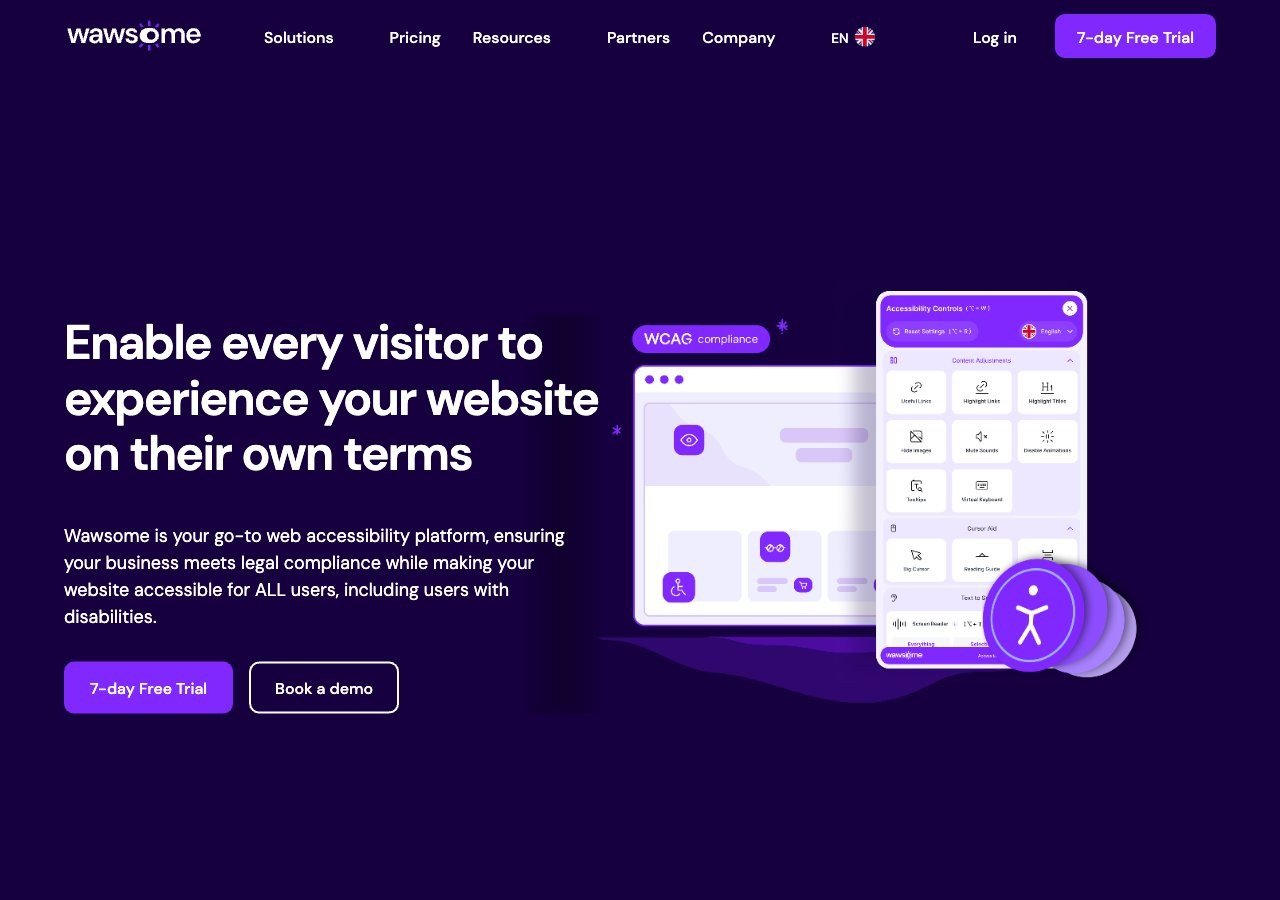
Continuous automated monitoring is a core part of the subscription, not an upsell, and it comes with monthly compliance reports plus a human-reviewed manual checker as a backstop, all mapped to EAA and EN 301 549 as well as WCAG.
View pros & cons
Pros
- Publishes exact widget and monitoring prices on its site rather than hiding them behind a sales call
- Pairs the widget with a separate continuous-monitoring product and a human-reviewed accessibility checker instead of automation alone
- Explicit EAA and EN 301 549 mapping across multiple EU markets, ahead of most US-headquartered competitors on European regulation
- One-line JavaScript install with native Shopify, WordPress and Google Tag Manager support
Cons
- Requires a separate paid subscription for each subdomain, which can raise the effective cost for sites split across shop./blog./app. style subdomains
- Newer, smaller vendor with little independent review history on sites like G2 or Capterra compared to established competitors
- Like all overlay-widget products, an AI-adjusted layer cannot substitute for full manual code remediation on complex sites
- Enterprise-tier pricing for the widget and monitor is not published and requires contacting sales
Starting at From EUR 23.75/mo (billed yearly) or EUR 29.90/mo (billed monthly) for the Starter widget plan, up to 100k monthly page views; a separate Accessibility Monitor product starts at EUR 27.90-34.90/mo for 50 pages
-
axe Monitor is built for scanning at real enterprise scale using the same axe-core engine that underpins much of the industry's automated testing, which makes it a strong pick for organizations with large, fast-moving sites and an in-house engineering team to act on the findings.
View pros & cons
Pros
- axe-core, the free open-source engine Deque built and maintains, has been downloaded billions of times and underpins many competitors' own scanners
- Broadest standards coverage of any tool reviewed here: WCAG 2.0 through 2.2, Section 508 and EN 301 549, plus deep involvement in W3C standards work
- Reviewers report a very low false-positive rate compared to other automated scanners
- CI/CD and IDE integrations let engineering teams catch issues before code ships, rather than only after launch
Cons
- No consumer-facing overlay widget, so it doesn't offer the quick, no-developer-needed fix that widget vendors sell
- Pro and Enterprise pricing is not published; reported per-developer seat costs (roughly $1,250/yr for Pro, per third-party trackers) can add up for larger teams
- axe Monitor and axe Auditor are sold as separate line items on top of DevTools, adding cost and complexity
- Automated testing (including axe-core) only catches a minority of WCAG issues by design; full coverage still requires the paid manual-audit services
Starting at axe-core: free (open source). axe DevTools Extension: free tier available, with a Pro seat reported by third-party pricing trackers at roughly $1,250/yr per developer. axe Monitor and full axe DevTools for Web/Enterprise pricing is not published - contact sales
-
 Best overall
AudioEye
The Accessibility Management Platform gives ongoing scanning results a dashboard with reporting, and AudioEye backs automated findings with human-in-the-loop manual testing rather than leaving flagged issues for a team to interpret alone.
View pros & cons
Pros
- Publicly traded (Nasdaq: AEYE), giving it a level of audited financial disclosure most competitors don't have
- Explicitly combines automated scanning and widget fixes with human-in-the-loop expert testing, rather than automation alone
- Strong independent review record: 4.7/5 average across roughly 240 G2 reviews, with reviewers citing responsive support and easy setup
- Named a G2 Best Software Product with multiple category badges in 2026
Cons
- Exact plan pricing is not published on its site; buyers must go through a quote process even for the entry tier
- Some reviewers report an overwhelming volume of automated recommendations and occasional reporting inaccuracies
- Reviewers flag pricing as steep for smaller, budget-conscious businesses relative to widget-only competitors
- Full remediation still depends on the paid Managed or Self-Managed tiers; the base Automated plan covers only automation-fixable issues
Starting at Pricing not published - contact sales for a quote; third-party listings have cited a Basic automated-only plan starting around $49/mo, but AudioEye's own pricing page does not disclose figures
-
 Best Value
EqualWeb
Compliance monitoring and reporting are built into EqualWeb's tiered plans, with a defined path to paid manual remediation once monitoring turns up issues automation can't fix on its own.
View pros & cons
Pros
- Publishes exact pricing for every self-serve tier, from a $39/mo entry plan up to a 100,000-page Huge tier, unusual transparency for this category
- Wide standards coverage including WCAG 2.1, ADA, Section 508, EN 301 549 and EAA in one product
- Strong independent review record: 4.6/5 average across roughly 43 G2 reviews, with reviewers repeatedly citing responsive human support
- Offers manual remediation and audits as a distinct paid add-on rather than selling automation as a complete fix
Cons
- Multiple G2 reviewers say the entry pricing is still hard for very small organizations to sustain long-term
- Some reviewers describe the management dashboard's UI/UX as dated or hard to navigate
- The Managed tier with expert remediation is quoted individually rather than published
- As with any overlay widget, achieving full legal compliance depends on more than the automated layer, something reviewers explicitly flag
Starting at From $39/mo ($390/yr) for the Small widget tier, up to 100 pages; Medium is $49/mo, Large $109/mo, Huge $169/mo, with a custom-quoted Managed tier that adds expert remediation
What separates these four
Deque’s axe Monitor is the most developer-oriented of the group: it’s designed to plug into a pipeline where engineers own the fix, and it doesn’t come with a consumer-facing widget layer at all. That’s a strength for teams with the staff to act on findings directly, and a gap for teams that want the monitoring output translated into something non-technical stakeholders can use.
Wawsome, AudioEye and EqualWeb all pair monitoring with a widget and, in AudioEye’s and EqualWeb’s case, human review services. The practical difference is scope and geography: Wawsome’s standards mapping leans EU-first with explicit EAA and EN 301 549 coverage alongside WCAG and ADA, which matters if your monitoring needs to produce evidence for a European regulator rather than just an internal dashboard. AudioEye and EqualWeb are standards-agnostic in a similar range but built around US-centric compliance conversations first.
None of the four claims that automated monitoring alone certifies compliance, and that’s the honest position: a monitoring tool tells you what changed and what got worse, it doesn’t replace a human judging whether an interface actually works for someone using a screen reader or switch device.
Who each one fits best
Deque suits engineering-led organizations that want raw, accurate scan data feeding into their own workflow. Wawsome suits SMEs and public bodies operating in or selling into the EU that want monitoring, a widget and manual review under one subscription. AudioEye suits mid-market and enterprise teams that want a dashboard plus guaranteed human review of what the scanner flags. EqualWeb suits organizations that want monitoring available across a wide range of pricing tiers, from a single small site up to multi-domain enterprise agreements.
What to actually check before signing up
“Monitoring” means different things across vendors, so it’s worth asking specific questions before committing. How often does the scan actually run, daily, weekly, or only on demand? Does a new violation trigger an alert, or does it just sit in a report someone has to remember to open? And does the report translate to something a compliance officer or a marketing lead can read, or does it assume a developer is the only audience? Wawsome’s monthly compliance reports and EqualWeb’s tiered reporting are aimed more at the first kind of reader; Deque’s axe Monitor output assumes the second.
Pricing shapes this too. axe-core, the engine behind Deque’s tooling, is free and open source, but Deque’s monitored, supported products are enterprise-quoted by seats and scan volume, which puts them out of reach for a small team just wanting basic ongoing checks. EqualWeb’s tiers scale by monthly page views, which gives smaller sites a lower entry point than a flat enterprise contract would. AudioEye publishes standard tier pricing and quotes custom terms for larger managed-service engagements. Wawsome runs on subscription tiers with a 7-day free trial, though note that a separate subscription is required per subdomain, which matters if your organization runs several distinct sites under one brand.
Standards coverage at a glance
If your monitoring needs to produce evidence for a specific regulator, standards coverage isn’t a footnote. Wawsome maps to WCAG 2.0 through 2.2, EAA, EN 301 549, ADA and Section 508, the broadest EU-plus-US spread of the four. Deque covers WCAG 2.0 through 2.2, Section 508 and EN 301 549. AudioEye covers WCAG 2.1 and 2.2, ADA, Section 508 and EN 301 549. EqualWeb covers WCAG 2.1, ADA, Section 508, EN 301 549 and EAA. All four overlap heavily on the WCAG core, so the differences that matter most are which non-WCAG frameworks a vendor explicitly maps its reporting to, since that’s what determines whether a monthly report is useful as compliance evidence or just a general health check.
Monitoring is not the whole job
Whichever tool you pick, keep the scope honest. A monitoring dashboard tells you where new problems appeared and, ideally, gives you a way to triage them. It doesn’t replace a person testing your checkout flow with a screen reader or confirming that a custom date picker actually works with a keyboard. Treat continuous monitoring as the mechanism that keeps a site from silently backsliding between the manual audits that actually verify whether it works for real users.