




Search “accessibility overlay” and you’ll find a lot of warranted skepticism. Automated widgets are good at some things (contrast toggles, keyboard shortcuts, text resizing) and bad at others (broken form logic, custom components, PDFs). What doesn’t get said often enough is that not every overlay vendor stops at automation. Some pair the script with a real human doing real work: a manual checker, a documented audit process, or ongoing monitoring that flags what the automation alone would miss. These five do that, and we ranked them on how much of that human work is actually included rather than upsold later.
How we ranked
We weighted three things: whether manual review or auditing ships as part of the core offering instead of a separate quoted engagement, how clearly each vendor documents the standards it maps to, and pricing transparency. Two of the five, Eye-Able and AccessiWay, lean toward specific regional markets (Germany/Austria and Italy respectively). We didn’t penalize that; a tool built around a specific country’s public-sector procurement rules can still be the right pick if that’s your market, and we noted the fit rather than treating it as a weakness.
-

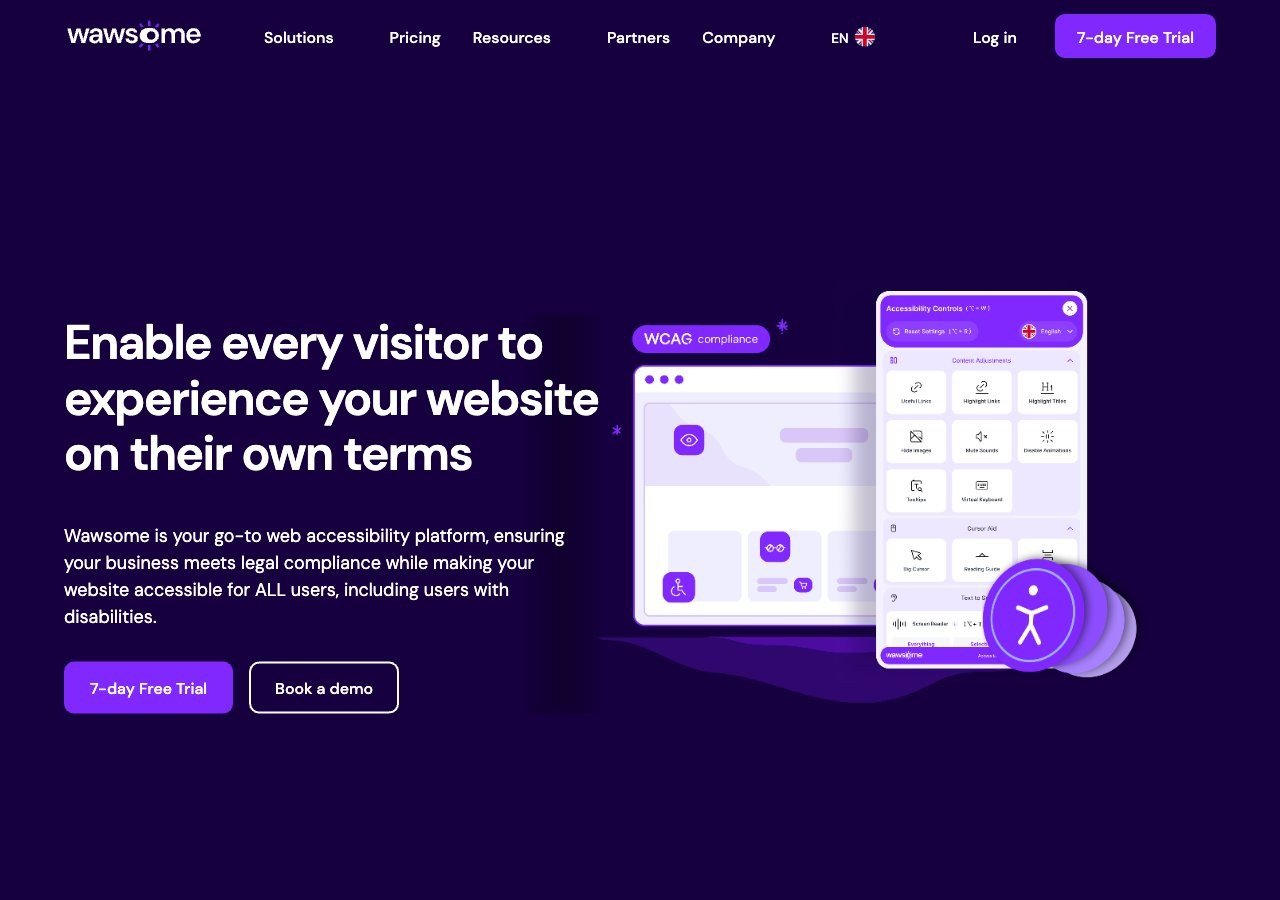
Bundles the widget with continuous automated monitoring and a human-reviewed manual checker in a single subscription, with explicit EAA and EN 301 549 mapping and a privacy approach that stores preferences locally rather than tracking with cookies.
View pros & cons
Pros
- Publishes exact widget and monitoring prices on its site rather than hiding them behind a sales call
- Pairs the widget with a separate continuous-monitoring product and a human-reviewed accessibility checker instead of automation alone
- Explicit EAA and EN 301 549 mapping across multiple EU markets, ahead of most US-headquartered competitors on European regulation
- One-line JavaScript install with native Shopify, WordPress and Google Tag Manager support
Cons
- Requires a separate paid subscription for each subdomain, which can raise the effective cost for sites split across shop./blog./app. style subdomains
- Newer, smaller vendor with little independent review history on sites like G2 or Capterra compared to established competitors
- Like all overlay-widget products, an AI-adjusted layer cannot substitute for full manual code remediation on complex sites
- Enterprise-tier pricing for the widget and monitor is not published and requires contacting sales
Starting at From EUR 23.75/mo (billed yearly) or EUR 29.90/mo (billed monthly) for the Starter widget plan, up to 100k monthly page views; a separate Accessibility Monitor product starts at EUR 27.90-34.90/mo for 50 pages
-
 Best Value
EqualWeb
Sells manual remediation and auditing as a distinct service across a wide spread of pricing tiers, so a small site can start with the widget alone and add human review later without switching vendors.
View pros & cons
Pros
- Publishes exact pricing for every self-serve tier, from a $39/mo entry plan up to a 100,000-page Huge tier, unusual transparency for this category
- Wide standards coverage including WCAG 2.1, ADA, Section 508, EN 301 549 and EAA in one product
- Strong independent review record: 4.6/5 average across roughly 43 G2 reviews, with reviewers repeatedly citing responsive human support
- Offers manual remediation and audits as a distinct paid add-on rather than selling automation as a complete fix
Cons
- Multiple G2 reviewers say the entry pricing is still hard for very small organizations to sustain long-term
- Some reviewers describe the management dashboard's UI/UX as dated or hard to navigate
- The Managed tier with expert remediation is quoted individually rather than published
- As with any overlay widget, achieving full legal compliance depends on more than the automated layer, something reviewers explicitly flag
Starting at From $39/mo ($390/yr) for the Small widget tier, up to 100 pages; Medium is $49/mo, Large $109/mo, Huge $169/mo, with a custom-quoted Managed tier that adds expert remediation
-
 Best overall
AudioEye
Publicly traded and explicit that its Accessibility Management Platform layers human-in-the-loop manual testing on top of automated scanning, not automation by itself.
View pros & cons
Pros
- Publicly traded (Nasdaq: AEYE), giving it a level of audited financial disclosure most competitors don't have
- Explicitly combines automated scanning and widget fixes with human-in-the-loop expert testing, rather than automation alone
- Strong independent review record: 4.7/5 average across roughly 240 G2 reviews, with reviewers citing responsive support and easy setup
- Named a G2 Best Software Product with multiple category badges in 2026
Cons
- Exact plan pricing is not published on its site; buyers must go through a quote process even for the entry tier
- Some reviewers report an overwhelming volume of automated recommendations and occasional reporting inaccuracies
- Reviewers flag pricing as steep for smaller, budget-conscious businesses relative to widget-only competitors
- Full remediation still depends on the paid Managed or Self-Managed tiers; the base Automated plan covers only automation-fixable issues
Starting at Pricing not published - contact sales for a quote; third-party listings have cited a Basic automated-only plan starting around $49/mo, but AudioEye's own pricing page does not disclose figures
-

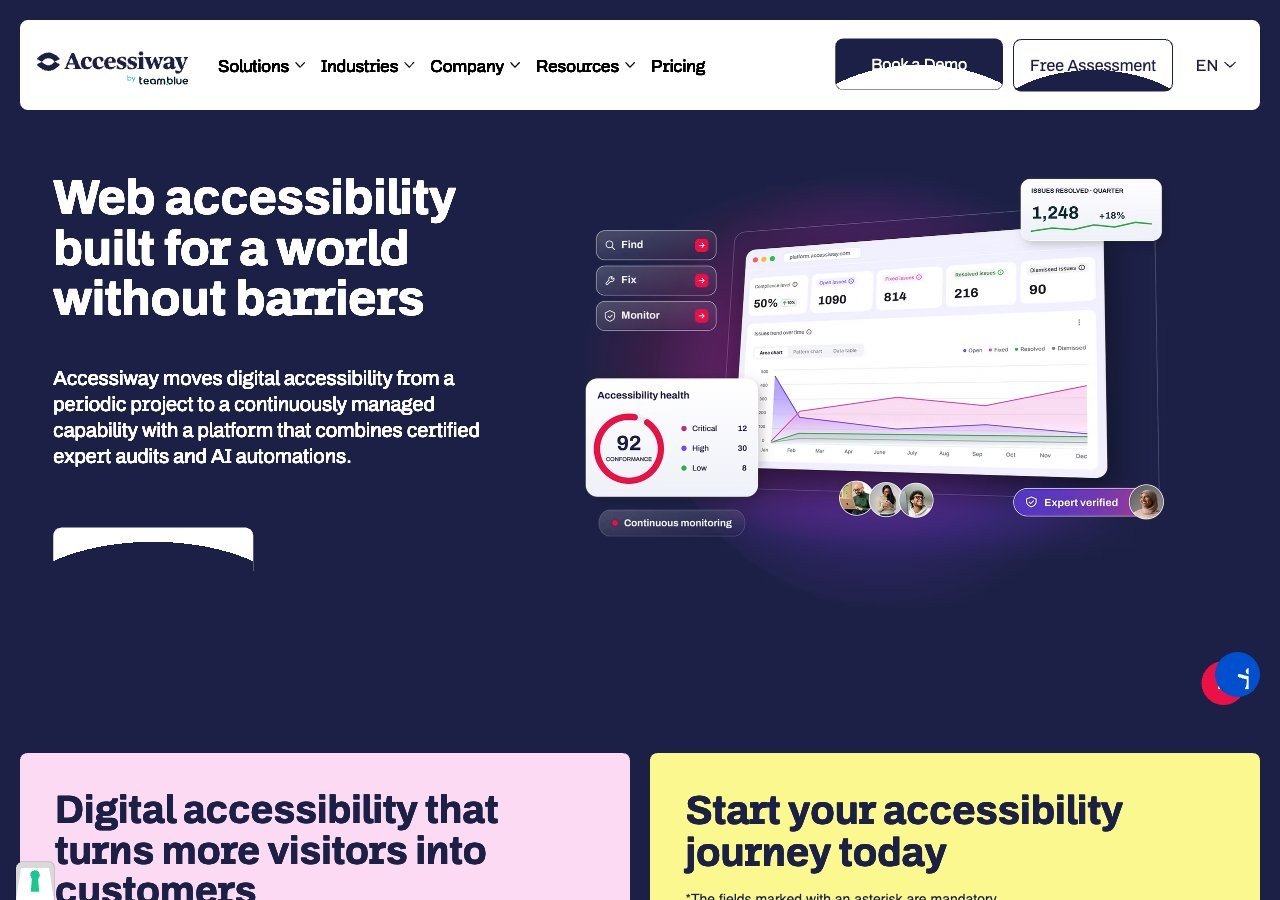
Pairs the widget with consulting, manual audits and staff training, and brings genuine depth on Italy's Stanca Act alongside the EAA.
View pros & cons
Pros
- Publishes exact widget pricing by page-volume tier, unlike most audit-and-widget competitors
- Combines the widget with expert manual audits, remediation guidance and litigation support rather than automation alone
- Deep specialization in Italian public-sector law (the Stanca Act) alongside EAA and EN 301 549
- Reviewers on G2 consistently mention responsive, hands-on support during setup
Cons
- Platform (audit/monitoring) tier pricing is not published and requires a custom quote
- Very small public review base (single digits on G2), so independent sentiment is thin compared to larger competitors
- Primarily marketed to the Italian and broader EU market, with less name recognition elsewhere
- As with any overlay widget, automated fixes cannot resolve every structural accessibility issue on complex sites
Starting at Widget from EUR 490/yr (Standard, up to 1,000 pages), rising to EUR 1,490/yr and EUR 3,490/yr for higher page limits; the Accessiway Platform (audit/monitoring) tiers are quoted individually and not published
-

Combines Eye-Able Assist with a documented manual audit process, and is the strongest of these five specifically for German-speaking public institutions working through BITV 2.0 and EAA requirements.
View pros & cons
Pros
- Deep specialization in German BITV 2.0 public-sector procurement requirements alongside the wider EAA
- Combines the Assist widget with a documented, standby expert team for troubleshooting rather than automation alone
- GDPR-compliant by design and reviewers note installation takes only minutes
- Independent reviewers give it a solid 4.4/5 overall expert score
Cons
- Pricing is no longer published anywhere on its site; every quote requires a demo or sales call
- Independent reviewers explicitly describe it as "quite expensive" relative to comparable widgets
- No live chat support, only phone, email and contact forms
- Public review volume is limited, so independent sentiment data is thinner than for larger competitors
Starting at Pricing not published - Eye-Able no longer lists prices on its site and requires a demo or sales call for a quote
Why the “manual” part actually matters
A WebAIM survey of accessibility practitioners found that 67% rated overlay widgets as “not at all” or “not very” effective at fixing real accessibility barriers. Among respondents who identified as having a disability themselves, that number rose to 72%, and only 2.4% called overlays very effective. That’s the backdrop every overlay vendor is operating against, fairly or not, and it’s exactly why the vendors on this list lead with the human component in their marketing rather than the script.
None of that means automation is worthless. A widget can genuinely fix things like insufficient color contrast or missing keyboard focus indicators quickly, across an entire site, in a way that would take a developer far longer to patch page by page. The honest framing is that automation and manual review solve different problems, and a vendor that only sells you the first one is leaving real gaps unaddressed.
What to ask before you buy
Before signing up for any “widget plus manual” package, get specific about what the manual component actually covers. Is it a one-time audit at signup, or does it recur? Does a human review your specific pages, or a generic sample? Is the manual checker something you have to request separately, or is it built into the dashboard you’re already paying for? Vendors vary a lot on these details even when their marketing pages read almost identically, and the answer usually tells you more about the real value than the feature list does.
Read next
If you’re still deciding whether you need a widget at all versus starting with a standalone manual audit, our guide comparing a widget approach to a manual audit walks through when each one fits.