




Nonprofits usually have two constraints working against each other: real accessibility need, since the mission often includes serving people with disabilities directly, and a budget that’s frequently the smallest line item on the site. We picked three vendors that are realistic on a limited budget rather than defaulting to whichever tool has the most features.
-

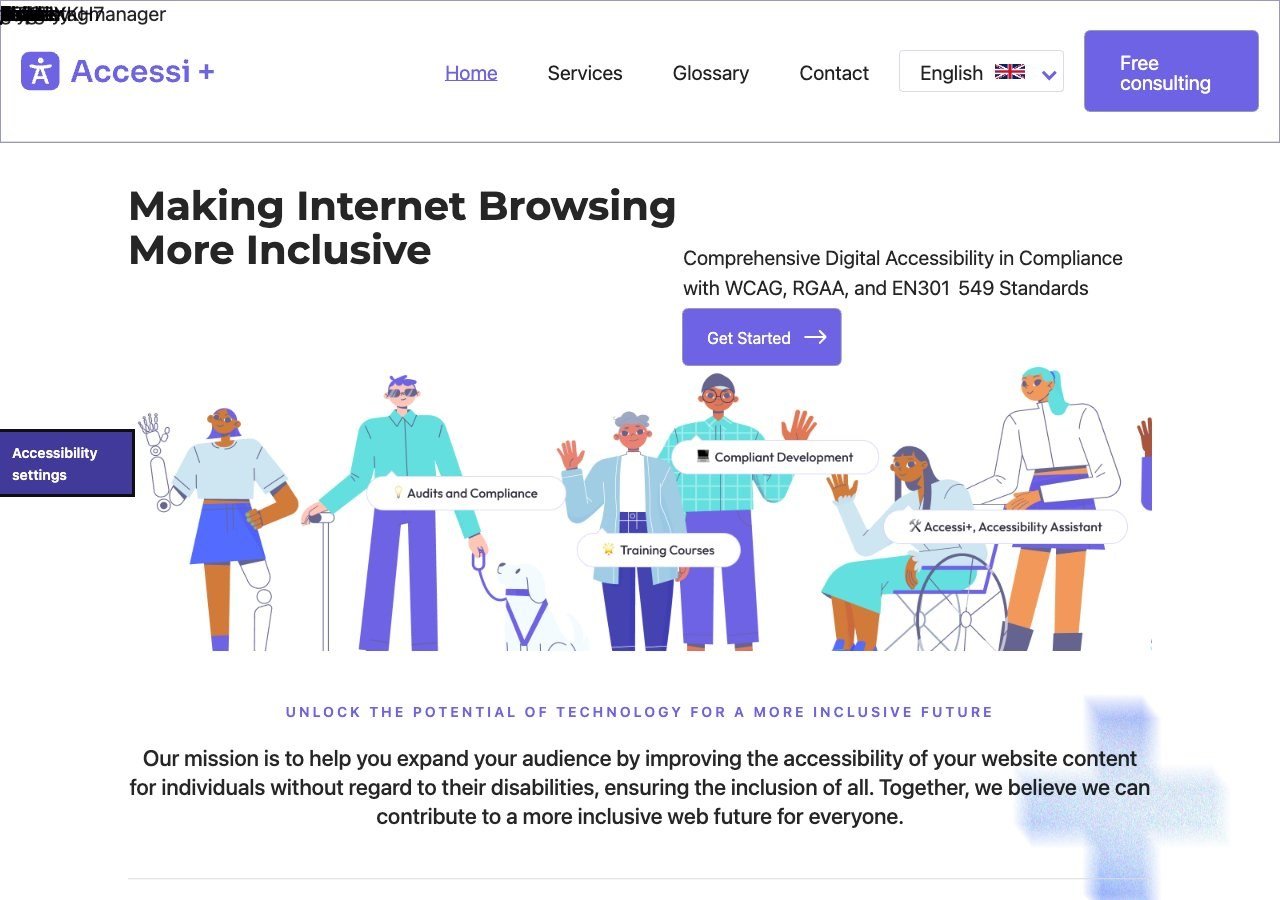
The most budget-friendly starting point on this list, with straightforward, low-friction setup built for exactly this kind of small site with a limited team and no dedicated developer.
View pros & cons
Pros
- Unusually candid: its own site explicitly states the widget "does not make a website accessible" on its own, rather than overselling automation
- Pairs the widget with website accessibility auditing rather than selling the overlay alone
- Multi-language support (French, English, Romanian) and light/dark themes built into the widget
- France-based, with backing from startup incubators (Station F, HEC Incubateur), giving it a specific French/RGAA market focus
Cons
- No pricing published anywhere on its site; there isn't even a dedicated pricing page to request a quote from
- Very little independent review presence (no meaningful G2/Capterra/TrustRadius listing found), so claims are hard to verify against other users' experience
- Small vendor with limited public case studies or client testimonials
- Positioned for small/mid-sized sites, with no clearly documented enterprise tier or large-scale deployment features
Starting at Pricing not published - contact sales; the vendor's site lists no plan prices and only offers a free consultation
-

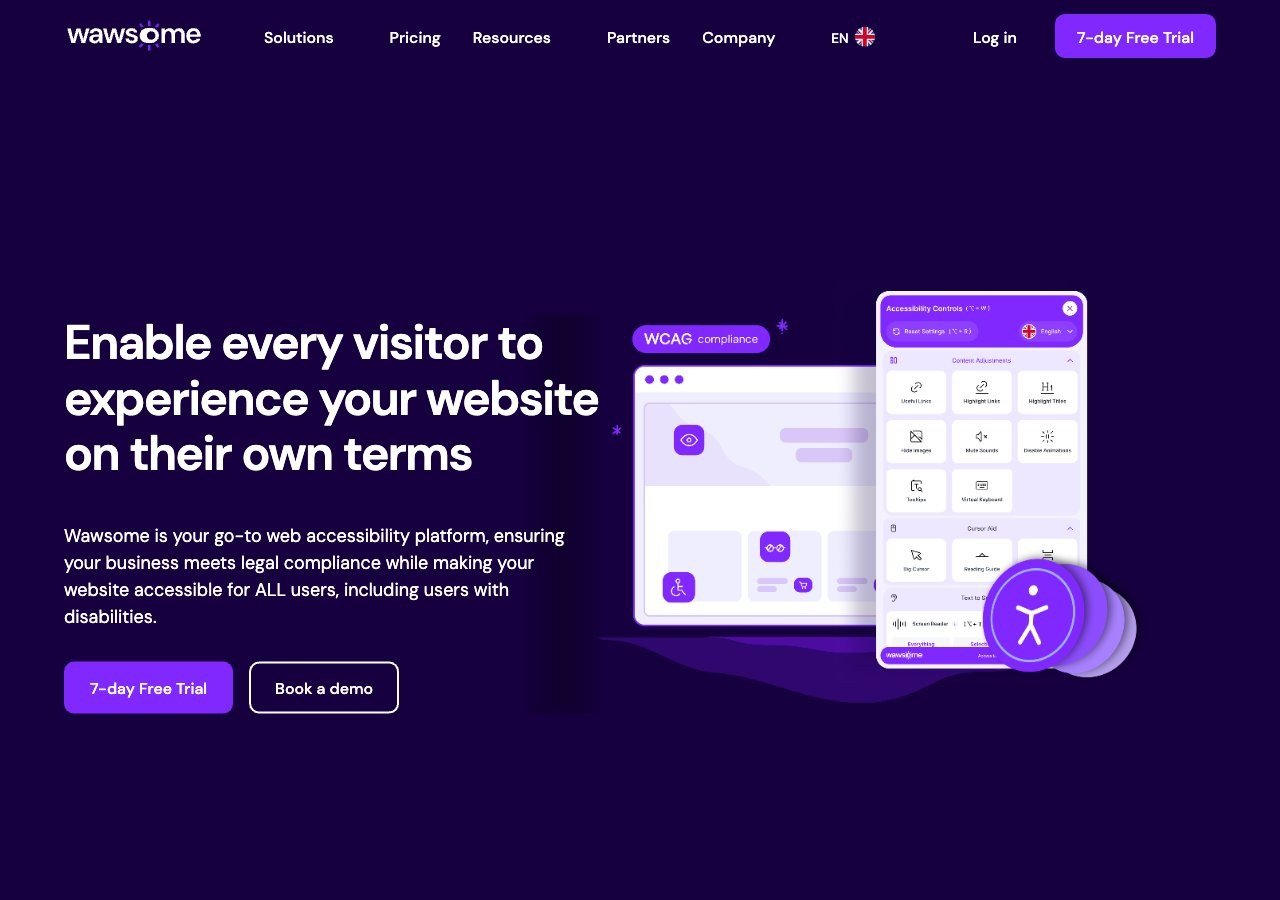
Worth the look for nonprofits based in or serving the EU, especially ones planning to grow: the 7-day free trial covers the AI-assisted widget, monitoring and manual checker together, and EAA and EN 301 549 mapping matters if EU public funding or partnerships are involved.
View pros & cons
Pros
- Publishes exact widget and monitoring prices on its site rather than hiding them behind a sales call
- Pairs the widget with a separate continuous-monitoring product and a human-reviewed accessibility checker instead of automation alone
- Explicit EAA and EN 301 549 mapping across multiple EU markets, ahead of most US-headquartered competitors on European regulation
- One-line JavaScript install with native Shopify, WordPress and Google Tag Manager support
Cons
- Requires a separate paid subscription for each subdomain, which can raise the effective cost for sites split across shop./blog./app. style subdomains
- Newer, smaller vendor with little independent review history on sites like G2 or Capterra compared to established competitors
- Like all overlay-widget products, an AI-adjusted layer cannot substitute for full manual code remediation on complex sites
- Enterprise-tier pricing for the widget and monitor is not published and requires contacting sales
Starting at From EUR 23.75/mo (billed yearly) or EUR 29.90/mo (billed monthly) for the Starter widget plan, up to 100k monthly page views; a separate Accessibility Monitor product starts at EUR 27.90-34.90/mo for 50 pages
-

A sensible middle ground thanks to its free tier for smaller sites and wide plugin support for common nonprofit site builders, with paid tiers available if the organization later needs more automated coverage.
View pros & cons
Pros
- Genuine free tier for small sites, alongside paid plans, unusual among established widget vendors
- Very large independent review base: 4.8/5 average across roughly 650+ G2 reviews
- Large plugin ecosystem across Shopify, WordPress, Wix and other platforms
- AI-powered image recognition for automated alt text generation
Cons
- Faced a class-action lawsuit (BloomsyBox v. UserWay, filed 2024) alleging false advertising about the widget's ability to ensure ADA compliance; a magistrate judge let the core claims proceed in February 2026
- UserWay's own pricing page does not publish figures; specific tier prices come from third-party trackers, not the vendor directly
- G2 reviewers frequently note pricing is on the higher end versus alternatives, and want clearer coverage information
- As with any overlay widget, the tool doesn't achieve full compliance on its own and complex issues still need developer work
Starting at Free tier available; paid Accessibility Widget Pro starts around $69/mo, with Pro Plus around $169/mo and Ultimate around $359/mo (per third-party pricing trackers, since UserWay's own pricing page does not display figures)
How we ranked these
Given how tight nonprofit budgets typically are, we ranked primarily on cost of entry and ease of setup without a developer on staff, then on standards relevance. Accessi+ ranks first for being consistently low-cost and simple to install; Wawsome ranks second on the strength of its free trial and EU compliance mapping, which matters for nonprofits with European donors, grants or partners; UserWay rounds out the list as a widely recognized, genuinely free-tier option for the smallest organizations.
Where to focus limited budget
If a nonprofit can only fix one thing, the donation form deserves priority: an accessibility barrier there directly costs the organization revenue and excludes the donors and volunteers the mission is meant to serve. A 2026 WebAIM Million report found 95.9% of home pages had at least one detectable WCAG failure, so even a well-intentioned nonprofit site is statistically likely to have real issues worth addressing beyond just installing a widget.
Grant applications and funder expectations
Some grant-making organizations and government funding programs now ask about digital accessibility as part of an application or reporting process, particularly for nonprofits receiving public funds or applying for EU grants where accessibility is increasingly a stated priority. Even a modest, documented step, installing a widget and publishing an accessibility statement describing what’s been done and what’s planned, can be worth more in a grant application than having done nothing, and it’s a reasonable low-cost way for a resource-constrained nonprofit to show genuine effort rather than needing a full remediation program before applying. Check what your specific funders actually ask for before over-investing here, since requirements vary widely and a nonprofit shouldn’t assume every funder cares equally about this.
Volunteer and staff capacity is usually the real constraint
Budget gets most of the attention in nonprofit accessibility conversations, but staff time is often the tighter constraint: a small nonprofit may have the few hundred dollars a year for a widget subscription but not the staff hours to review a full manual audit report, prioritize fixes, and coordinate with a developer. That’s a reasonable argument for leaning more heavily on a widget that requires minimal ongoing maintenance (install once, let it run) over a manual audit that generates a long list of fixes someone then has to actually implement. As the organization grows and can dedicate more staff time to the site, a fuller audit becomes more worthwhile.
Multi-site and chapter-based nonprofits
Larger nonprofits with regional chapters or affiliate sites face a scaled-down version of the same licensing question enterprise buyers deal with: does the national organization’s subscription cover chapter sites, or does each chapter need its own plan. This is worth clarifying with a vendor directly before assuming one subscription covers a federated structure, since the answer varies and can meaningfully change the real cost for a nonprofit network compared to a single independent organization.
Events, fundraising pages and seasonal campaigns
Nonprofits often run time-limited campaign pages: a giving-day fundraiser, an annual gala registration form, a seasonal awareness campaign. These pages are frequently built quickly, sometimes by staff or volunteers without much web development background, and they carry the same accessibility risk as any other page while getting less scrutiny because they’re temporary. A widget that applies automatically to new pages as they’re published, rather than requiring manual reconfiguration each time, is genuinely useful here, since a nonprofit rarely has the staff time to individually check every new campaign page before it goes live.
Read next
Our full roundup of free and low-cost accessibility tools covers more budget-focused options beyond these three, useful if none of these are quite the right fit.