




Public-sector sites carry accessibility obligations that go beyond what most private businesses face: formal standards mapping, procurement documentation, and often legally mandated audits on a recurring schedule. Government and public-body budgets and procurement processes also work differently than a typical business buying a widget off a pricing page. We ranked five providers with that context in mind, weighted more toward documented standards compliance and audit depth than toward speed of installation alone.
How we ranked
We prioritized explicit mapping to the standard that actually applies to public bodies in each region (EN 301 549 and country-specific rules like BITV or the Stanca Act in the EU, Section 508 in the US), whether formal documentation like audits or VPATs is a standard part of the offering, and depth of public-sector-specific experience rather than general enterprise experience.
-

Marketed heavily around German public-sector requirements specifically, pairing its Assist widget with a documented audit process built for BITV 2.0 alongside the EAA.
View pros & cons
Pros
- Deep specialization in German BITV 2.0 public-sector procurement requirements alongside the wider EAA
- Combines the Assist widget with a documented, standby expert team for troubleshooting rather than automation alone
- GDPR-compliant by design and reviewers note installation takes only minutes
- Independent reviewers give it a solid 4.4/5 overall expert score
Cons
- Pricing is no longer published anywhere on its site; every quote requires a demo or sales call
- Independent reviewers explicitly describe it as "quite expensive" relative to comparable widgets
- No live chat support, only phone, email and contact forms
- Public review volume is limited, so independent sentiment data is thinner than for larger competitors
Starting at Pricing not published - Eye-Able no longer lists prices on its site and requires a demo or sales call for a quote
-
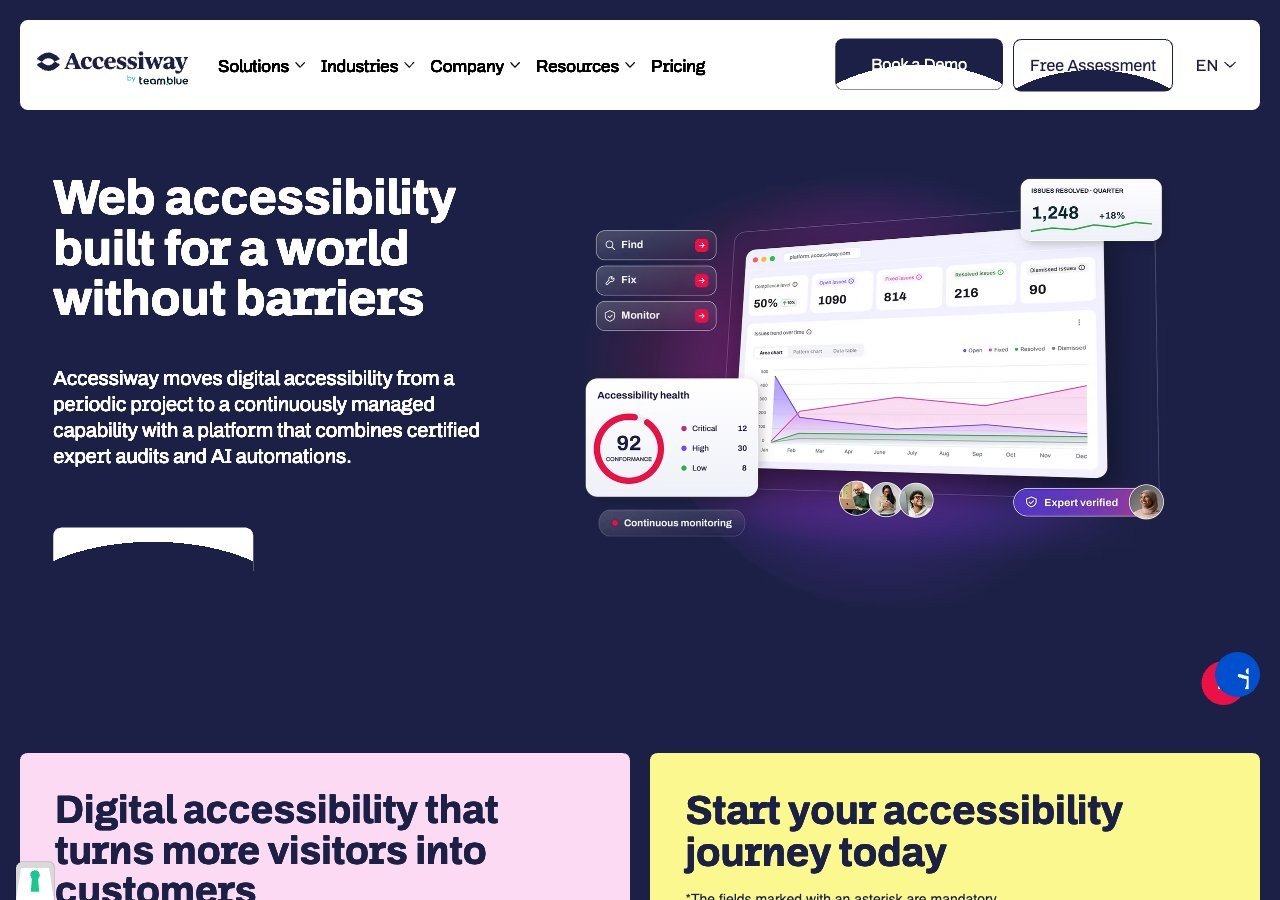
Deep, specific experience with Italy's Stanca Act, the public-sector accessibility law that predates and now works alongside the EAA, plus consulting and staff training many public bodies require.
View pros & cons
Pros
- Publishes exact widget pricing by page-volume tier, unlike most audit-and-widget competitors
- Combines the widget with expert manual audits, remediation guidance and litigation support rather than automation alone
- Deep specialization in Italian public-sector law (the Stanca Act) alongside EAA and EN 301 549
- Reviewers on G2 consistently mention responsive, hands-on support during setup
Cons
- Platform (audit/monitoring) tier pricing is not published and requires a custom quote
- Very small public review base (single digits on G2), so independent sentiment is thin compared to larger competitors
- Primarily marketed to the Italian and broader EU market, with less name recognition elsewhere
- As with any overlay widget, automated fixes cannot resolve every structural accessibility issue on complex sites
Starting at Widget from EUR 490/yr (Standard, up to 1,000 pages), rising to EUR 1,490/yr and EUR 3,490/yr for higher page limits; the Accessiway Platform (audit/monitoring) tiers are quoted individually and not published
-

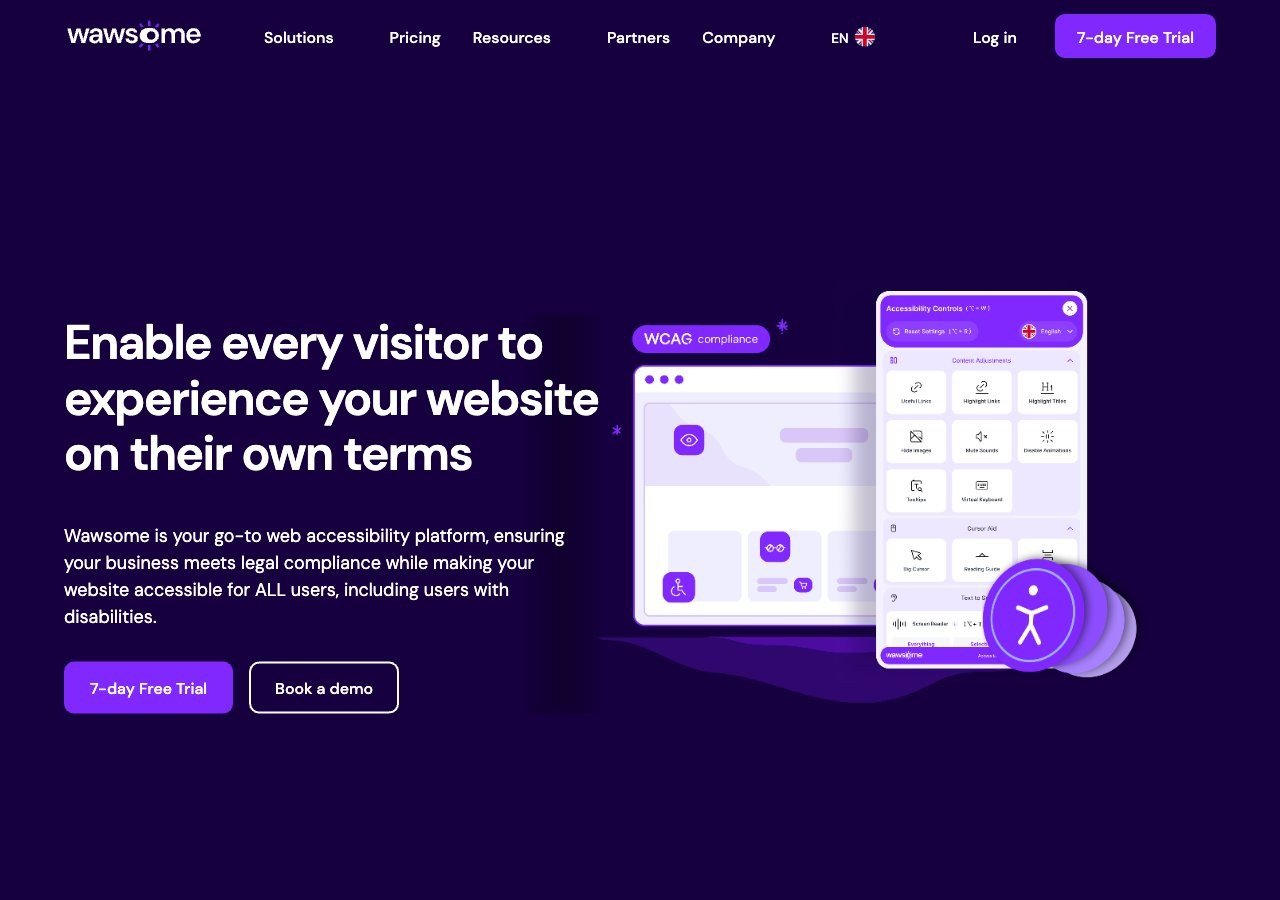
Strong EAA and EN 301 549 mapping across multiple EU markets, with a bundled manual checker giving smaller public institutions a documented human-reviewed baseline without a separate audit engagement.
View pros & cons
Pros
- Publishes exact widget and monitoring prices on its site rather than hiding them behind a sales call
- Pairs the widget with a separate continuous-monitoring product and a human-reviewed accessibility checker instead of automation alone
- Explicit EAA and EN 301 549 mapping across multiple EU markets, ahead of most US-headquartered competitors on European regulation
- One-line JavaScript install with native Shopify, WordPress and Google Tag Manager support
Cons
- Requires a separate paid subscription for each subdomain, which can raise the effective cost for sites split across shop./blog./app. style subdomains
- Newer, smaller vendor with little independent review history on sites like G2 or Capterra compared to established competitors
- Like all overlay-widget products, an AI-adjusted layer cannot substitute for full manual code remediation on complex sites
- Enterprise-tier pricing for the widget and monitor is not published and requires contacting sales
Starting at From EUR 23.75/mo (billed yearly) or EUR 29.90/mo (billed monthly) for the Starter widget plan, up to 100k monthly page views; a separate Accessibility Monitor product starts at EUR 27.90-34.90/mo for 50 pages
-
The deepest track record here in formal audits, VPATs and standards work, well suited to larger public agencies, particularly in the US where Section 508 compliance documentation is often a procurement requirement.
View pros & cons
Pros
- axe-core, the free open-source engine Deque built and maintains, has been downloaded billions of times and underpins many competitors' own scanners
- Broadest standards coverage of any tool reviewed here: WCAG 2.0 through 2.2, Section 508 and EN 301 549, plus deep involvement in W3C standards work
- Reviewers report a very low false-positive rate compared to other automated scanners
- CI/CD and IDE integrations let engineering teams catch issues before code ships, rather than only after launch
Cons
- No consumer-facing overlay widget, so it doesn't offer the quick, no-developer-needed fix that widget vendors sell
- Pro and Enterprise pricing is not published; reported per-developer seat costs (roughly $1,250/yr for Pro, per third-party trackers) can add up for larger teams
- axe Monitor and axe Auditor are sold as separate line items on top of DevTools, adding cost and complexity
- Automated testing (including axe-core) only catches a minority of WCAG issues by design; full coverage still requires the paid manual-audit services
Starting at axe-core: free (open source). axe DevTools Extension: free tier available, with a Pro seat reported by third-party pricing trackers at roughly $1,250/yr per developer. axe Monitor and full axe DevTools for Web/Enterprise pricing is not published - contact sales
-
Specializes in large-scale document and PDF remediation, which matters enormously for public bodies that publish huge volumes of forms, reports and notices, alongside a strong existing higher-education and government client base.
View pros & cons
Pros
- One of the largest dedicated PDF and document remediation operations, with a long track record in higher-education and public-sector accessibility work
- Combines large-scale human remediation with a newer AI-assisted PDF remediation product (launched 2025) rather than automation alone
- Offers a free trial of its CommonLook PDF software for teams that want to remediate documents in-house
- Broad standards coverage including PDF/UA, a standard many widget-only vendors don't address
Cons
- No pricing published anywhere on its site; per-page and per-project costs must be requested from sales
- Per-page, variable pricing can make total cost hard to predict for large or ongoing document volumes
- Geographic focus is primarily North America, with less presence in EU-specific programs than European rivals
- Positioned as a document/PDF specialist rather than a full website widget or continuous monitoring product
Starting at Pricing not published - contact sales; a free trial is available for the CommonLook PDF software line
Why standards mapping matters more here than elsewhere
A private business can often get away with a general accessibility statement and a good-faith effort. Public bodies usually can’t. In the EU, EN 301 549, which fully incorporates WCAG 2.1 AA, is the actual technical bar, and country-level laws like Germany’s BITV 2.0 or Italy’s Stanca Act layer additional specific requirements on top. In the US, Section 508 sets a comparable bar for federal and many state agencies. A vendor that can name the exact standard it maps to, rather than gesturing at “accessibility best practices,” is doing the more useful and honest work for this specific audience.
Documents are a bigger deal for government sites
Government and public-body websites tend to carry an unusually large volume of PDFs: forms, meeting minutes, budget documents, public notices. That’s a category most consumer-facing widgets don’t touch at all, which is exactly why Allyant, a specialist in large-scale document and PDF remediation, earns a spot on a public-sector list even though it wouldn’t fit a general small-business roundup. If your public body’s biggest accessibility gap is buried in a document archive rather than the site’s HTML, that’s worth weighting more heavily than which widget looks nicest in the corner of the screen.
Read next
Our guide to EN 301 549 explains the standard behind most EU public-sector requirements in full, and our guide to Section 508 covers the equivalent US framework.