




Automated scanning is fast and cheap, and it’s also structurally limited: a script can tell you contrast is too low, but it can’t tell you whether your alt text actually describes the image, or whether a screen reader user can make sense of a multi-step form. That’s the gap manual auditing exists to close. We ranked five providers here, from dedicated audit specialists to widget vendors that bundle a genuine manual component into their subscription.
How we ranked
We weighted depth and track record of expert-led manual audit work, whether formal documentation like VPATs comes standard, breadth of standards covered (WCAG, EN 301 549, Section 508, PDF/UA where relevant), and, for the widget vendors on this list, whether manual review is a real bundled feature rather than a marketing line.
-
Built axe-core, the open-source engine that underpins automated testing across much of the industry, and pairs it with expert-led manual audits, VPAT documentation and training, making it the deepest audit pedigree on this list.
View pros & cons
Pros
- axe-core, the free open-source engine Deque built and maintains, has been downloaded billions of times and underpins many competitors' own scanners
- Broadest standards coverage of any tool reviewed here: WCAG 2.0 through 2.2, Section 508 and EN 301 549, plus deep involvement in W3C standards work
- Reviewers report a very low false-positive rate compared to other automated scanners
- CI/CD and IDE integrations let engineering teams catch issues before code ships, rather than only after launch
Cons
- No consumer-facing overlay widget, so it doesn't offer the quick, no-developer-needed fix that widget vendors sell
- Pro and Enterprise pricing is not published; reported per-developer seat costs (roughly $1,250/yr for Pro, per third-party trackers) can add up for larger teams
- axe Monitor and axe Auditor are sold as separate line items on top of DevTools, adding cost and complexity
- Automated testing (including axe-core) only catches a minority of WCAG issues by design; full coverage still requires the paid manual-audit services
Starting at axe-core: free (open source). axe DevTools Extension: free tier available, with a Pro seat reported by third-party pricing trackers at roughly $1,250/yr per developer. axe Monitor and full axe DevTools for Web/Enterprise pricing is not published - contact sales
-
One of the largest dedicated document and PDF remediation operations in the industry, combining large-scale manual document audit work with broader digital accessibility consulting for enterprise and public-sector clients.
View pros & cons
Pros
- One of the largest dedicated PDF and document remediation operations, with a long track record in higher-education and public-sector accessibility work
- Combines large-scale human remediation with a newer AI-assisted PDF remediation product (launched 2025) rather than automation alone
- Offers a free trial of its CommonLook PDF software for teams that want to remediate documents in-house
- Broad standards coverage including PDF/UA, a standard many widget-only vendors don't address
Cons
- No pricing published anywhere on its site; per-page and per-project costs must be requested from sales
- Per-page, variable pricing can make total cost hard to predict for large or ongoing document volumes
- Geographic focus is primarily North America, with less presence in EU-specific programs than European rivals
- Positioned as a document/PDF specialist rather than a full website widget or continuous monitoring product
Starting at Pricing not published - contact sales; a free trial is available for the CommonLook PDF software line
-

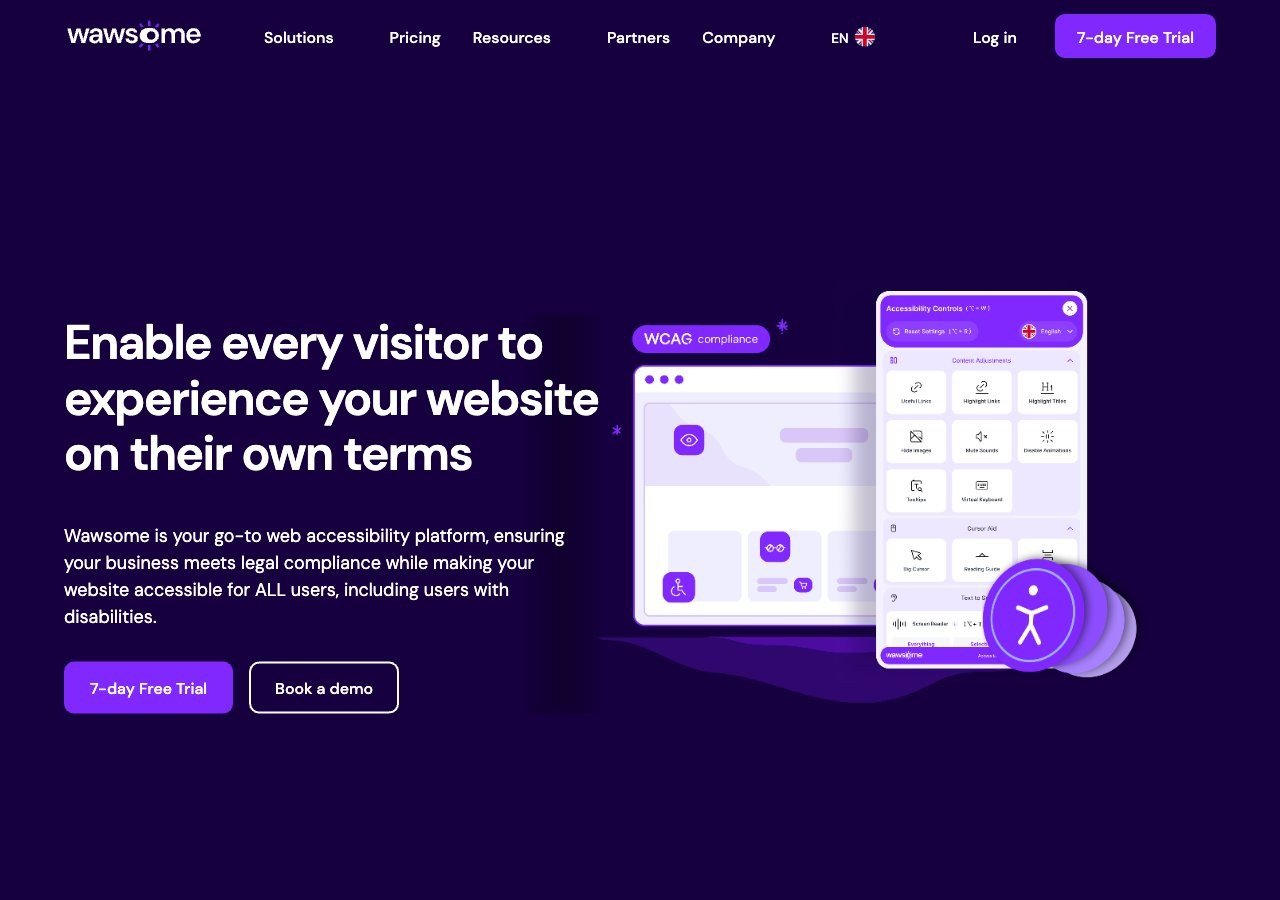
Bundles a human-reviewed manual checker directly into its widget-plus-monitoring subscription, giving smaller teams access to a real manual baseline without a separate audit engagement, though it isn't a substitute for a dedicated multi-week enterprise audit.
View pros & cons
Pros
- Publishes exact widget and monitoring prices on its site rather than hiding them behind a sales call
- Pairs the widget with a separate continuous-monitoring product and a human-reviewed accessibility checker instead of automation alone
- Explicit EAA and EN 301 549 mapping across multiple EU markets, ahead of most US-headquartered competitors on European regulation
- One-line JavaScript install with native Shopify, WordPress and Google Tag Manager support
Cons
- Requires a separate paid subscription for each subdomain, which can raise the effective cost for sites split across shop./blog./app. style subdomains
- Newer, smaller vendor with little independent review history on sites like G2 or Capterra compared to established competitors
- Like all overlay-widget products, an AI-adjusted layer cannot substitute for full manual code remediation on complex sites
- Enterprise-tier pricing for the widget and monitor is not published and requires contacting sales
Starting at From EUR 23.75/mo (billed yearly) or EUR 29.90/mo (billed monthly) for the Starter widget plan, up to 100k monthly page views; a separate Accessibility Monitor product starts at EUR 27.90-34.90/mo for 50 pages
-
 Best Value
EqualWeb
Sells manual remediation and auditing as a distinct paid service across a wide range of tiers, a flexible entry point for organizations that want a human review without committing to a large enterprise contract.
View pros & cons
Pros
- Publishes exact pricing for every self-serve tier, from a $39/mo entry plan up to a 100,000-page Huge tier, unusual transparency for this category
- Wide standards coverage including WCAG 2.1, ADA, Section 508, EN 301 549 and EAA in one product
- Strong independent review record: 4.6/5 average across roughly 43 G2 reviews, with reviewers repeatedly citing responsive human support
- Offers manual remediation and audits as a distinct paid add-on rather than selling automation as a complete fix
Cons
- Multiple G2 reviewers say the entry pricing is still hard for very small organizations to sustain long-term
- Some reviewers describe the management dashboard's UI/UX as dated or hard to navigate
- The Managed tier with expert remediation is quoted individually rather than published
- As with any overlay widget, achieving full legal compliance depends on more than the automated layer, something reviewers explicitly flag
Starting at From $39/mo ($390/yr) for the Small widget tier, up to 100 pages; Medium is $49/mo, Large $109/mo, Huge $169/mo, with a custom-quoted Managed tier that adds expert remediation
-

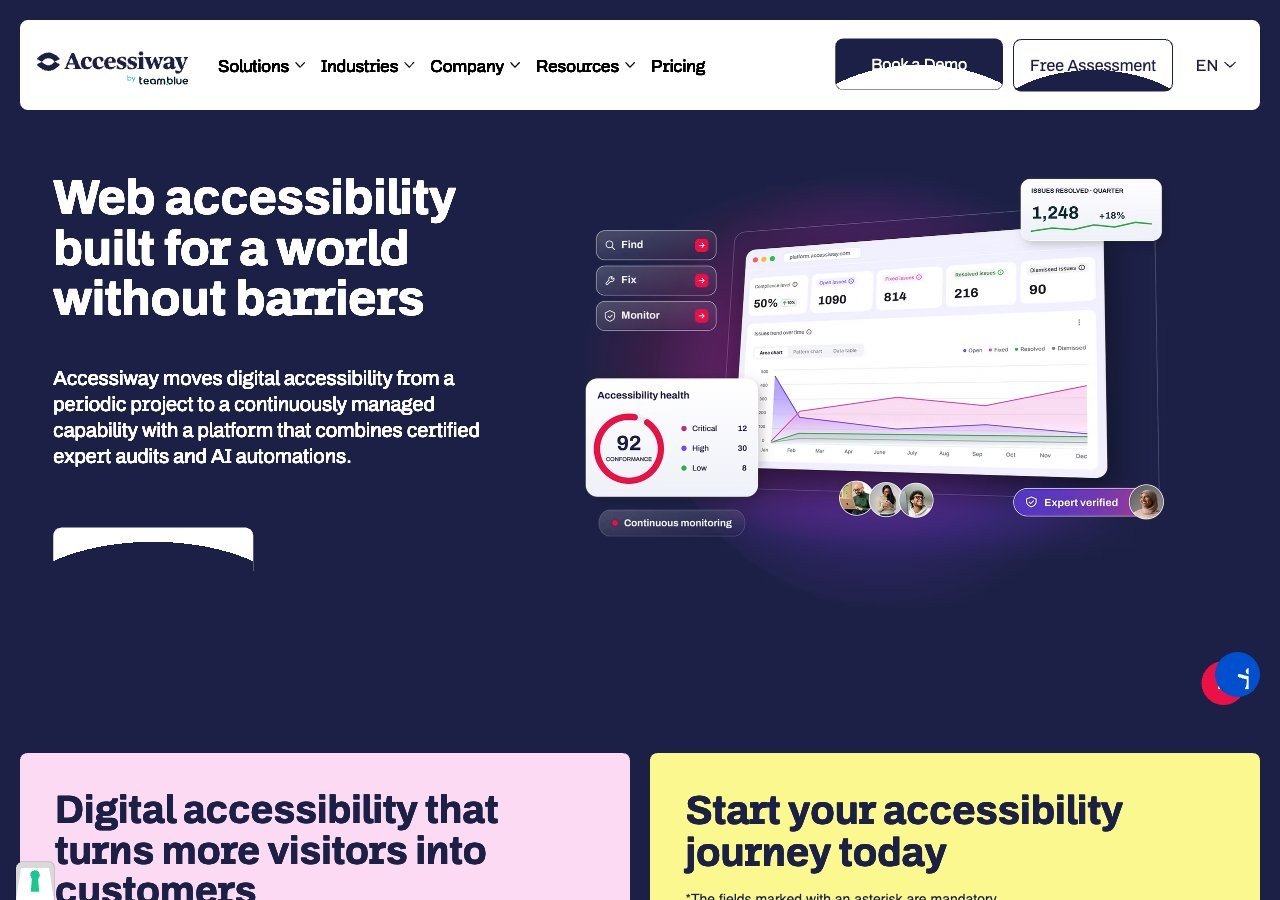
Combines manual audits with consulting and staff training, with genuine depth specifically on Italian and broader EU public-sector accessibility requirements.
View pros & cons
Pros
- Publishes exact widget pricing by page-volume tier, unlike most audit-and-widget competitors
- Combines the widget with expert manual audits, remediation guidance and litigation support rather than automation alone
- Deep specialization in Italian public-sector law (the Stanca Act) alongside EAA and EN 301 549
- Reviewers on G2 consistently mention responsive, hands-on support during setup
Cons
- Platform (audit/monitoring) tier pricing is not published and requires a custom quote
- Very small public review base (single digits on G2), so independent sentiment is thin compared to larger competitors
- Primarily marketed to the Italian and broader EU market, with less name recognition elsewhere
- As with any overlay widget, automated fixes cannot resolve every structural accessibility issue on complex sites
Starting at Widget from EUR 490/yr (Standard, up to 1,000 pages), rising to EUR 1,490/yr and EUR 3,490/yr for higher page limits; the Accessiway Platform (audit/monitoring) tiers are quoted individually and not published
What automation misses, in numbers
The 2026 WebAIM Million study found that 95.9% of home pages had at least one detectable WCAG 2 failure, up from 94.8% the year before, with an average of 56.1 errors per page, a 10.1% increase over 2025. Those are the failures automated tools can actually detect. Plenty of real barriers, confusing form logic, a heading structure that doesn’t match the visual layout, an interaction that only makes sense visually, require a human to catch at all. That’s the case for manual auditing regardless of which vendor you use for automated coverage.
Dedicated auditors versus bundled checkers
There’s a real difference between a provider whose entire business is manual audit work, like Deque or Allyant, and a widget vendor that bundles a manual checker as one feature among several, like Wawsome or EqualWeb. Neither is automatically the “better” choice. A dedicated auditor typically goes deeper on a single, scoped engagement and produces more formal documentation, which matters for procurement or legal purposes. A bundled checker gives an ongoing, lower-cost manual baseline that’s genuinely useful for smaller teams that can’t justify a standalone audit contract but still want more than pure automation.
Read next
If you’re deciding between these two paths altogether, our guide comparing an accessibility widget to a manual audit lays out when each approach actually fits your situation.