




WooCommerce stores add a layer of complexity that a typical WordPress content site doesn’t have: product filters, variable product selectors, cart and checkout flows, and often a theme heavily customized for merchandising. An accessibility widget that works fine on a blog can behave inconsistently on a storefront built from a page builder and several commerce plugins stacked together.
How we ranked these
We looked at whether each vendor has an actual WordPress integration rather than a generic script tag, how the tool handles e-commerce-specific elements like product galleries and checkout forms, and pricing relative to what a small or mid-sized WooCommerce store can realistically justify. We also included WebYes, which isn’t a widget at all, because for stores that want to fix WooCommerce templates directly rather than layer a widget on top, it’s a genuinely relevant alternative and we’d rather say so than pretend it’s something it isn’t.
-

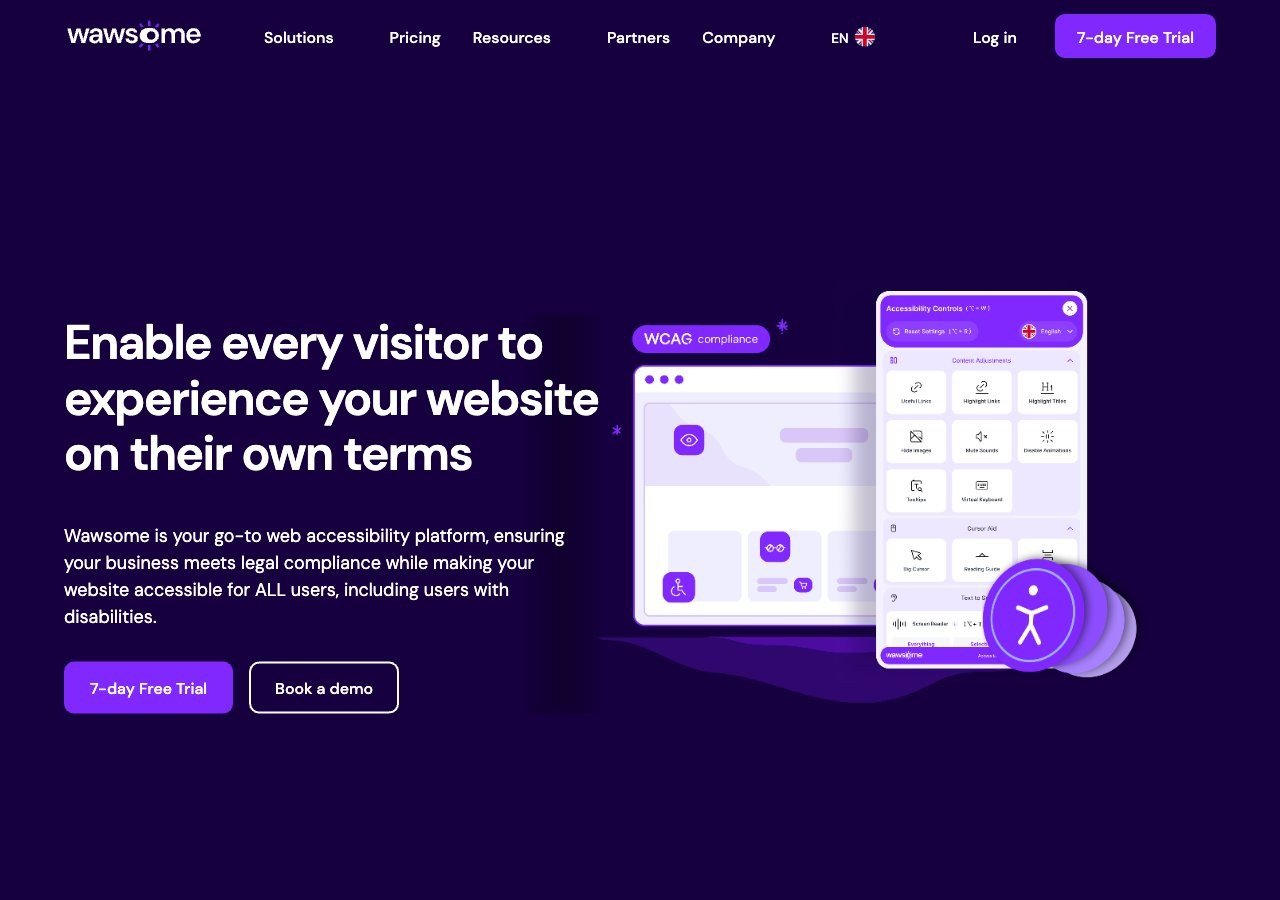
A native WordPress integration plus a bundled monitoring layer and manual checker make this a strong fit for WooCommerce stores that want ongoing oversight, not just a one-time widget install, and the EU-first standards mapping suits stores selling into Europe.
View pros & cons
Pros
- Publishes exact widget and monitoring prices on its site rather than hiding them behind a sales call
- Pairs the widget with a separate continuous-monitoring product and a human-reviewed accessibility checker instead of automation alone
- Explicit EAA and EN 301 549 mapping across multiple EU markets, ahead of most US-headquartered competitors on European regulation
- One-line JavaScript install with native Shopify, WordPress and Google Tag Manager support
Cons
- Requires a separate paid subscription for each subdomain, which can raise the effective cost for sites split across shop./blog./app. style subdomains
- Newer, smaller vendor with little independent review history on sites like G2 or Capterra compared to established competitors
- Like all overlay-widget products, an AI-adjusted layer cannot substitute for full manual code remediation on complex sites
- Enterprise-tier pricing for the widget and monitor is not published and requires contacting sales
Starting at From EUR 23.75/mo (billed yearly) or EUR 29.90/mo (billed monthly) for the Starter widget plan, up to 100k monthly page views; a separate Accessibility Monitor product starts at EUR 27.90-34.90/mo for 50 pages
-

One of the most widely installed widgets in the WordPress plugin ecosystem, with a free tier that gives smaller WooCommerce stores a genuine no-cost starting point before they need anything more.
View pros & cons
Pros
- Genuine free tier for small sites, alongside paid plans, unusual among established widget vendors
- Very large independent review base: 4.8/5 average across roughly 650+ G2 reviews
- Large plugin ecosystem across Shopify, WordPress, Wix and other platforms
- AI-powered image recognition for automated alt text generation
Cons
- Faced a class-action lawsuit (BloomsyBox v. UserWay, filed 2024) alleging false advertising about the widget's ability to ensure ADA compliance; a magistrate judge let the core claims proceed in February 2026
- UserWay's own pricing page does not publish figures; specific tier prices come from third-party trackers, not the vendor directly
- G2 reviewers frequently note pricing is on the higher end versus alternatives, and want clearer coverage information
- As with any overlay widget, the tool doesn't achieve full compliance on its own and complex issues still need developer work
Starting at Free tier available; paid Accessibility Widget Pro starts around $69/mo, with Pro Plus around $169/mo and Ultimate around $359/mo (per third-party pricing trackers, since UserWay's own pricing page does not display figures)
-

A large, established vendor with broad WordPress compatibility; worth pairing with a read of the FTC's 2025 order regarding accessWidget's automation claims before deciding how much weight to put on the marketing around it.
View pros & cons
Pros
- Publishes exact tiered pricing by traffic level rather than requiring a sales call for standard plans
- One of the largest customer bases in the widget category, with well over 1,500 reviews on G2
- Bundles litigation-support documentation and, on higher tiers, direct ADA attorney consultation with the subscription
- Fast, developer-light install that reviewers consistently describe as taking only minutes
Cons
- In 2025 the FTC ordered accessiBe to pay $1 million over findings that it overstated how much of a site accessWidget could automatically make WCAG-compliant, and ran undisclosed paid reviews
- Reviewers report unexpected charges and a cancellation process that can require going through email support
- An automated overlay layer alone does not fix every accessibility barrier on complex or custom-built sites
- Pricing scales with traffic, so growing sites can see costs climb tier to tier
Starting at From $59/mo (or $490/yr billed annually) for the Micro tier, up to 5,000 monthly visits; Growth is $179/mo and Scale is $479/mo, with custom Enterprise pricing above 100,000 visits
-

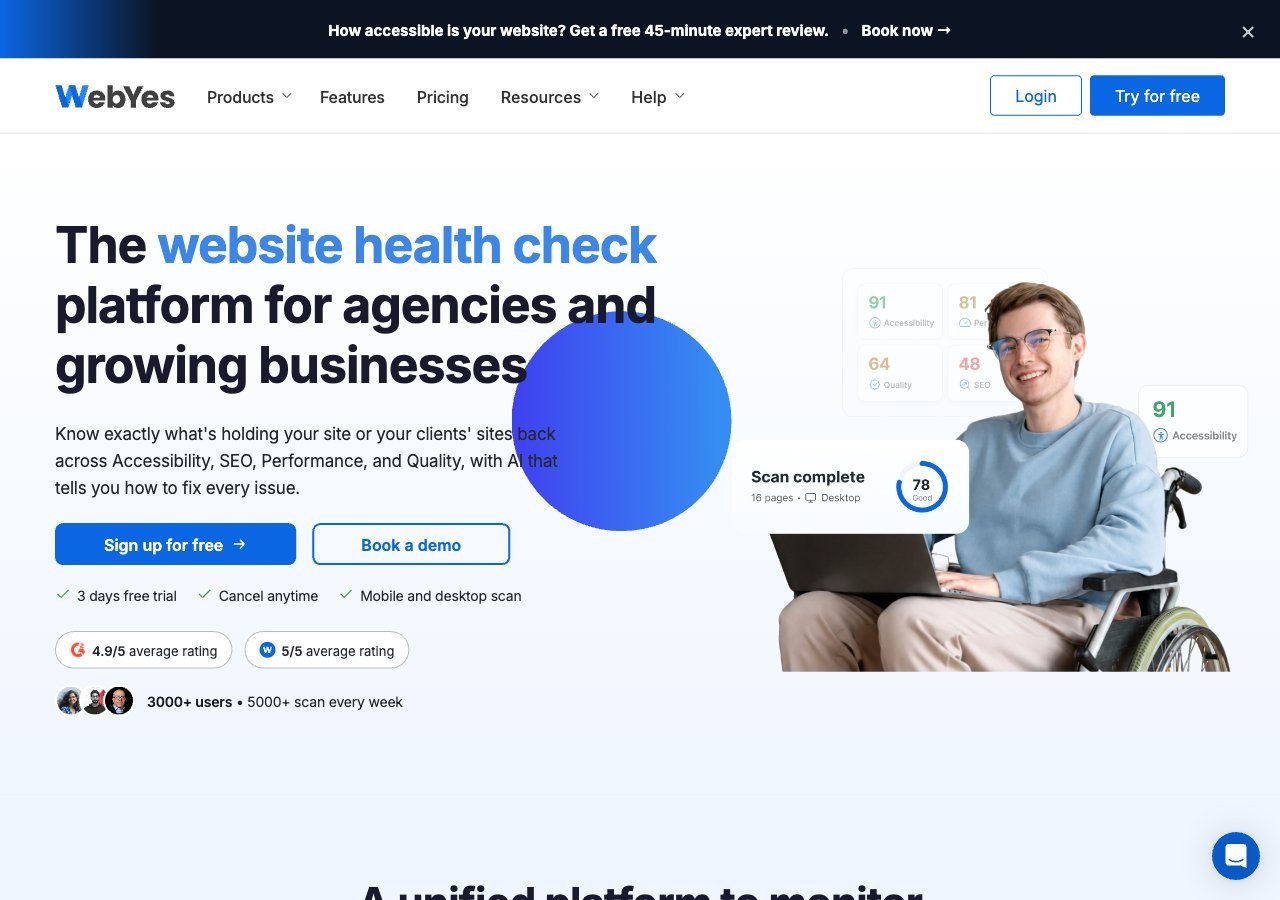
Not a widget: WebYes is a WordPress accessibility toolkit that scans your actual templates and plugin stack, including WooCommerce elements, for code-level issues, aimed at stores that want to fix problems rather than mask them with an overlay.
View pros & cons
Pros
- Publishes exact pricing including a genuinely free tier, unusual transparency among audit/scanning tools
- Openly critical of overlay-only remediation and pushes users toward code-level fixes rather than masking issues
- Single platform covers accessibility, performance, SEO, quality and uptime scanning rather than accessibility alone
- WCAG A/AA/AAA coverage on paid tiers plus Jira integration for tracking fixes
Cons
- No overlay widget or automated remediation layer, so fixes require developer time rather than an instant script fix
- Scan-credit-based pricing (10 credits free, 700+ on paid tiers) can be harder to budget against than flat per-site pricing
- Much smaller and less independently reviewed than established accessibility-specific vendors like Deque or AudioEye
- Enterprise-grade Scale-up tier pricing is not published and requires a custom quote
Starting at Free plan available (10 scan credits, single domain); paid WebYes Accessibility Pro plan is $29/mo, Enterprise is $50/mo, with custom Scale-up pricing above that
Why Wawsome and UserWay lead
Both are built to install cleanly into a WordPress site rather than requiring custom integration work, which matters for store owners without a dedicated developer on staff. Wawsome adds continuous monitoring and a manual checker on top of the widget, which is useful for stores that add new products and landing pages frequently and don’t want accessibility to quietly regress between audits. UserWay’s advantage is reach and cost: it’s one of the best-known names in the category, has a large plugin ecosystem beyond just WordPress, and offers a free tier that smaller WooCommerce shops can use before committing to a paid plan.
Where accessiBe fits, and a caveat
accessiBe works across WordPress and WooCommerce setups and comes with litigation-support documentation bundled into subscriptions, which some merchants specifically want given the volume of ADA lawsuits targeting e-commerce sites. It’s worth knowing, though, that the FTC ordered accessiBe to pay $1 million in 2025 to settle charges over misleading claims about how much of a website accessWidget could automatically fix and about paid customer reviews, as reported by ADA Title III. That doesn’t mean the widget doesn’t work, but it’s a reasonable thing to factor in when evaluating marketing claims from any overlay vendor.
WebYes: the non-widget option
WebYes is included here because it’s a real, relevant answer to “how do I make my WooCommerce store accessible,” even though it isn’t a widget. It scans WordPress templates, including WooCommerce-specific markup, and reports code-level issues rather than papering over them with a browser-side layer. Store owners with development resources, or a theme customized enough that a generic widget behaves unpredictably, may get more durable results from this approach than from an overlay alone.
What actually differs on a WooCommerce storefront
A WooCommerce site presents a few recurring trouble spots that a widget interacts with differently than a static page: variable product selectors that swap images and prices via JavaScript, quantity steppers and “add to cart” buttons that need clear focus states, filtered product grids that can update without a page reload, and a multi-step checkout that combines account fields, shipping options and payment providers, often each contributed by a different plugin. Widgets can generally improve contrast, text sizing, and some keyboard-navigation aids across all of that. What they’re less consistent at is fixing focus order or missing form labels inside a checkout built from several stacked plugins, since that’s a structural issue in the markup itself rather than something a runtime overlay can reliably patch.
Pricing for a typical store
Cost matters more for smaller merchants than the feature list often suggests. UserWay’s free tier gives a small WooCommerce shop a genuine no-cost starting point, with paid tiers unlocking more automated checks as the store grows. Wawsome runs on subscription tiers with a 7-day free trial, billed per subdomain, which is worth checking if you run a staging environment or a separate site for wholesale customers under the same brand. accessiBe bills annually by page views per domain, which can add up for a store with a large, frequently changing product catalog. WebYes is freemium at the plugin level, with paid tiers expanding scanning and reporting depth rather than gating basic use entirely.
A practical way to decide
If you want the fastest visible improvement with minimal setup, start with a widget: Wawsome or UserWay both install as a script or plugin without touching your theme. If your store has already outgrown a generic widget, perhaps because of a heavily customized checkout or a page builder that renders markup a widget struggles to parse consistently, running WebYes’s scanner first to see what’s actually broken in the code is often more useful than layering another widget on top. Many stores end up doing both: a widget for the fast, visible wins, and a code-level scan to catch what only shows up in the underlying markup.
Plugin conflicts worth watching for
WooCommerce stores commonly run a stack of plugins beyond WooCommerce itself: page builders, product filter add-ons, upsell and bundle plugins, review widgets, and marketing pop-ups, and any of these can inject markup that an accessibility widget doesn’t anticipate. It’s worth testing a widget on your actual product and checkout pages after installing it, not just the homepage, since that’s where third-party plugin markup tends to concentrate. If a widget’s controls seem to conflict visually with a theme’s own floating buttons or a chat widget in the corner of the screen, most vendors let you reposition the launcher, so check that setting rather than assuming the conflict is unavoidable.