




WordPress runs a huge share of the web, which means it also runs a huge share of the accessibility problems WebAIM and others keep documenting year after year. The good news is that WordPress’s plugin ecosystem makes fixing at least some of that unusually easy compared with a hand-built site. We looked at five tools with real WordPress footprints, from full overlay-and-monitoring bundles to a plugin that takes the opposite approach and pushes for code-level fixes instead.
How we ranked
We weighted the quality of the actual WordPress integration (plugin versus generic script tag), whether monitoring or manual review is bundled, cost relative to what a typical WordPress site’s budget can bear, and how transparent each vendor is about what its automation can and cannot fix on a WordPress theme.
-

A native WordPress integration paired with continuous monitoring and a manual checker, so a site owner gets more than a static overlay: real tracking of what changes as the theme, plugins or content update.
View pros & cons
Pros
- Publishes exact widget and monitoring prices on its site rather than hiding them behind a sales call
- Pairs the widget with a separate continuous-monitoring product and a human-reviewed accessibility checker instead of automation alone
- Explicit EAA and EN 301 549 mapping across multiple EU markets, ahead of most US-headquartered competitors on European regulation
- One-line JavaScript install with native Shopify, WordPress and Google Tag Manager support
Cons
- Requires a separate paid subscription for each subdomain, which can raise the effective cost for sites split across shop./blog./app. style subdomains
- Newer, smaller vendor with little independent review history on sites like G2 or Capterra compared to established competitors
- Like all overlay-widget products, an AI-adjusted layer cannot substitute for full manual code remediation on complex sites
- Enterprise-tier pricing for the widget and monitor is not published and requires contacting sales
Starting at From EUR 23.75/mo (billed yearly) or EUR 29.90/mo (billed monthly) for the Starter widget plan, up to 100k monthly page views; a separate Accessibility Monitor product starts at EUR 27.90-34.90/mo for 50 pages
-

One of the largest WordPress installed bases in this category, helped by a genuinely free tier and a plugin that's been maintained for years, though the free tier's automated coverage is limited compared with paid plans.
View pros & cons
Pros
- Genuine free tier for small sites, alongside paid plans, unusual among established widget vendors
- Very large independent review base: 4.8/5 average across roughly 650+ G2 reviews
- Large plugin ecosystem across Shopify, WordPress, Wix and other platforms
- AI-powered image recognition for automated alt text generation
Cons
- Faced a class-action lawsuit (BloomsyBox v. UserWay, filed 2024) alleging false advertising about the widget's ability to ensure ADA compliance; a magistrate judge let the core claims proceed in February 2026
- UserWay's own pricing page does not publish figures; specific tier prices come from third-party trackers, not the vendor directly
- G2 reviewers frequently note pricing is on the higher end versus alternatives, and want clearer coverage information
- As with any overlay widget, the tool doesn't achieve full compliance on its own and complex issues still need developer work
Starting at Free tier available; paid Accessibility Widget Pro starts around $69/mo, with Pro Plus around $169/mo and Ultimate around $359/mo (per third-party pricing trackers, since UserWay's own pricing page does not display figures)
-

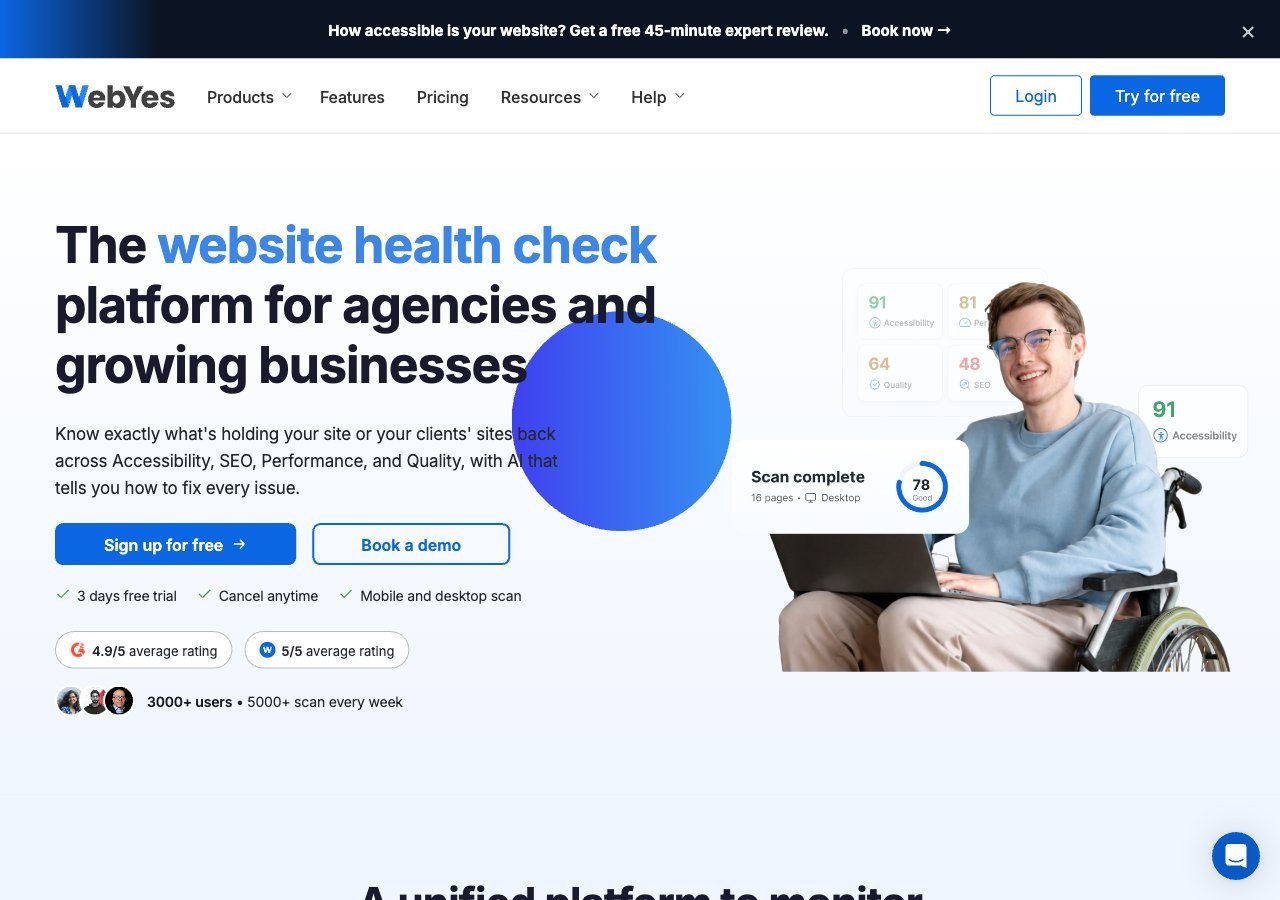
Takes a different approach worth knowing about: instead of an overlay, its WordPress Accessibility Toolkit plugin scans your site and reports issues for you to fix in code, which suits an owner who wants to actually resolve problems rather than mask them.
View pros & cons
Pros
- Publishes exact pricing including a genuinely free tier, unusual transparency among audit/scanning tools
- Openly critical of overlay-only remediation and pushes users toward code-level fixes rather than masking issues
- Single platform covers accessibility, performance, SEO, quality and uptime scanning rather than accessibility alone
- WCAG A/AA/AAA coverage on paid tiers plus Jira integration for tracking fixes
Cons
- No overlay widget or automated remediation layer, so fixes require developer time rather than an instant script fix
- Scan-credit-based pricing (10 credits free, 700+ on paid tiers) can be harder to budget against than flat per-site pricing
- Much smaller and less independently reviewed than established accessibility-specific vendors like Deque or AudioEye
- Enterprise-grade Scale-up tier pricing is not published and requires a custom quote
Starting at Free plan available (10 scan credits, single domain); paid WebYes Accessibility Pro plan is $29/mo, Enterprise is $50/mo, with custom Scale-up pricing above that
-

A widely deployed widget with strong brand recognition on WordPress; worth reading the FTC's 2025 order on accessWidget's automation claims before assuming the plugin alone gets you to compliance.
View pros & cons
Pros
- Publishes exact tiered pricing by traffic level rather than requiring a sales call for standard plans
- One of the largest customer bases in the widget category, with well over 1,500 reviews on G2
- Bundles litigation-support documentation and, on higher tiers, direct ADA attorney consultation with the subscription
- Fast, developer-light install that reviewers consistently describe as taking only minutes
Cons
- In 2025 the FTC ordered accessiBe to pay $1 million over findings that it overstated how much of a site accessWidget could automatically make WCAG-compliant, and ran undisclosed paid reviews
- Reviewers report unexpected charges and a cancellation process that can require going through email support
- An automated overlay layer alone does not fix every accessibility barrier on complex or custom-built sites
- Pricing scales with traffic, so growing sites can see costs climb tier to tier
Starting at From $59/mo (or $490/yr billed annually) for the Micro tier, up to 5,000 monthly visits; Growth is $179/mo and Scale is $479/mo, with custom Enterprise pricing above 100,000 visits
-

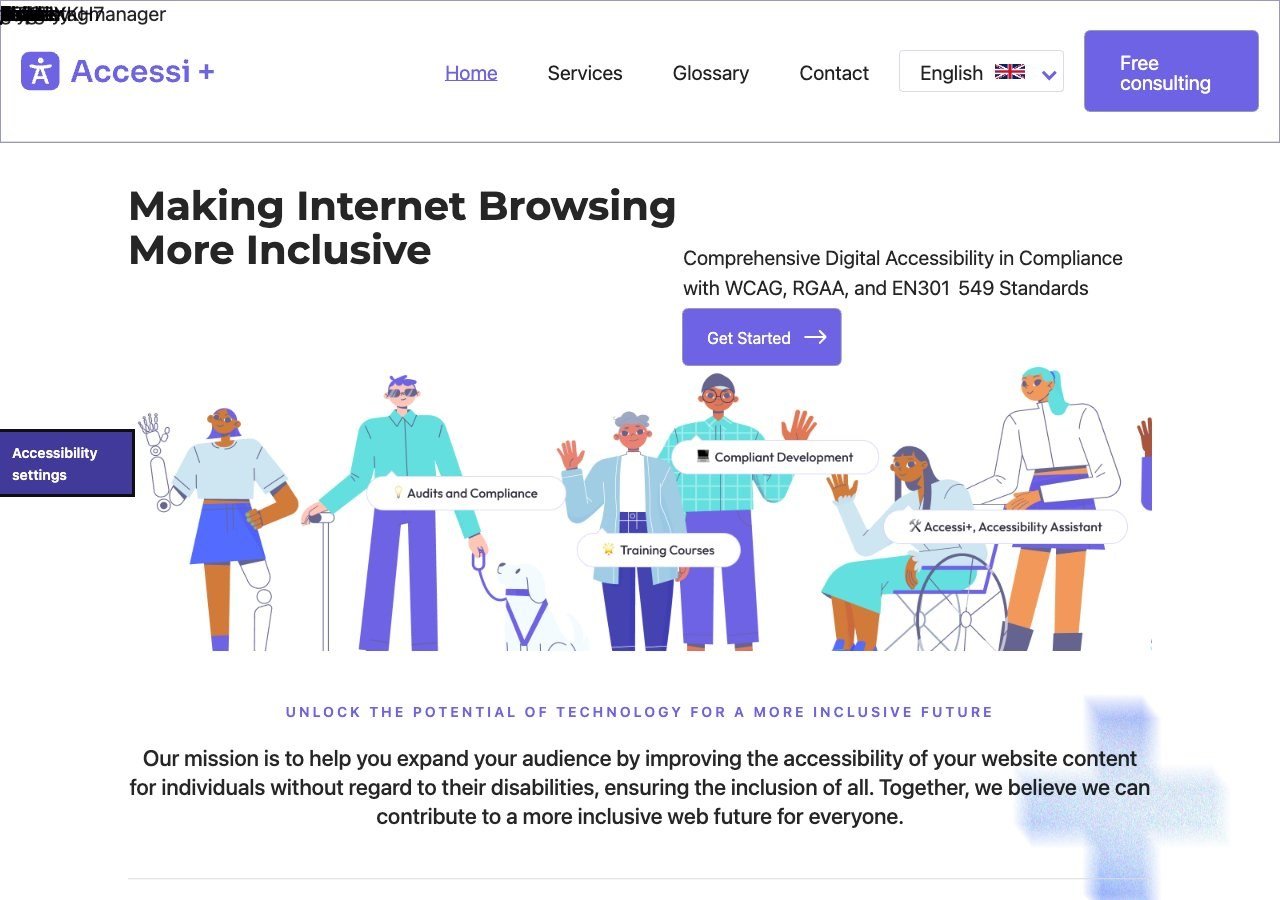
A straightforward, low-cost overlay aimed squarely at small WordPress sites that want something installed quickly without a large monthly commitment.
View pros & cons
Pros
- Unusually candid: its own site explicitly states the widget "does not make a website accessible" on its own, rather than overselling automation
- Pairs the widget with website accessibility auditing rather than selling the overlay alone
- Multi-language support (French, English, Romanian) and light/dark themes built into the widget
- France-based, with backing from startup incubators (Station F, HEC Incubateur), giving it a specific French/RGAA market focus
Cons
- No pricing published anywhere on its site; there isn't even a dedicated pricing page to request a quote from
- Very little independent review presence (no meaningful G2/Capterra/TrustRadius listing found), so claims are hard to verify against other users' experience
- Small vendor with limited public case studies or client testimonials
- Positioned for small/mid-sized sites, with no clearly documented enterprise tier or large-scale deployment features
Starting at Pricing not published - contact sales; the vendor's site lists no plan prices and only offers a free consultation
Why WebYes is on a “widgets” list without being one
WebYes isn’t an overlay widget in the traditional sense, and we’re not going to pretend otherwise to keep the list tidy. It’s a WordPress-native scanning plugin and browser extension that explicitly argues against overlay-only remediation, pointing site owners toward fixing issues in their theme and plugin code instead. We included it because plenty of WordPress owners searching for accessibility tools are trying to decide between these two philosophies, and a plugin built specifically around WordPress’s plugin and theme structure has genuine value for that comparison, even if it isn’t installing an on-page adjustment panel for visitors.
What actually differs between these on WordPress specifically
The real differentiator on WordPress isn’t the widget itself, since most of these render a similar-looking accessibility panel in the corner of the screen. It’s what happens around the plugin: does it flag issues introduced by a new page builder block or a theme update, does it work cleanly with caching plugins, and does support know WordPress specifically rather than treating it as a generic CMS. A general-purpose accessibility vendor without WordPress-specific documentation can still work fine on a WordPress site, but you’ll get less proactive help when something in your specific stack conflicts with it.
Read next
If your WordPress site is also a WooCommerce store, see our roundup of the best accessibility widgets for WooCommerce specifically, which narrows this further by checkout and product-page needs.