




Price comparisons in this category are messier than they look, because “cheap” can mean a genuinely free tier, a low-cost entry plan, or a free trial that becomes an ongoing subscription. We looked at five vendors that are realistic options for a small business on a tight budget and tried to separate what’s actually free from what’s just cheap to start.
None of the tools below publish a full public price list for every tier (most quote higher tiers on request), so treat the ordering as a guide to entry-level affordability and transparency rather than an exact ranking of total cost, which depends on your traffic and domain count.
-

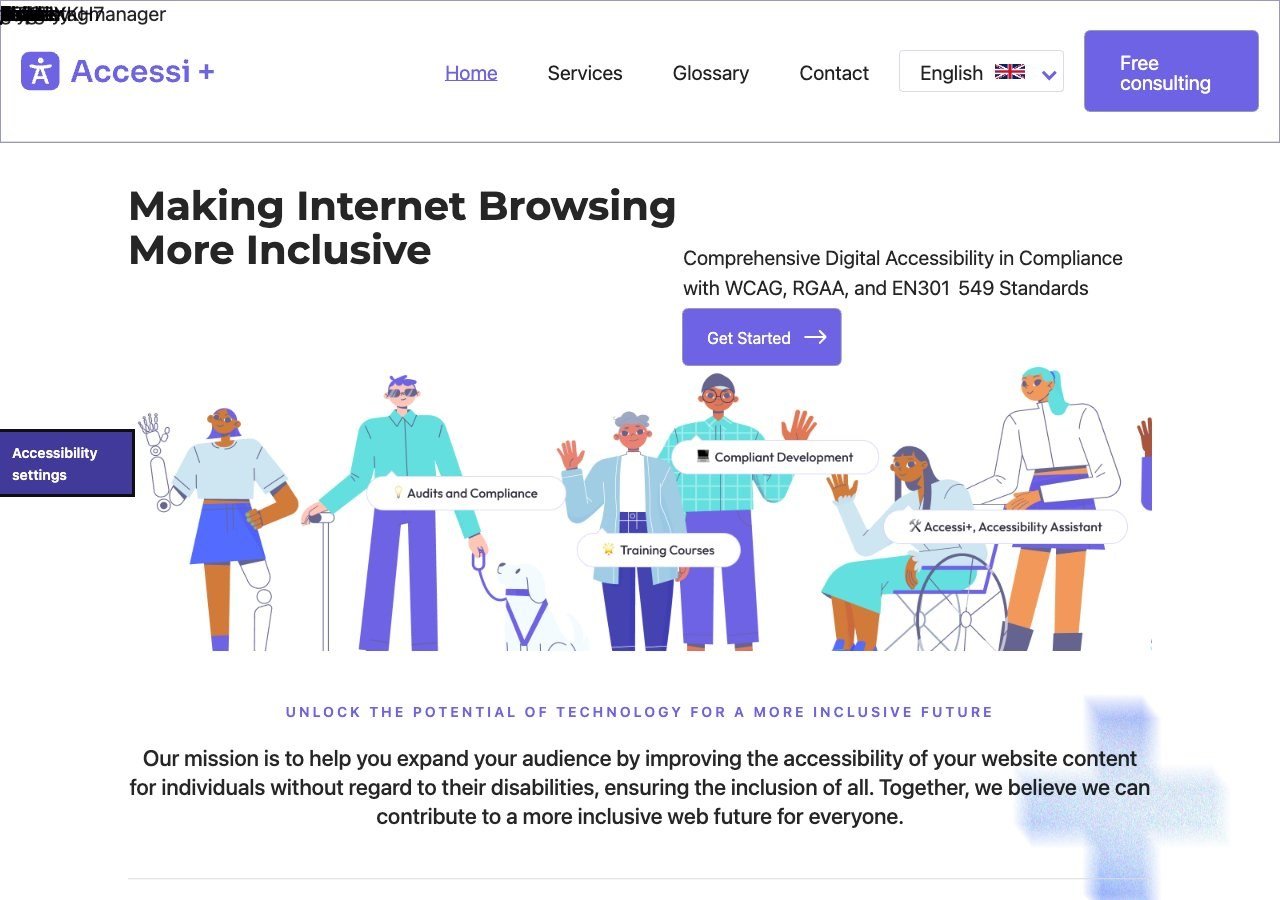
Built specifically for small and mid-sized sites with a straightforward, low-friction setup, which makes it one of the most consistently affordable options for a single small-business site.
View pros & cons
Pros
- Unusually candid: its own site explicitly states the widget "does not make a website accessible" on its own, rather than overselling automation
- Pairs the widget with website accessibility auditing rather than selling the overlay alone
- Multi-language support (French, English, Romanian) and light/dark themes built into the widget
- France-based, with backing from startup incubators (Station F, HEC Incubateur), giving it a specific French/RGAA market focus
Cons
- No pricing published anywhere on its site; there isn't even a dedicated pricing page to request a quote from
- Very little independent review presence (no meaningful G2/Capterra/TrustRadius listing found), so claims are hard to verify against other users' experience
- Small vendor with limited public case studies or client testimonials
- Positioned for small/mid-sized sites, with no clearly documented enterprise tier or large-scale deployment features
Starting at Pricing not published - contact sales; the vendor's site lists no plan prices and only offers a free consultation
-

The free tier is the headline draw here: smaller sites can run the base widget at no cost, with paid tiers unlocking more of UserWay's automated remediation checks as the site grows.
View pros & cons
Pros
- Genuine free tier for small sites, alongside paid plans, unusual among established widget vendors
- Very large independent review base: 4.8/5 average across roughly 650+ G2 reviews
- Large plugin ecosystem across Shopify, WordPress, Wix and other platforms
- AI-powered image recognition for automated alt text generation
Cons
- Faced a class-action lawsuit (BloomsyBox v. UserWay, filed 2024) alleging false advertising about the widget's ability to ensure ADA compliance; a magistrate judge let the core claims proceed in February 2026
- UserWay's own pricing page does not publish figures; specific tier prices come from third-party trackers, not the vendor directly
- G2 reviewers frequently note pricing is on the higher end versus alternatives, and want clearer coverage information
- As with any overlay widget, the tool doesn't achieve full compliance on its own and complex issues still need developer work
Starting at Free tier available; paid Accessibility Widget Pro starts around $69/mo, with Pro Plus around $169/mo and Ultimate around $359/mo (per third-party pricing trackers, since UserWay's own pricing page does not display figures)
-

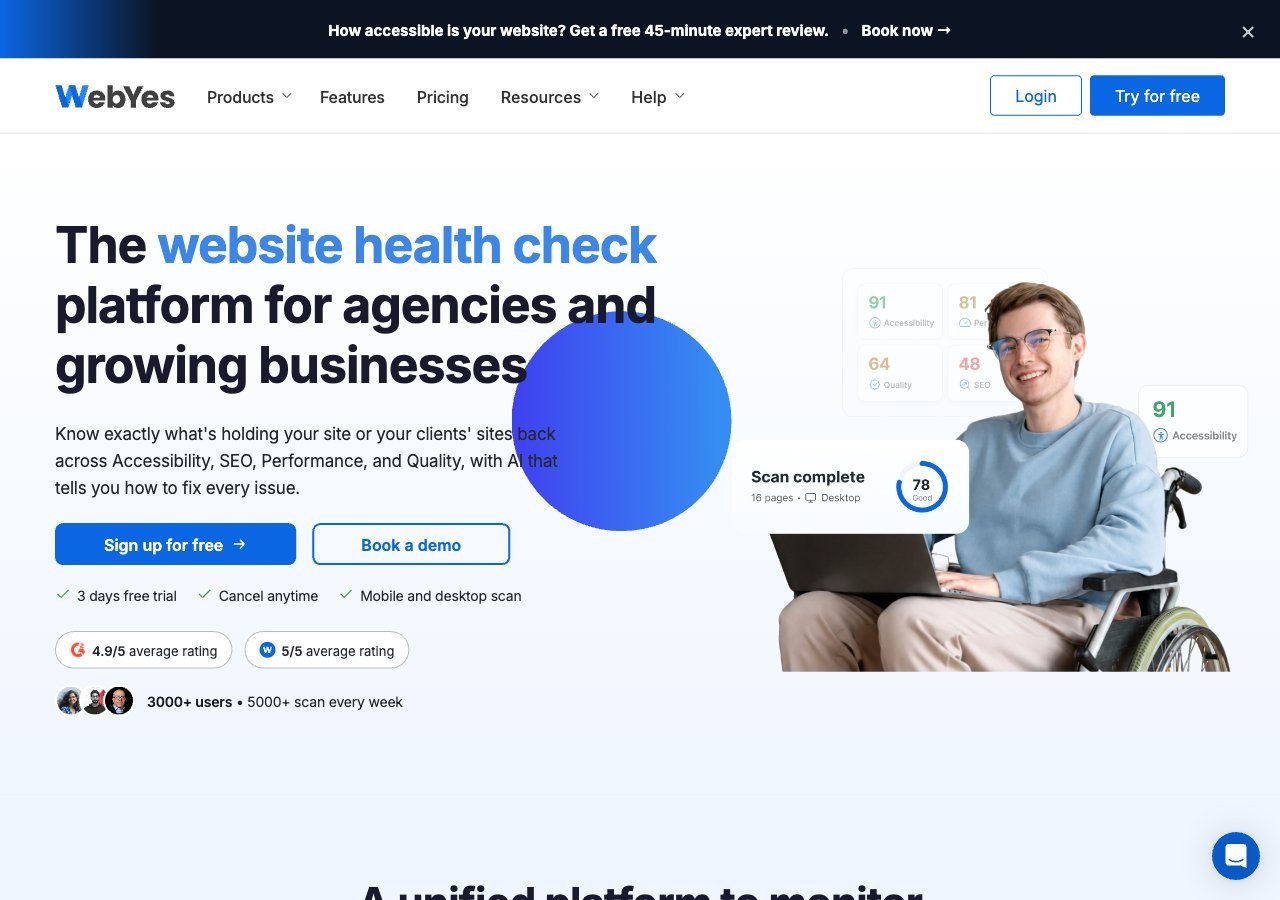
The WordPress plugin has a genuine free tier for basic scanning, and because WebYes focuses on flagging code-level issues rather than selling a full monitoring subscription, a site owner willing to do some of the fixing themselves can keep costs low.
View pros & cons
Pros
- Publishes exact pricing including a genuinely free tier, unusual transparency among audit/scanning tools
- Openly critical of overlay-only remediation and pushes users toward code-level fixes rather than masking issues
- Single platform covers accessibility, performance, SEO, quality and uptime scanning rather than accessibility alone
- WCAG A/AA/AAA coverage on paid tiers plus Jira integration for tracking fixes
Cons
- No overlay widget or automated remediation layer, so fixes require developer time rather than an instant script fix
- Scan-credit-based pricing (10 credits free, 700+ on paid tiers) can be harder to budget against than flat per-site pricing
- Much smaller and less independently reviewed than established accessibility-specific vendors like Deque or AudioEye
- Enterprise-grade Scale-up tier pricing is not published and requires a custom quote
Starting at Free plan available (10 scan credits, single domain); paid WebYes Accessibility Pro plan is $29/mo, Enterprise is $50/mo, with custom Scale-up pricing above that
-

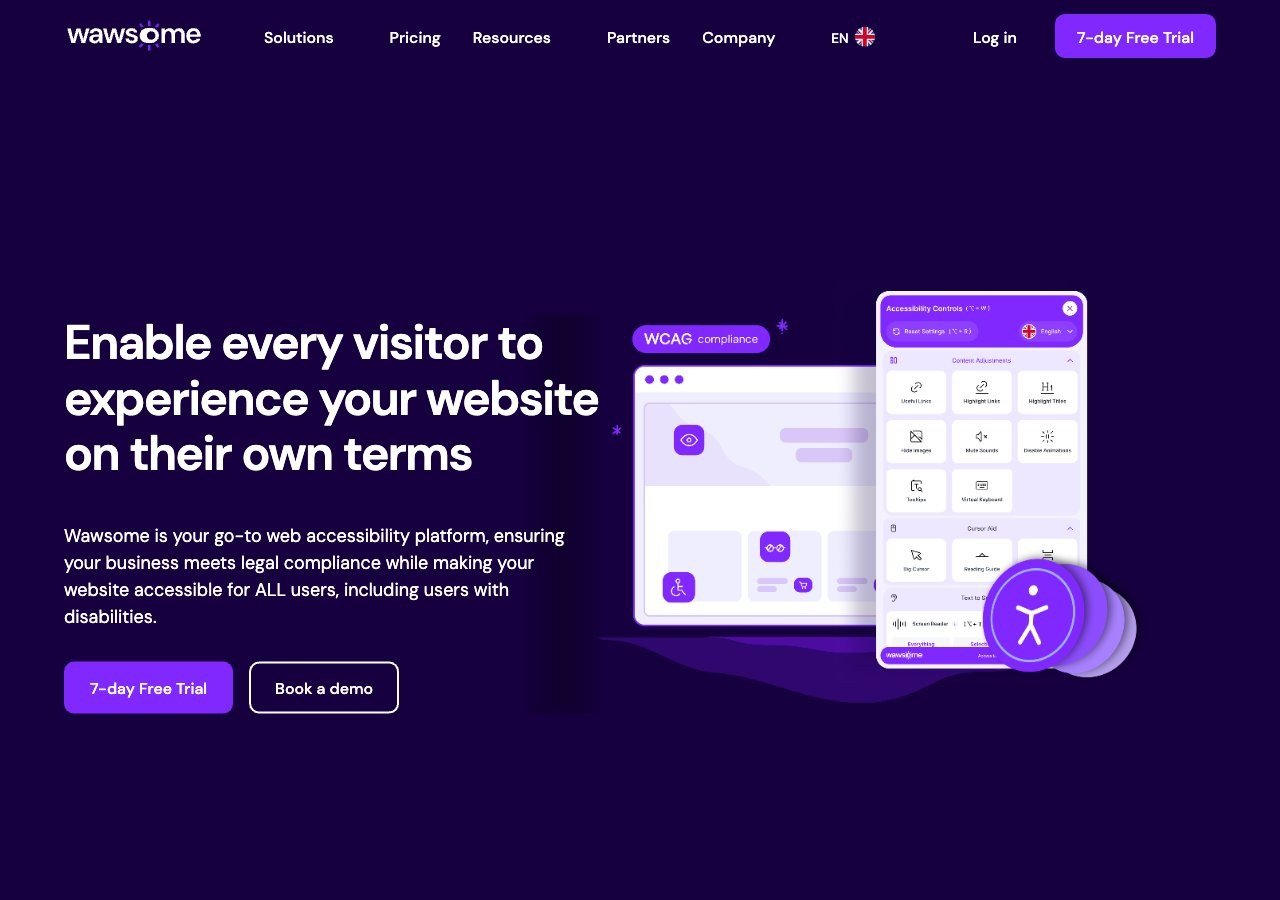
The 7-day free trial gives you a full look at the AI-assisted widget, monitoring and manual checker bundle before paying anything, though ongoing use requires a paid subscription per subdomain once the trial ends.
View pros & cons
Pros
- Publishes exact widget and monitoring prices on its site rather than hiding them behind a sales call
- Pairs the widget with a separate continuous-monitoring product and a human-reviewed accessibility checker instead of automation alone
- Explicit EAA and EN 301 549 mapping across multiple EU markets, ahead of most US-headquartered competitors on European regulation
- One-line JavaScript install with native Shopify, WordPress and Google Tag Manager support
Cons
- Requires a separate paid subscription for each subdomain, which can raise the effective cost for sites split across shop./blog./app. style subdomains
- Newer, smaller vendor with little independent review history on sites like G2 or Capterra compared to established competitors
- Like all overlay-widget products, an AI-adjusted layer cannot substitute for full manual code remediation on complex sites
- Enterprise-tier pricing for the widget and monitor is not published and requires contacting sales
Starting at From EUR 23.75/mo (billed yearly) or EUR 29.90/mo (billed monthly) for the Starter widget plan, up to 100k monthly page views; a separate Accessibility Monitor product starts at EUR 27.90-34.90/mo for 50 pages
-

accessWidget is priced in tiered annual subscriptions by page views rather than offered as a free plan, so it tends to be the least budget-friendly starting point on this list; worth reading the FTC's 2025 order about its automation marketing claims before committing to a plan.
View pros & cons
Pros
- Publishes exact tiered pricing by traffic level rather than requiring a sales call for standard plans
- One of the largest customer bases in the widget category, with well over 1,500 reviews on G2
- Bundles litigation-support documentation and, on higher tiers, direct ADA attorney consultation with the subscription
- Fast, developer-light install that reviewers consistently describe as taking only minutes
Cons
- In 2025 the FTC ordered accessiBe to pay $1 million over findings that it overstated how much of a site accessWidget could automatically make WCAG-compliant, and ran undisclosed paid reviews
- Reviewers report unexpected charges and a cancellation process that can require going through email support
- An automated overlay layer alone does not fix every accessibility barrier on complex or custom-built sites
- Pricing scales with traffic, so growing sites can see costs climb tier to tier
Starting at From $59/mo (or $490/yr billed annually) for the Micro tier, up to 5,000 monthly visits; Growth is $179/mo and Scale is $479/mo, with custom Enterprise pricing above 100,000 visits
How we ranked these
We ranked by how low the real cost of entry is: a genuinely free ongoing tier ranks above a free trial that converts to a paid subscription, and a lower-friction small-site plan ranks above a per-page-view enterprise-style structure. Accessi+ and UserWay’s free tier lead on that basis; Wawsome’s trial is generous but time-limited; accessiBe’s annual, page-view-tiered pricing tends to be the priciest way in among the five.
What “cheap” doesn’t include
A low starting price usually buys you the widget and its automated adjustments, not a manual audit, ongoing monitoring, or a formal compliance report. If your business is in the EU, keep in mind the EAA compliance overview notes maximum fines for non-compliance set by member states range from roughly €60,000 to around €900,000, alongside possible product withdrawal, so it’s worth weighing the cost of a fuller solution against what a compliance gap could actually cost, not just the sticker price of the widget.
How the free tiers actually differ
“Free” doesn’t mean the same thing at UserWay and WebYes, and it’s worth understanding the distinction before picking one on price alone. UserWay’s free tier is the widget itself, running client-side adjustments like text resizing, contrast and navigation aids, with paid tiers unlocking more of its AI-driven automated remediation checks as a site grows. WebYes’s free tier works differently: it’s a WordPress plugin built around scanning and reporting, meant to flag code-level issues for a developer or site owner to fix directly, rather than a front-end overlay masking them. That makes WebYes’s free plan a better fit for someone willing to do some manual fixing themselves, and UserWay’s a better fit for someone who wants adjustments to show up automatically with no code work at all. Neither is objectively better; they solve different problems at the free tier.
What happens when you outgrow the free plan
Every free or trial tier here has a ceiling. UserWay’s free plan is generally scoped for smaller sites, with paid tiers required once you need broader automated coverage. WebYes’s free plugin tier caps out on scanning depth and reporting detail, with paid tiers unlocking more. Wawsome’s trial runs seven days, after which continued use requires a paid subscription, billed per subdomain. Accessi+ doesn’t offer a free tier at all but is priced to stay affordable even as a site grows, which is part of why it ranks first here rather than because it’s literally free. Budget for the fact that whichever tool you start with, growth in traffic, page count or domain count is likely to move you into a paid tier within the first year, and it’s worth checking each vendor’s next tier up before committing, not just the free or trial entry point.
A note on switching costs
If you start on a free tier and later decide to switch vendors entirely, expect to redo at least some setup work: widget configuration, any custom branding, and re-testing to confirm the new tool behaves as expected on your specific site. That’s a modest but real cost that’s easy to overlook when comparing sticker prices, and it’s a reasonable argument for choosing a vendor you could realistically stay with as your site grows, rather than the single cheapest option today if you expect to outgrow it within a year.
Read next
For a broader look at no-cost and low-cost options beyond just these five, see our roundup of free and low-cost accessibility tools.